

Arrow Out: Cash Strike
Play on PC with BlueStacks – the Android Gaming Platform, trusted by 500M+ gamers.

Page Modified on: Jun 16, 2026
Play Arrow Out: Cash Strike on PC or Mac
Arrow Out: Cash Strike by xrinter has plenty to keep you busy. BlueStacks lets you play it on PC or Mac with more screen space, better control, and fewer mobile limits.
About the Game
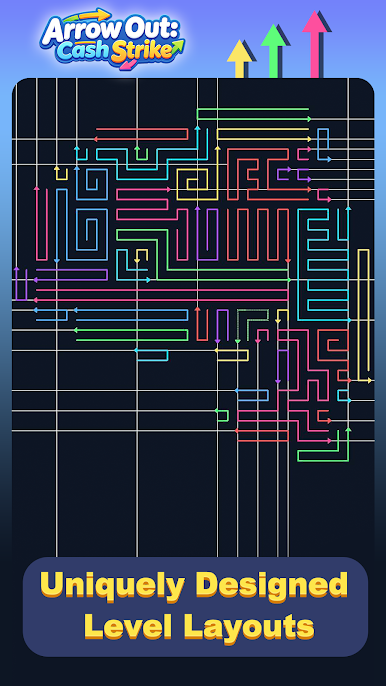
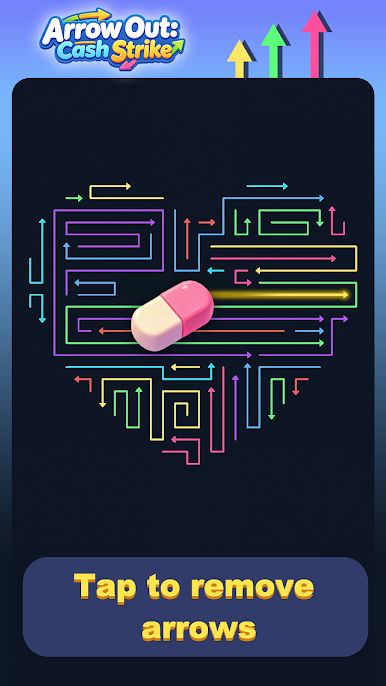
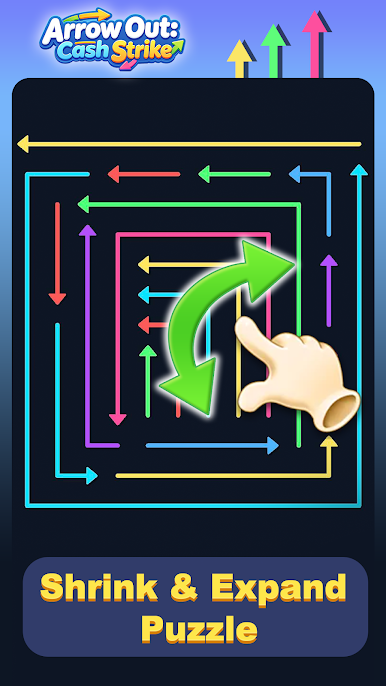
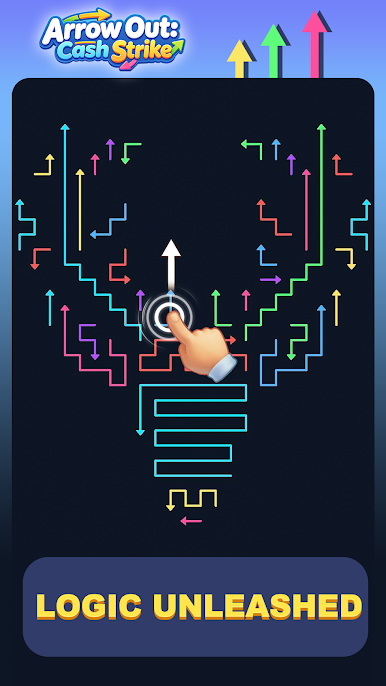
Arrow Out: Cash Strike puts a fresh twist on puzzle play with a clean, tactile feel. You’re working on a grid packed with arrows, figuring out the perfect sequence to slide them off the board without blocking each other. No timers, no pressure—just that satisfying click when a plan comes together and your coin stash jumps. It’s especially nice on BlueStacks, where a bigger screen makes tricky paths easier to read.
Game Features
- Simple Goal, Clever Moves: Tap an arrow and it shoots off the board—if its path is clear. The fun is in choosing the right order so nothing gets stuck.
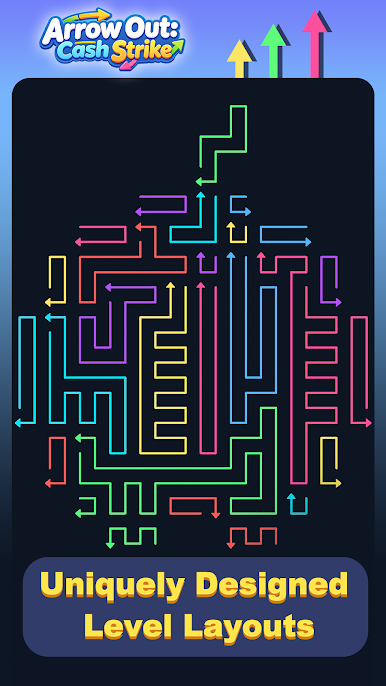
- Evolving Boards: Tackle classic square layouts and quirky shapes. As you advance, more arrows and crossing paths turn easy wins into thoughtful, layered challenges.
- Strategy at Your Pace: There are no lives to lose or clocks to beat. Experiment, rewind, and try again until the perfect route clicks into place.
- Streaks That Pay Off: Nail consecutive correct moves to fill the Cash Strike meter and unlock juicy multipliers. Keep the streak going for bigger coin bursts, and score a sweet bonus for a flawless clear.
- Feels Great to Play: Clean visuals and snappy feedback make every successful slide feel rewarding—those little coin sounds never get old.
- Quick Sessions, Deep Satisfaction: Whether you’ve got a minute or an hour, it’s easy to hop in for a brain-teasing fix that still fits the Action vibe.
Get ready for a buttery smooth, high-performance gaming action only on BlueStacks.
Play Arrow Out: Cash Strike on PC. It’s easy to get started.
-
Download and install BlueStacks on your PC
-
Complete Google sign-in to access the Play Store, or do it later
-
Look for Arrow Out: Cash Strike in the search bar at the top right corner
-
Click to install Arrow Out: Cash Strike from the search results
-
Complete Google sign-in (if you skipped step 2) to install Arrow Out: Cash Strike
-
Click the Arrow Out: Cash Strike icon on the home screen to start playing

