


Point Out: Color Escape Puzzle
Play on PC with BlueStacks – the Android Gaming Platform, trusted by 500M+ gamers.

Page Modified on: Sep 30, 2026
Play Point Out: Color Escape Puzzle on PC or Mac
Point Out: Color Escape Puzzle brings the Puzzle genre to life, and throws up exciting challenges for gamers. Developed by Lion Studios Plus, this Android game is best experienced on BlueStacks, the World’s #1 app player for PC and Mac users.
About the Game
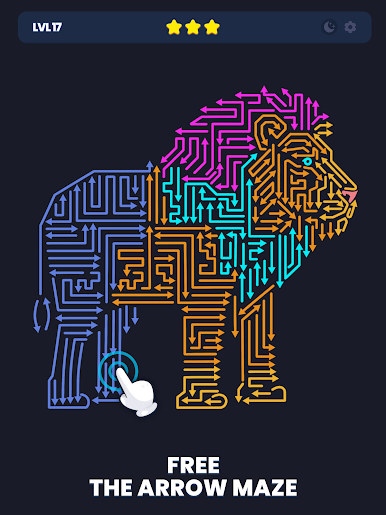
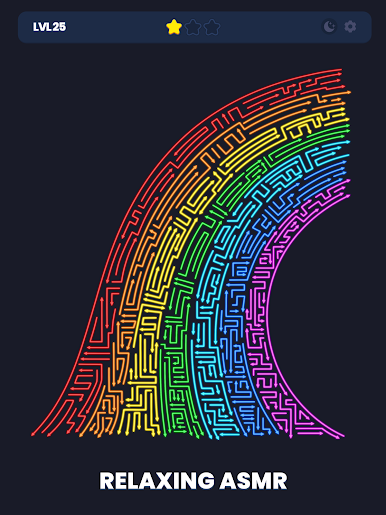
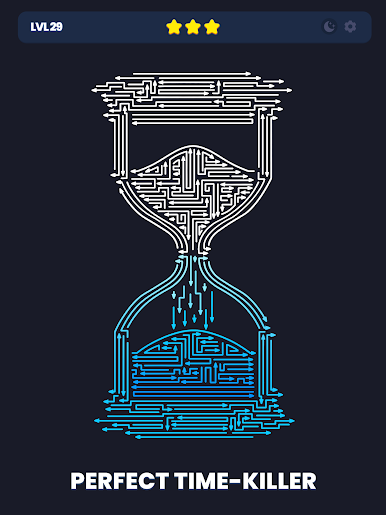
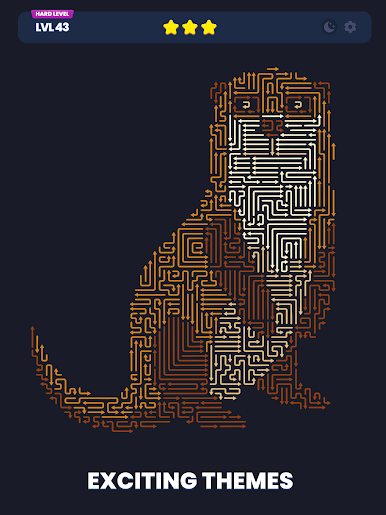
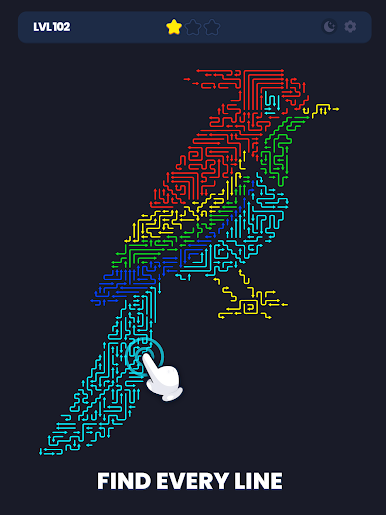
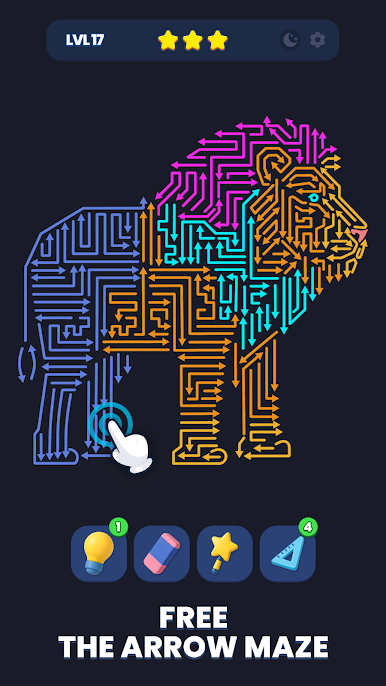
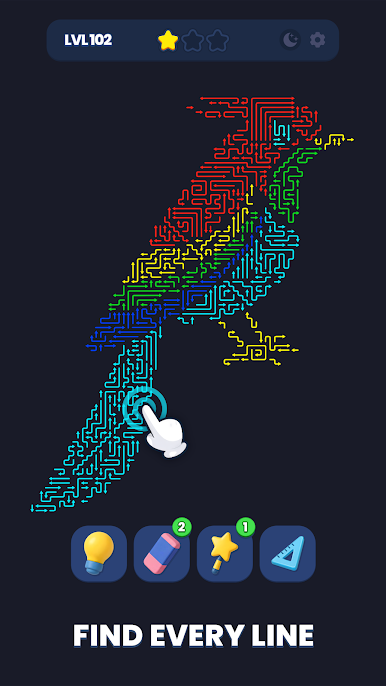
Point Out: Color Escape Puzzle is a crisp Puzzle about steering tiny arrows toward the exit without getting trapped in your own path. Every turn matters, so you’re constantly weighing one more rotation, one more tile shift, one more “wait, that might actually work.” It’s calm, clever, and nicely focused—and if you like playing on a bigger screen, it runs smoothly on PC with BlueStacks.
Game Features
- Directional Escapes: Guide arrows through compact layouts, threading through tight corners and avoiding loops as you hunt for the cleanest route out.
- Tactile Controls: Rotate arrows, slide tiles, and map out your next steps with snappy, precise inputs that make each move feel deliberate.
- Evolving Mechanics: New twists roll in as you progress, layering fresh rules and interactions that keep the pathfinding fresh without overcomplicating it.
- Handcrafted Challenge: Tackle thousands of thoughtfully built stages that scale from quick warm-ups to satisfyingly tricky brain-benders.
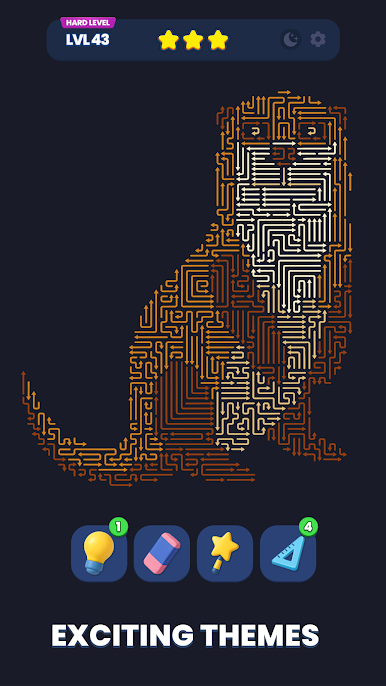
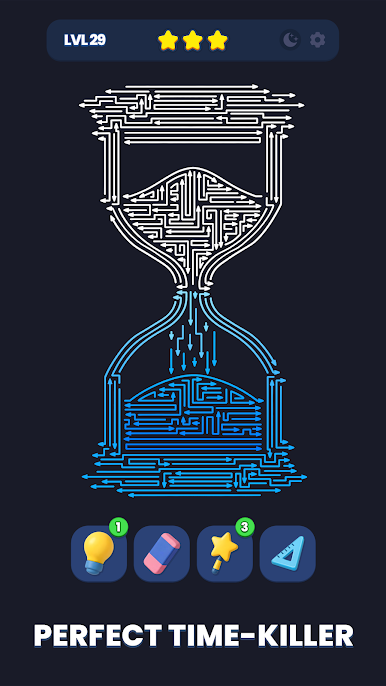
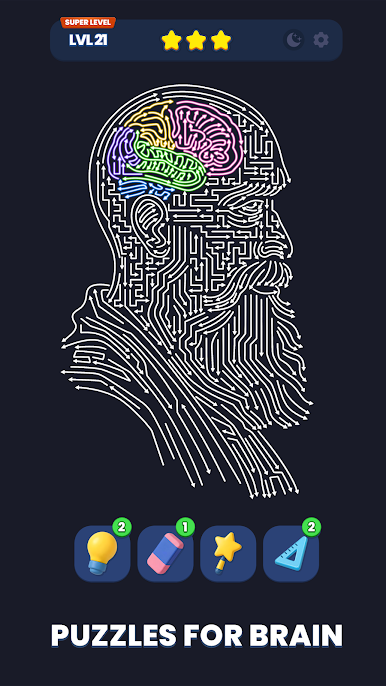
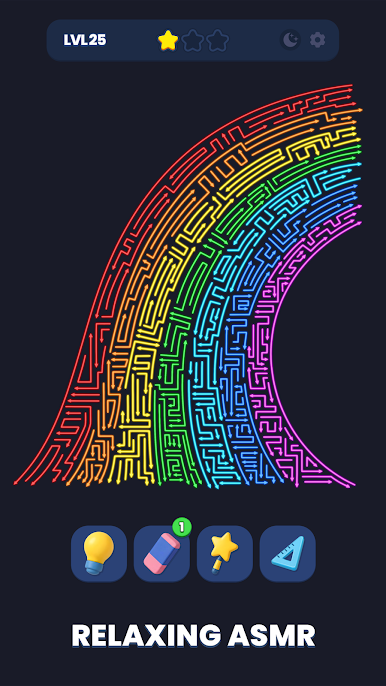
- Smart Assist Tools: Use Zoom to study dense boards, Hint for a nudge, Magic Wand to break a deadlock, Rubber to undo mistakes, and Grid Scale to fine-tune your view.
- Play Anywhere: Works offline, so your puzzle streak doesn’t depend on a connection.
- Night-Friendly Design: A comfortable dark mode keeps long sessions easy on the eyes during late-evening “just one more” runs.
BlueStacks gives you more room to focus on the game and less time adjusting around mobile limitations.

Play Point Out: Color Escape Puzzle on PC. It’s easy to get started.
-
Download and install BlueStacks on your PC
-
Complete Google sign-in to access the Play Store, or do it later
-
Look for Point Out: Color Escape Puzzle in the search bar at the top right corner
-
Click to install Point Out: Color Escape Puzzle from the search results
-
Complete Google sign-in (if you skipped step 2) to install Point Out: Color Escape Puzzle
-
Click the Point Out: Color Escape Puzzle icon on the home screen to start playing

