


Arrow Tap Out
Play on PC with BlueStacks – the Android Gaming Platform, trusted by 500M+ gamers.

Page Modified on: Jun 10, 2026
Play Arrow Tap Out on PC
Brain Training Fun: Test your logic, planning, and spatial thinking as you clear cleverly arranged arrow puzzles.
Relaxing Puzzle Experience: No timers, no countdowns, and no pressure. Think at your own pace and enjoy calm, focused gameplay.
Clean Minimal Design: A simple visual style keeps the focus on the puzzle, reducing distractions while you solve each level.
Play Anytime: Perfect for a quick 5-minute break, a commute, or a longer relaxing puzzle session.
🎯 Game Features: Smart Challenges, Peaceful Play
Smooth Difficulty Curve: Start easy and gradually face deeper, more strategic puzzles that challenge your brain without frustration.
Pure Puzzle Focus: Minimalist visuals and simple controls let you focus on strategy, logic, and satisfying solutions.
No-Pressure Gameplay: Try different paths, rethink your moves, and solve each puzzle without step penalties.
🚀 Core Gameplay: Simple Controls, Deep Strategy
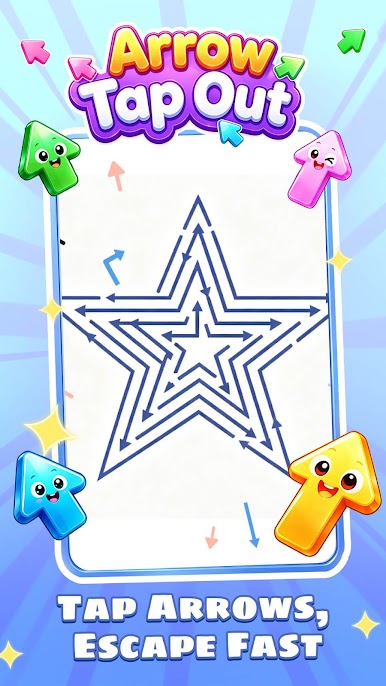
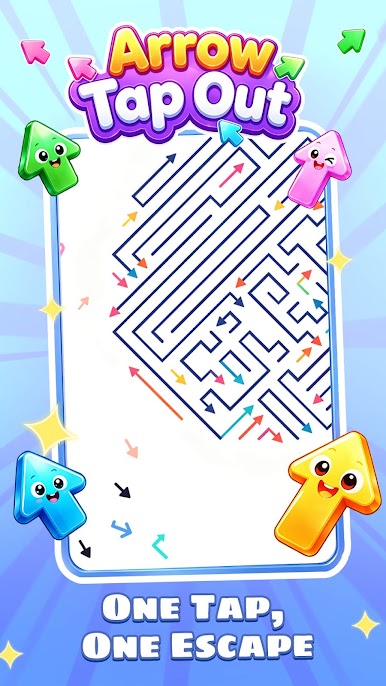
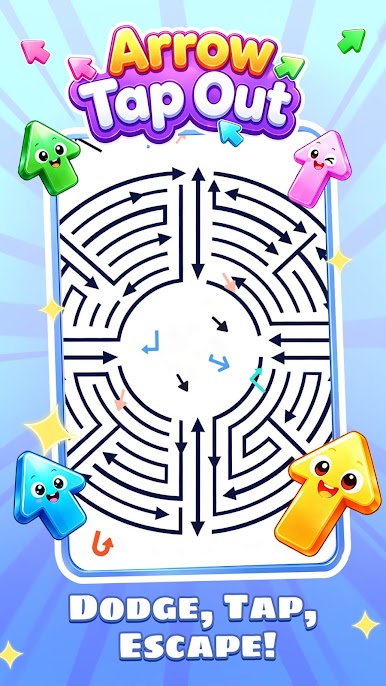
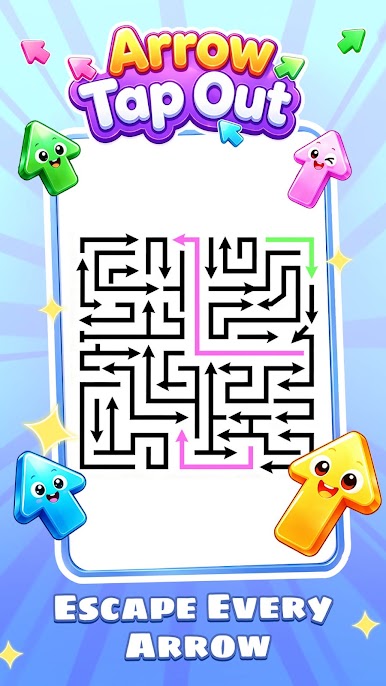
Main Goal: Plan the correct order to tap and release arrows so every arrow exits safely without collision.
Easy Tap Controls: Tap arrows to move them. The controls are simple, but every level requires smart thinking.
Strategic Thinking: Decide which arrow moves first, which one should wait, and how to avoid obstacles.
Perfect Clears: Complete levels with no collisions and challenge yourself to master harder logic puzzles.
💡 Helpful Tools: Your Puzzle-Solving Companion
Smart Hints: Stuck on a tricky level? Use helpful tools to remove obstacles and find a path to victory.
Play Arrow Tap Out on PC. It’s easy to get started.
-
Download and install BlueStacks on your PC
-
Complete Google sign-in to access the Play Store, or do it later
-
Look for Arrow Tap Out in the search bar at the top right corner
-
Click to install Arrow Tap Out from the search results
-
Complete Google sign-in (if you skipped step 2) to install Arrow Tap Out
-
Click the Arrow Tap Out icon on the home screen to start playing

