


Arrow 3D: Space Puzzle
Play on PC with BlueStacks – the Android Gaming Platform, trusted by 500M+ gamers.

Page Modified on: Sep 21, 2026
Play Arrow 3D: Space Puzzle on PC
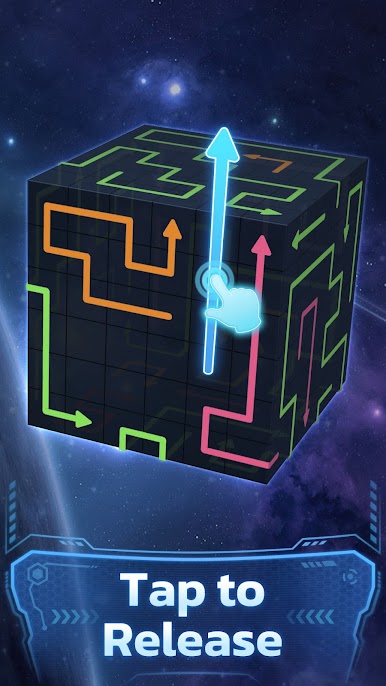
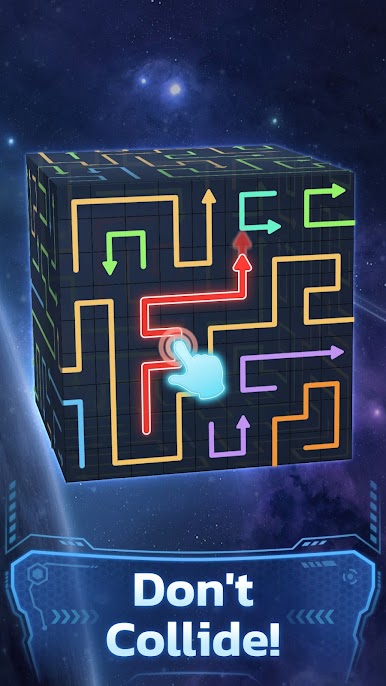
You’ll work with a single core mechanic (arrow release) that scales into many behaviors: short-range pushes, long slides across a face, blockers that change paths, and interactions that let one arrow clear several others when timed correctly. Learning how arrows interact — when to trigger, when to wait, and which face to inspect next — is the key to solving larger layouts. Well-executed moves produce satisfying chain reactions and visual payoff.
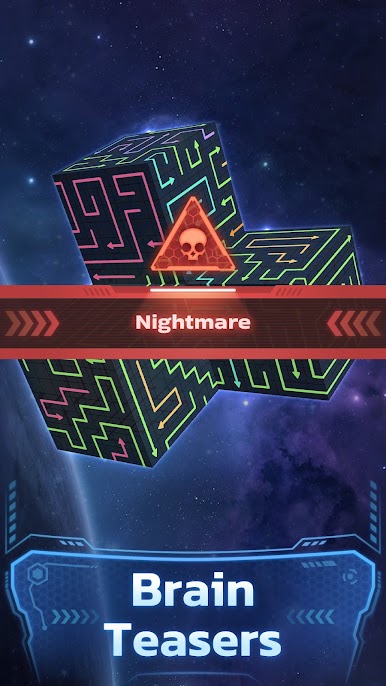
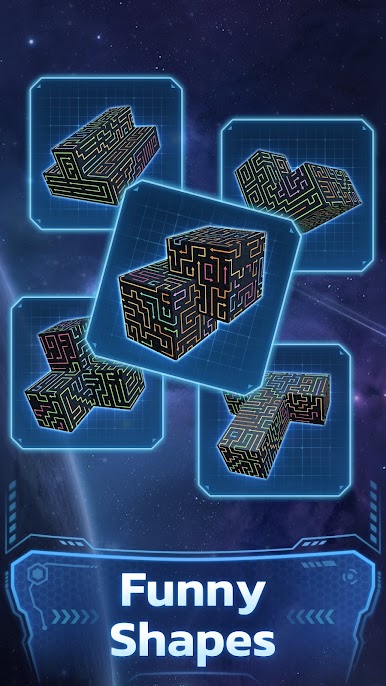
The game features hundreds of handcrafted puzzles arranged to teach, test, and reward. Early puzzles introduce basic movement and interaction in compact layouts so players can learn the building blocks. As you progress, puzzles expand in size and complexity: multi-stage solutions, cross-face planning, and puzzles that require anticipating how a move on one face will ripple to another. Replay and experimentation are encouraged — many puzzles hide more efficient clears and combos that reveal themselves to observant players.
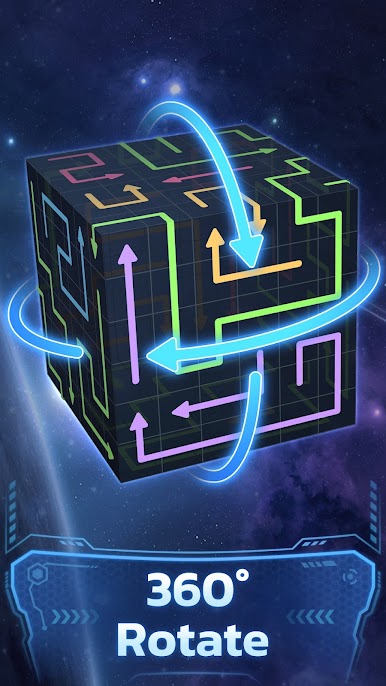
Visually, Arrow 3D: Space Puzzle places the cube in a tranquil space environment with neon arrow trails and clear, readable boards. Subtle animation and snappy feedback keep focus on planning rather than visual noise. The pacing is deliberately gentle: it supports short, rewarding sessions and longer stretches of concentrated problem solving. Whether you play for a quick burst between tasks or sink into a longer puzzle session, each level offers a tidy, mechanical satisfaction and a steady learning curve that grows with you.
Play to sharpen spatial reasoning, sequencing, and pattern recognition. The game is ideal for players who enjoy logical puzzles, mechanical systems, and “aha” moments born from planning and anticipation. Rotate the cube, release the right arrow, and watch the solution unfold.
Play Arrow 3D: Space Puzzle on PC. It’s easy to get started.
-
Download and install BlueStacks on your PC
-
Complete Google sign-in to access the Play Store, or do it later
-
Look for Arrow 3D: Space Puzzle in the search bar at the top right corner
-
Click to install Arrow 3D: Space Puzzle from the search results
-
Complete Google sign-in (if you skipped step 2) to install Arrow 3D: Space Puzzle
-
Click the Arrow 3D: Space Puzzle icon on the home screen to start playing

