


Arrow Flow
Play on PC with BlueStacks – the Android Gaming Platform, trusted by 500M+ gamers.

Page Modified on: Jun 17, 2026
Play Arrow Flow on PC
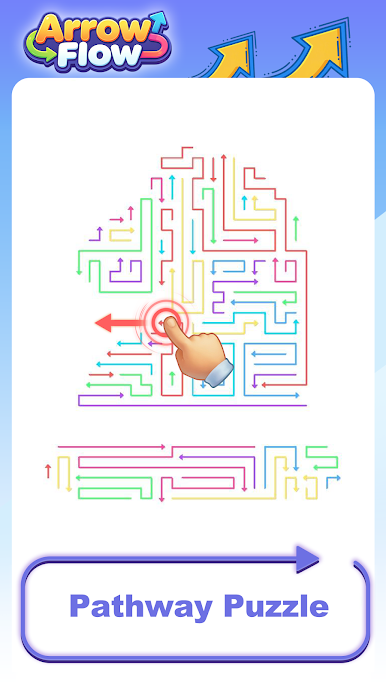
In Arrow Puzzle, your goal is simple: clear every arrow from the grid. But here’s the catch — each arrow slides only in the direction it points, and nothing can block its path. Choose the wrong arrow first, and the remaining ones become impossible to remove.
Every level demands careful planning and perfect execution. Start with easy beginner puzzles, then work your way up to brain-teasing challenges that will test your strategic thinking.
Features:
Simple rule: arrows slide only forward, no blocks allowed
One removal sequence fits each puzzle — find it!
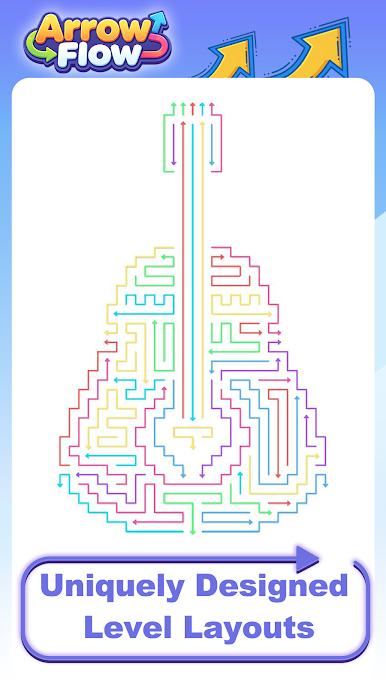
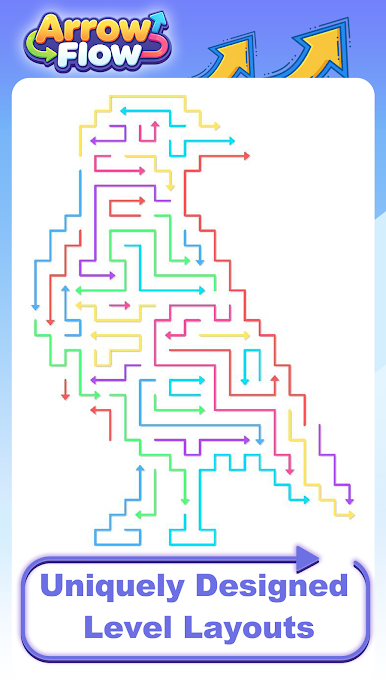
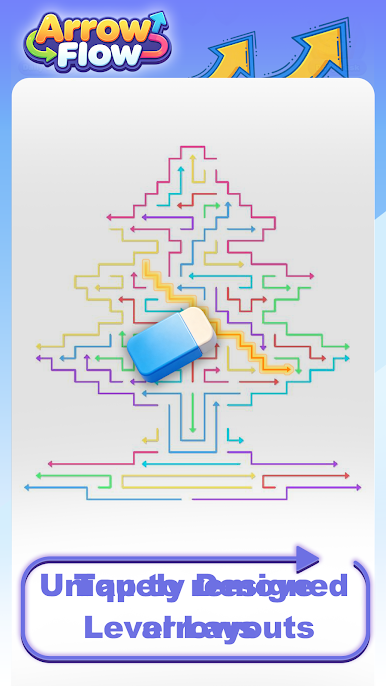
Hundreds of hand-crafted grid levels
Gradual difficulty from casual to expert
Perfect for training logical thinking and patience
Can you find the perfect order and clear every arrow?

Play Arrow Flow on PC. It’s easy to get started.
-
Download and install BlueStacks on your PC
-
Complete Google sign-in to access the Play Store, or do it later
-
Look for Arrow Flow in the search bar at the top right corner
-
Click to install Arrow Flow from the search results
-
Complete Google sign-in (if you skipped step 2) to install Arrow Flow
-
Click the Arrow Flow icon on the home screen to start playing

