


Loklok - Drama, Movie & Anime
Play on PC with BlueStacks – the Android Gaming Platform, trusted by 500M+ gamers.

Page Modified on: Apr 11, 2025
Overview
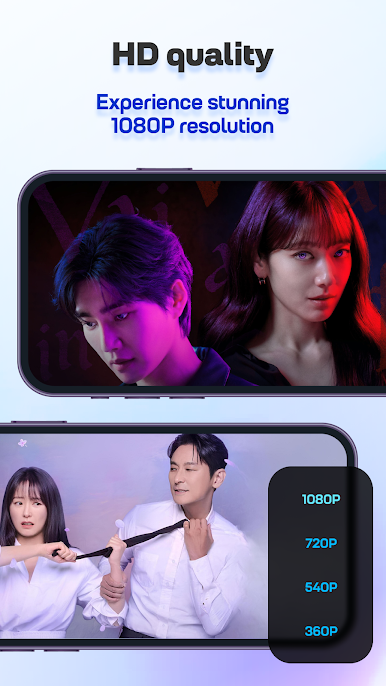
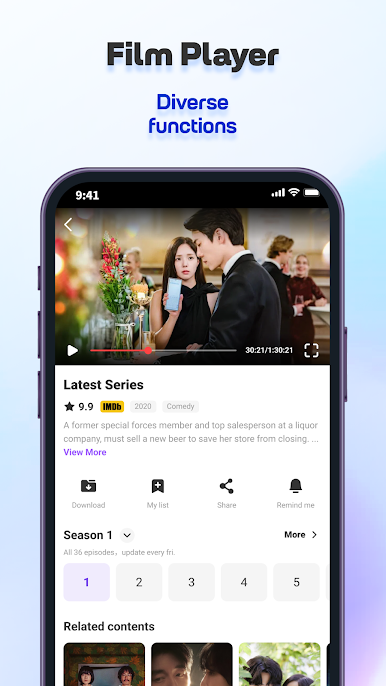
We have adopted a very simple interface design, so that you are more convenient in use! Provide HD smooth playback service, let you enjoy the perfect viewing experience! Multilingual subtitles also help you understand the video better
1. Support online viewing and offline video caching.
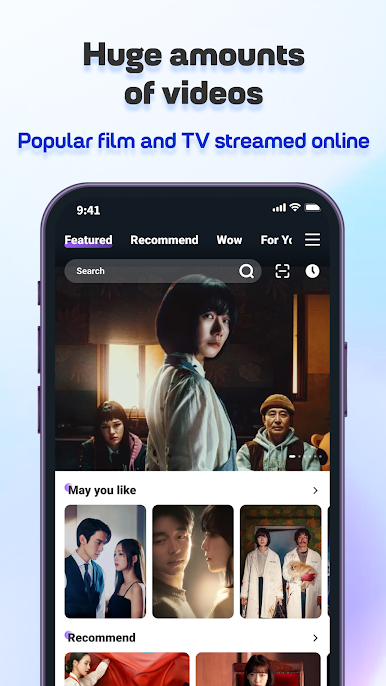
2. Support to quickly find the videos you want to watch through the recommendation, viewing history, favorite videos, and search functions..
3. highlights and never miss them again.
4. Rich category selection, let you enjoy the show easily.


Play Loklok - Drama, Movie & Anime on PC. It’s easy to get started.
-
Download and install BlueStacks on your PC
-
Complete Google sign-in to access the Play Store, or do it later
-
Look for Loklok - Drama, Movie & Anime in the search bar at the top right corner
-
Click to install Loklok - Drama, Movie & Anime from the search results
-
Complete Google sign-in (if you skipped step 2) to install Loklok - Drama, Movie & Anime
-
Click the Loklok - Drama, Movie & Anime icon on the home screen to start playing

