


ARVIO
Play on PC with BlueStacks – the Android Gaming Platform, trusted by 500M+ gamers.

Page Modified on: Sep 19, 2026
Play ARVIO on PC
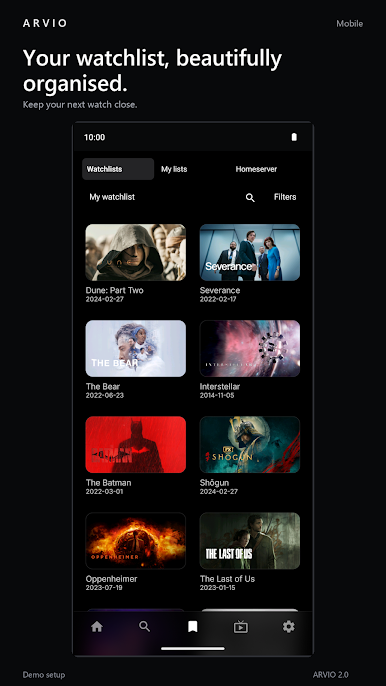
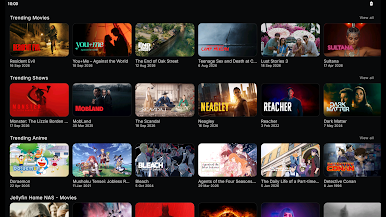
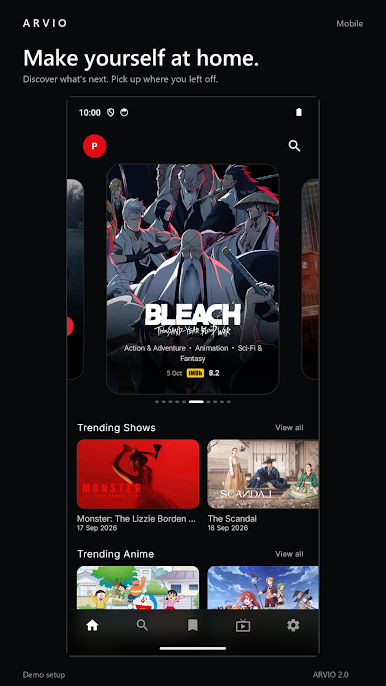
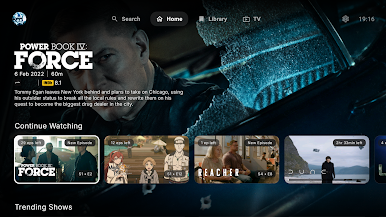
ARVIO brings the media sources you connect into a clean, customisable hub for Android TV, phones and tablets. Discover what to watch, organise your lists and pick up where you left off.
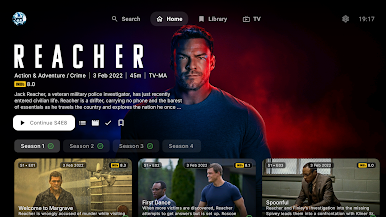
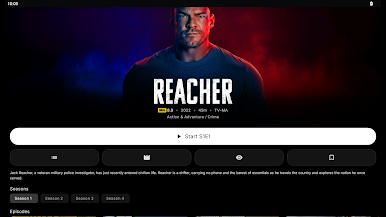
DISCOVER YOUR NEXT WATCH
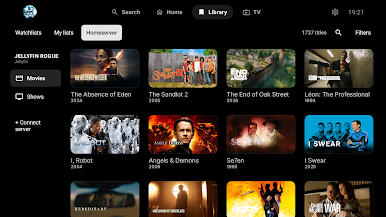
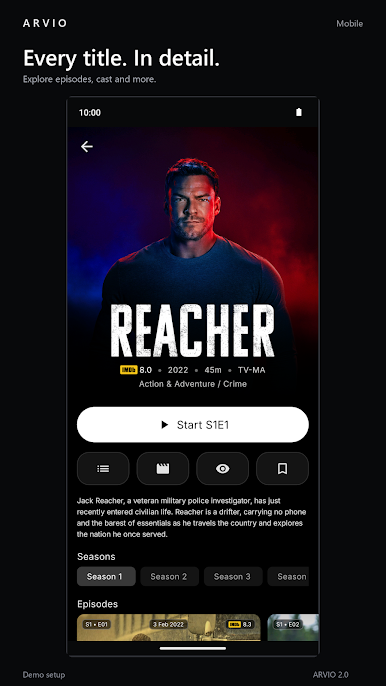
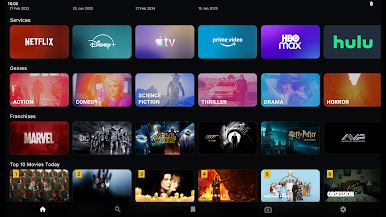
Explore movie and series information, cast, episodes, genres and collections. Choose poster or landscape cards and personalise your home screen.
YOUR LIBRARY, CONNECTED
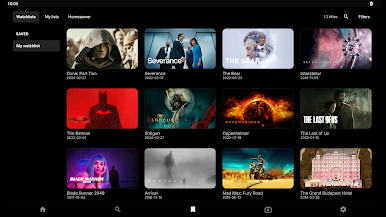
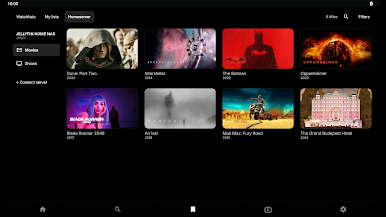
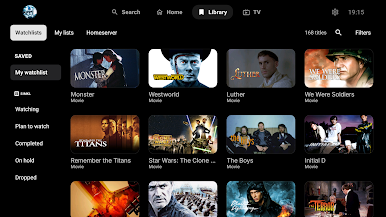
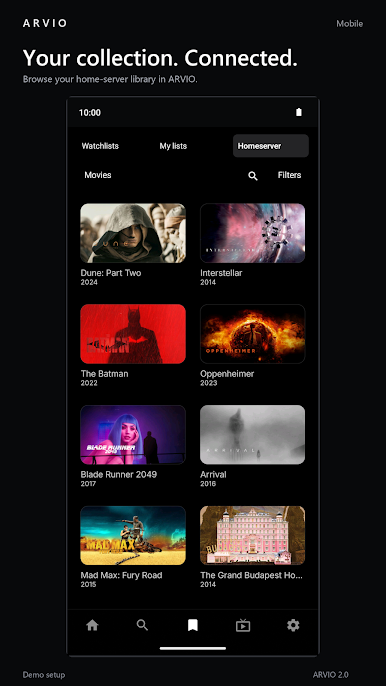
Browse your Jellyfin, Plex or Emby server library alongside your watchlists and personal lists. Connect Trakt or Simkl to keep track of what you watch and what comes next.
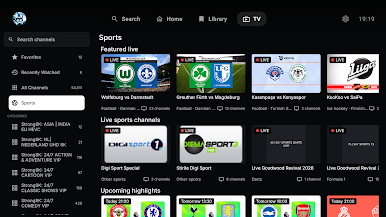
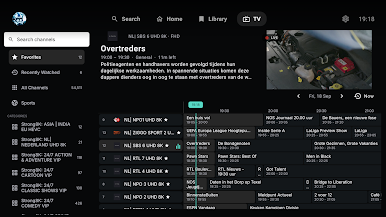
LIVE TV AND SPORTS
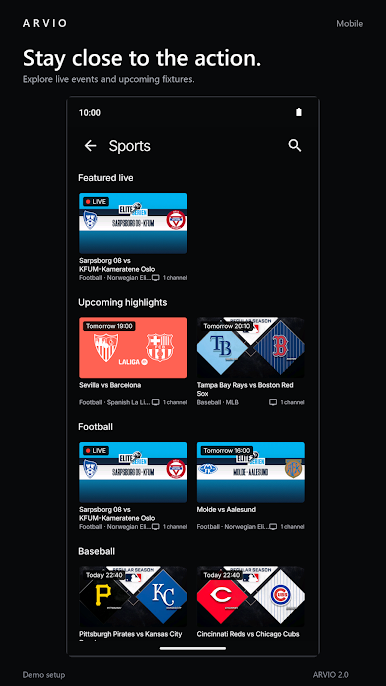
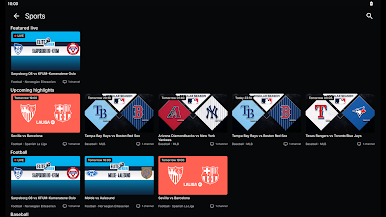
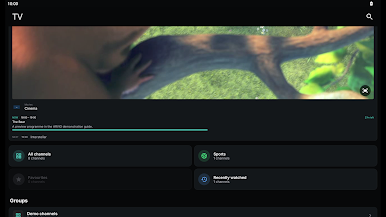
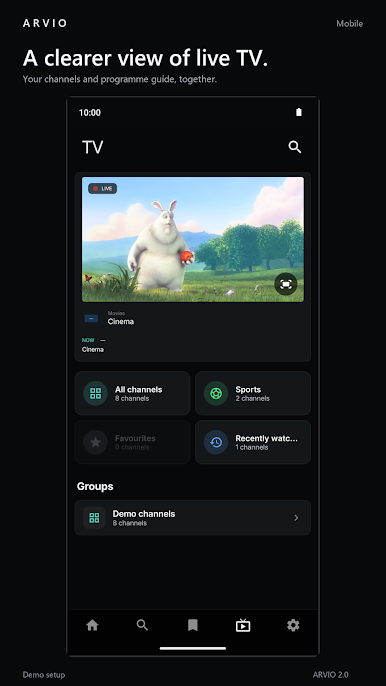
Add your compatible IPTV playlist to browse channels, favourites and programme guides. Explore sports schedules and find matching channels from your configured sources. Guide and channel availability depend on your provider.
MADE FOR YOUR SCREEN
Use your remote on Android TV or touch controls on phones and tablets. Continue watching, choose audio tracks and subtitles, and keep separate profiles with optional PIN protection.
MAKE IT YOURS
Choose your accent colour, arrange your catalogues and use optional cloud sync to keep supported settings and watch progress across devices. Some optional services require an account or subscription.
BRING YOUR OWN SOURCES
ARVIO does not provide or sell movies, series, live channels or streaming subscriptions. Playback requires compatible sources you own or are authorised to access. Catalogue artwork and service collections are for discovery; they do not include access to those services or their subscriptions.
Learn more: https://arvio.tv
Support: arvio.app@gmail.com
Play ARVIO on PC. It’s easy to get started.
-
Download and install BlueStacks on your PC
-
Complete Google sign-in to access the Play Store, or do it later
-
Look for ARVIO in the search bar at the top right corner
-
Click to install ARVIO from the search results
-
Complete Google sign-in (if you skipped step 2) to install ARVIO
-
Click the ARVIO icon on the home screen to start playing

