


Tomb Raider I-III Remastered
Play on PC with BlueStacks – the Android Gaming Platform, trusted by 500M+ gamers.

Page Modified on: Feb 27, 2026
Play Tomb Raider I-III Remastered on PC
Play the Original Three Tomb Raider Adventures: For the first time ever, play the complete experience with all expansions and secret levels on mobile in this definitive collection. Now with more bonus content in the FREE Challenge Mode patch.
Included Game Titles
Tomb Raider I + Unfinished Business
Tomb Raider II + Golden Mask
Tomb Raider III + The Lost Artifact
NEW Challenge Mode: Replay levels with customized modifiers and complete achievements to unlock 10 New Outfits that enhance Lara’s abilities.
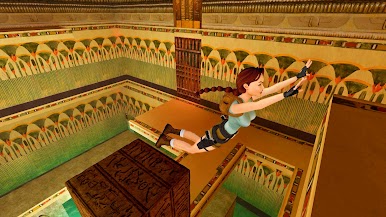
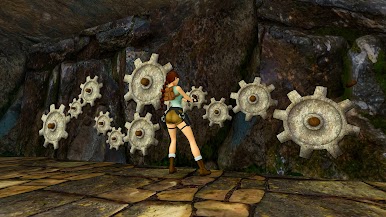
Solve Ancient Mysteries: Uncover treasures of the ancient world by solving puzzles and unraveling mysteries lost to the ravages of time.
Globe-trotting Adventure: Follow Lara Croft around the world and face off against deadly foes and dangerous myths.
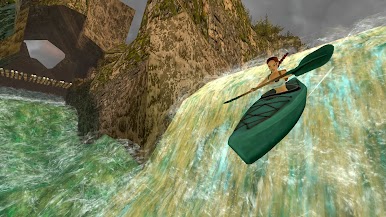
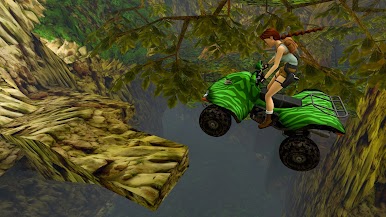
Lovingly Restored: Experience the classics boasting upgraded graphics, with the option to switch to the original polygon look at any time.
Mobile Controls: Navigate lost worlds with all new UI optimized for mobile. Choose your way to play with Modern or Tank controls.
Photo Mode: Capture Lara with any weapon and unlocked outfit in 21 poses, or look around the level for hidden items and secrets.
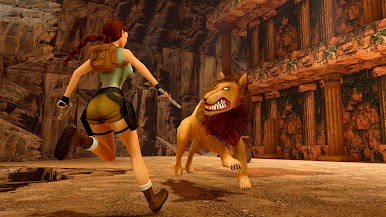
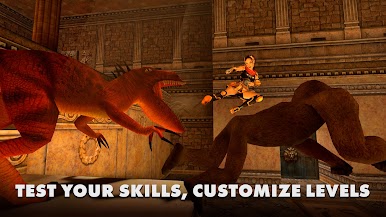

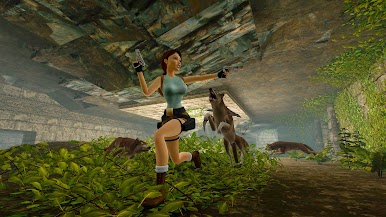
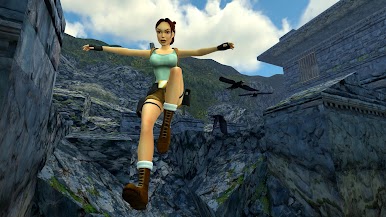
Play Tomb Raider I-III Remastered on PC. It’s easy to get started.
-
Download and install BlueStacks on your PC
-
Complete Google sign-in to access the Play Store, or do it later
-
Look for Tomb Raider I-III Remastered in the search bar at the top right corner
-
Click to install Tomb Raider I-III Remastered from the search results
-
Complete Google sign-in (if you skipped step 2) to install Tomb Raider I-III Remastered
-
Click the Tomb Raider I-III Remastered icon on the home screen to start playing

