

Tomb Raider I-III Remastered
Play on PC with BlueStacks – the Android Gaming Platform, trusted by 500M+ gamers.

Page Modified on: May 4, 2026
Play Tomb Raider I-III Remastered on PC or Mac
Bring your A-game to Tomb Raider I-III Remastered, the Adventure game sensation from Aspyr Media, Inc.. Give your gameplay the much-needed boost with precise game controls, high FPS graphics, and top-tier features on your PC or Mac with BlueStacks.
About the Game
Tomb Raider I-III Remastered brings Lara Croft’s earliest adventures back with a fresh coat of paint and all the extras in one place. It’s a classic mix of platforming, puzzle-solving, and tense combat—now tuned for mobile without losing that old-school charm. Want the nostalgia hit or a modern look? You can switch styles on the fly. And if you’d rather play on a bigger screen, it runs smoothly on BlueStacks.
Game Features
- Complete Trilogy, Plus Add-ons: Get the original trio of adventures with their expansions: Tomb Raider I + Unfinished Business, Tomb Raider II + Golden Mask, and Tomb Raider III + The Lost Artifact.
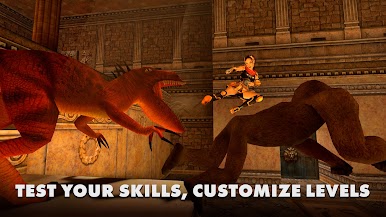
- New Challenge Mode: Revisit levels with customizable modifiers, chase achievements, and unlock 10 fresh outfits that tweak Lara’s abilities for new approaches.
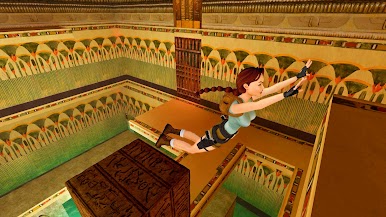
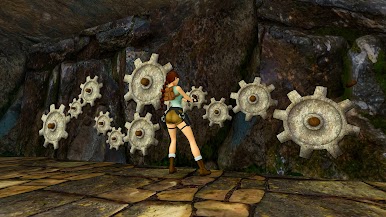
- Puzzles and Hidden Secrets: Decode ancient mechanisms, track down artifacts, and uncover tucked-away relics that reward a careful eye and a bit of courage.
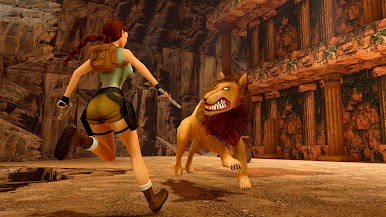
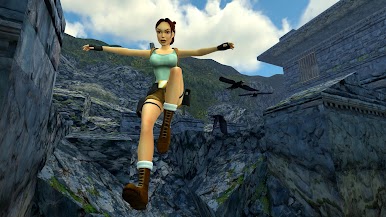
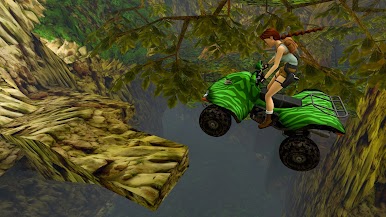
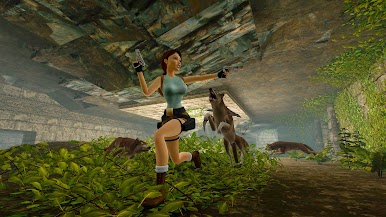
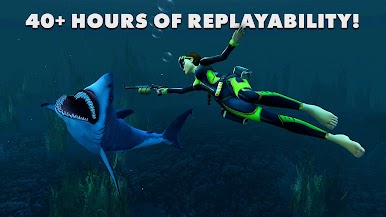
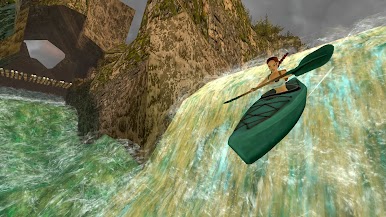
- Around-the-World Escapades: Scale ruins, explore sunken sites, and outsmart human and mythical threats across varied, atmospheric locations.
- Visuals You Can Toggle: Enjoy updated graphics and effects, or flip to the original low-poly look whenever you’re feeling retro—instantly and at any time.
- Controls That Fit You: Choose between Modern or classic Tank controls, with a mobile-friendly interface that keeps platforming and combat responsive.
- Photo Mode Fun: Snap cinematic shots by pairing any unlocked outfit with any weapon, pose Lara in 21 stances, and line up angles to spot hidden goodies.
Start your journey now. Download the game on BlueStacks, invite your friends, and march on a new adventure.

Play Tomb Raider I-III Remastered on PC. It’s easy to get started.
-
Download and install BlueStacks on your PC
-
Complete Google sign-in to access the Play Store, or do it later
-
Look for Tomb Raider I-III Remastered in the search bar at the top right corner
-
Click to install Tomb Raider I-III Remastered from the search results
-
Complete Google sign-in (if you skipped step 2) to install Tomb Raider I-III Remastered
-
Click the Tomb Raider I-III Remastered icon on the home screen to start playing

