

Math for kids: learning games
Play on PC with BlueStacks – the Android Gaming Platform, trusted by 500M+ gamers.

Page Modified on: Jul 17, 2024
Play Math for kids: numbers, counting, math games on PC or Mac
Step into the World of Math for kids: numbers, counting, math games, a thrilling Educational game from the house of Standy Software. Play this Android game on BlueStacks App Player and experience immersive gaming on PC or Mac.
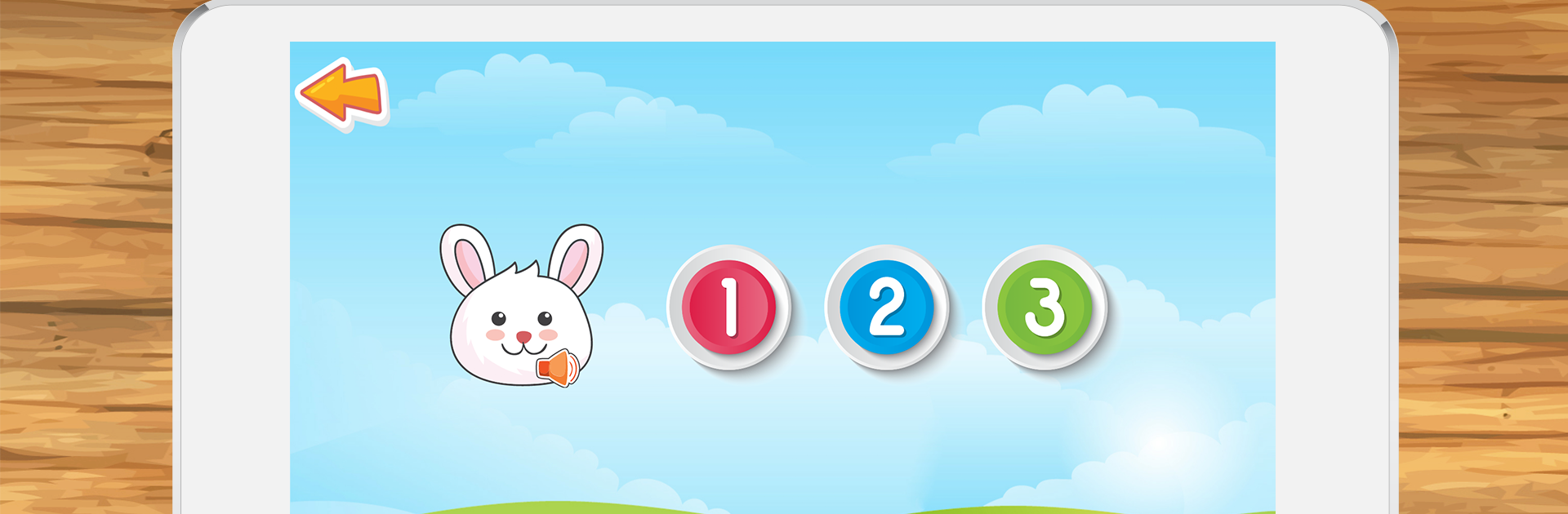
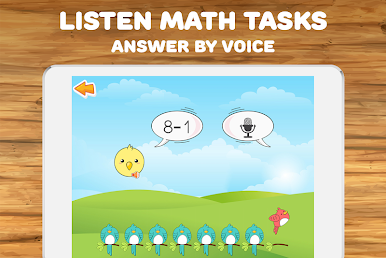
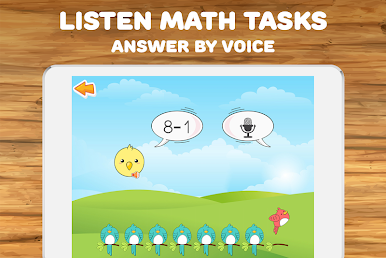
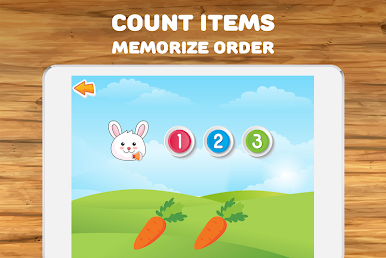
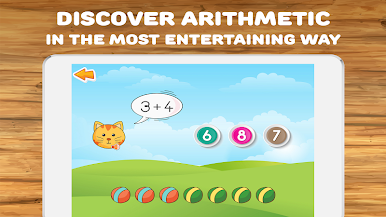
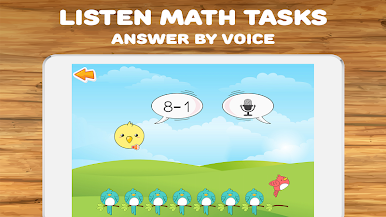
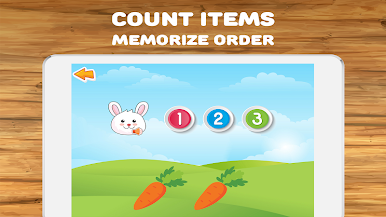
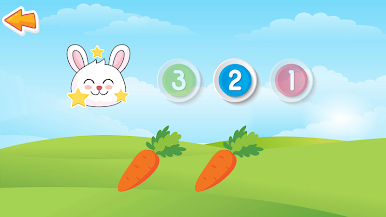
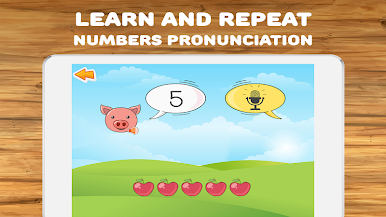
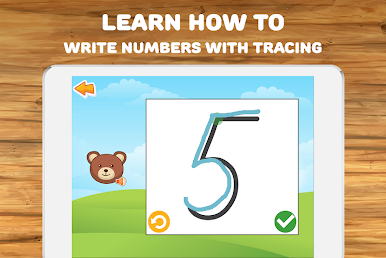
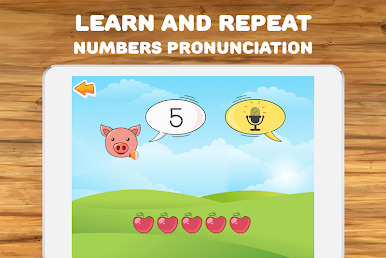
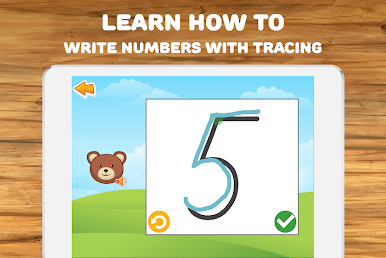
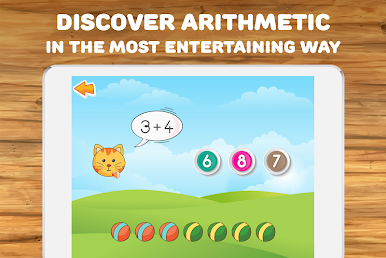
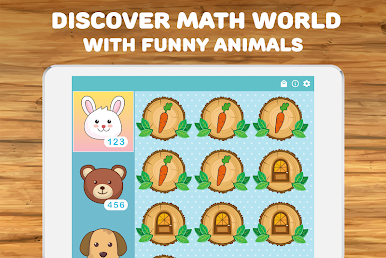
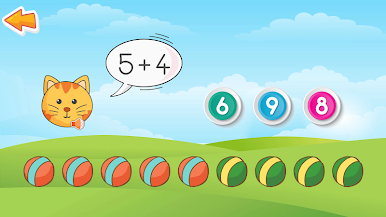
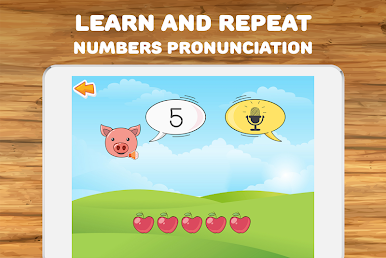
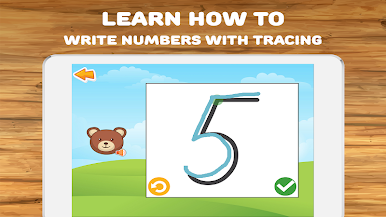
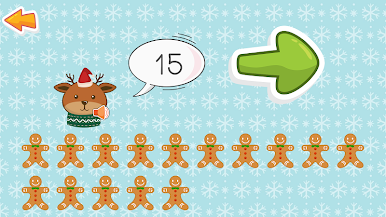
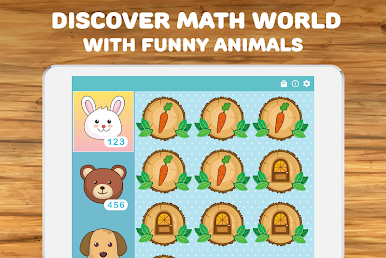
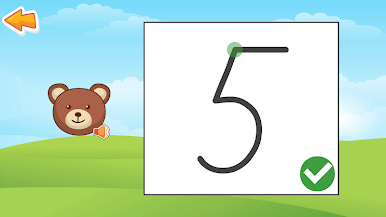
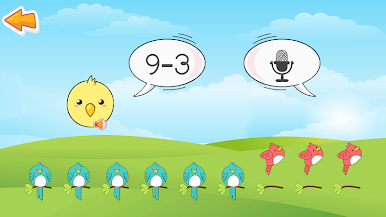
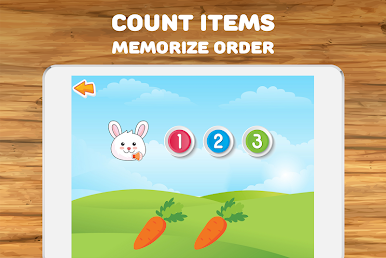
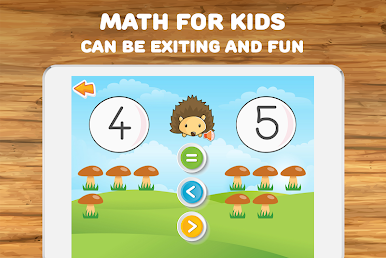
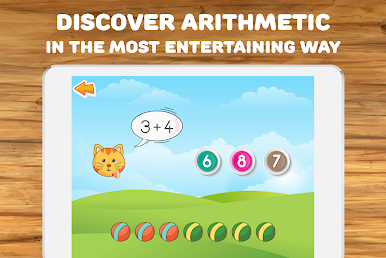
This game is one of those colorful, cheerful math apps that’s built for younger kids, but the presentation makes it pretty fun. There’s always some cute animal character popping up to help, and everything feels friendly and inviting. The whole thing guides you through counting up and back (just up to 20, so it’s not overwhelming), tracing numbers, and even getting the hang of really basic adding and subtracting. There’s also this neat bit where the app can actually read numbers out loud and pick up when you respond — so if a kid wants to answer by saying the number instead of tapping it, that works. Handwriting recognition is in there too, for tracing out numbers, and surprisingly it handles that part pretty smoothly.
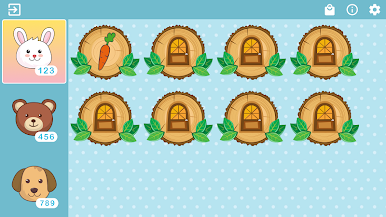
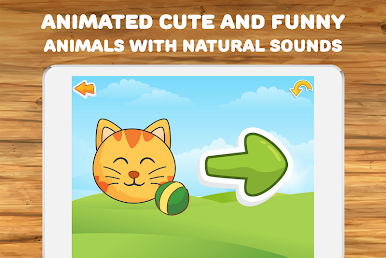
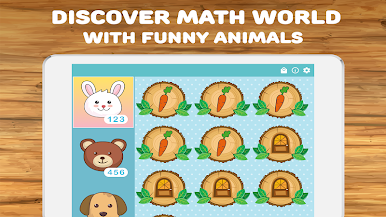
What stands out is how all of the explanations use simple language and clear, bright animations, so it never feels confusing or too much. New zoo animals show up as you get through more math activities, which is extra encouragement for kids. Kids can hear how each number is pronounced, and if they want, the app will repeat things so there’s plenty of practice. Because it handles a ton of languages, families who speak something besides English can set it up without trouble. The whole experience on PC with BlueStacks is slick — it just scales up nicely, so stuff’s easier to see, and there aren’t any fiddly menus or pop-ups to get in the way. For anyone looking for something straightforward that doesn’t turn learning numbers into a chore, this one does a good job of keeping it both simple and pretty fun.
Get ready for a buttery smooth, high-performance gaming action only on BlueStacks.
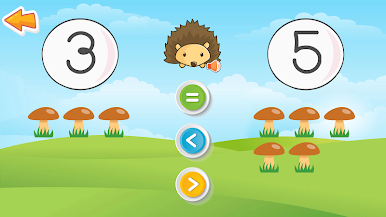
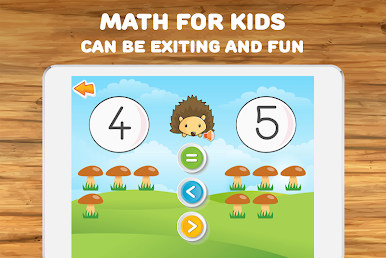
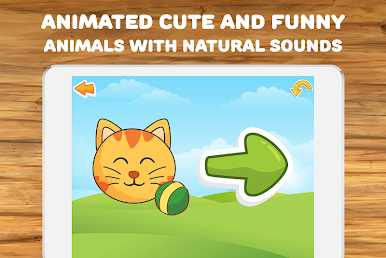


Play Math for kids: learning games on PC. It’s easy to get started.
-
Download and install BlueStacks on your PC
-
Complete Google sign-in to access the Play Store, or do it later
-
Look for Math for kids: learning games in the search bar at the top right corner
-
Click to install Math for kids: learning games from the search results
-
Complete Google sign-in (if you skipped step 2) to install Math for kids: learning games
-
Click the Math for kids: learning games icon on the home screen to start playing

