


Astro GO – Anytime, anywhere!
Play on PC with BlueStacks – the Android Gaming Platform, trusted by 500M+ gamers.

Page Modified on: Feb 26, 2026
Main Astro GO – Anytime, anywhere! on PC
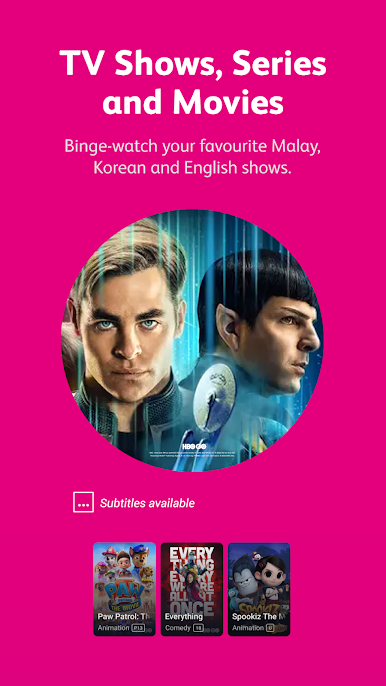
With Astro in your pocket, you’ll have access to our vast library wherever life takes you. Stream the latest shows, movies, Astro GO exclusives and live sports everyone’s talking about. Catch up on the classics with friends and family.
Astro GO lets you:
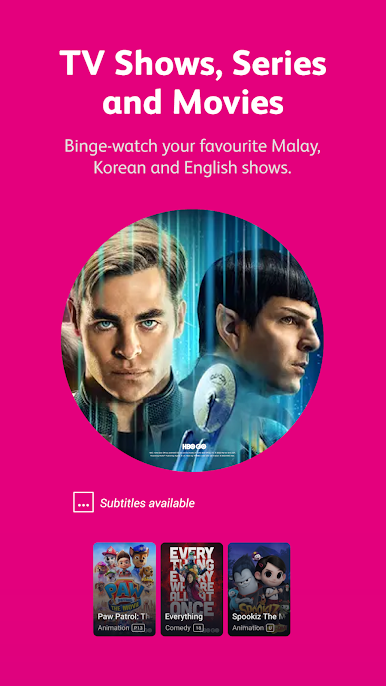
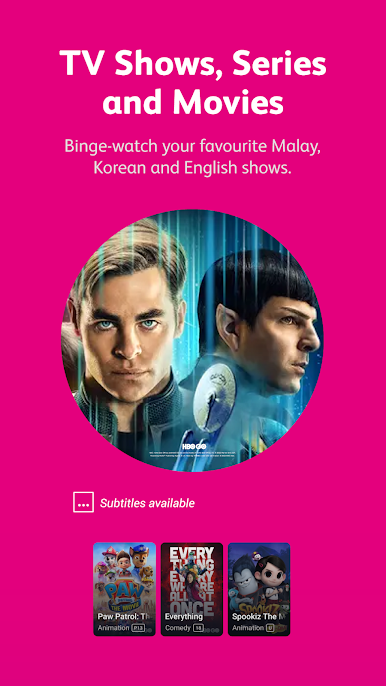
● Explore a world of endless entertainment with over 100 channels and up to 110,000 Videos on Demand ready to be streamed.
● Set up dedicated user profiles that sync up across your Astro Box and Astro GO devices. Personalised viewing and recommendations wherever you go.
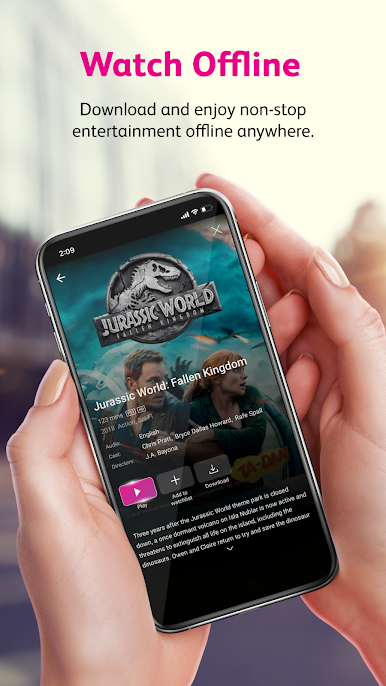
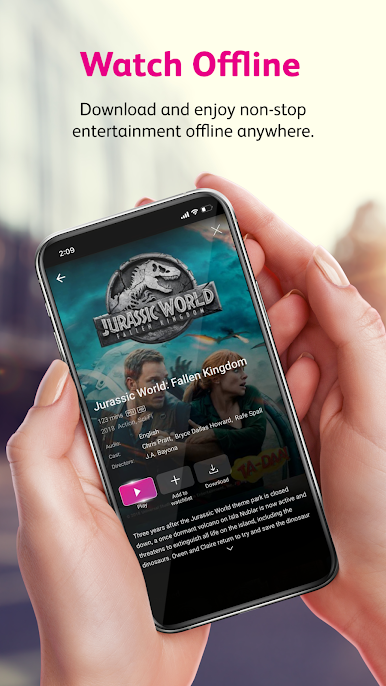
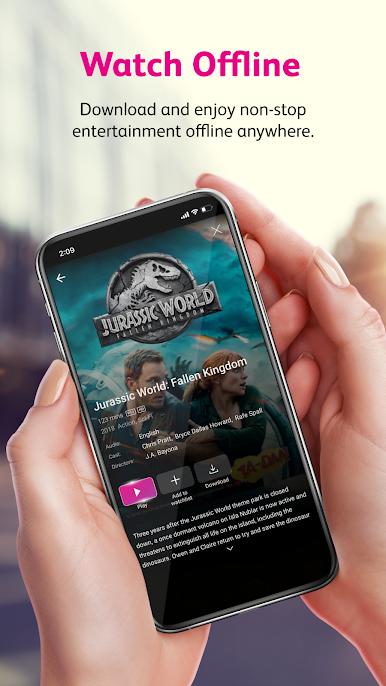
● Save your internet data by downloading your favourite shows to watch offline when no WiFi is available.
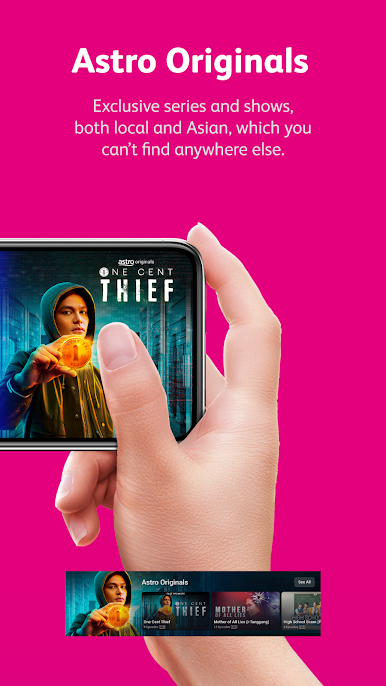
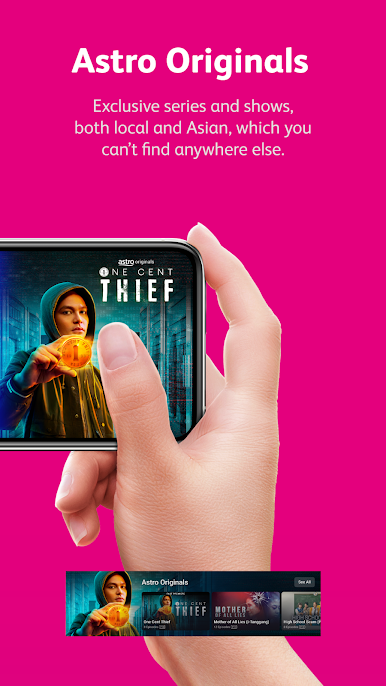
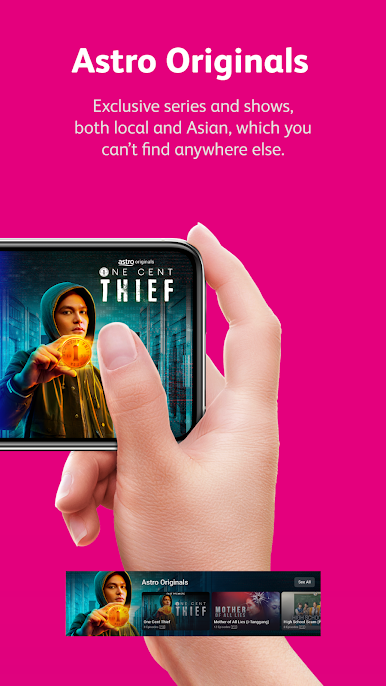
● Watch content you can’t find anywhere else with Astro GO exclusives.
● Play live broadcasts from the start so you will never miss a moment.
● Share your stories with your family as you stream with up to 4 devices on smartphones, tablets and computers.
● Find what you want to watch faster through Enhanced Search. Search by title, actor, director or channel.
● Watch in your own time when you have up to 200 hours of Cloud Recording, at no charge.
● Continue watching seamlessly right where you left off on your TV.
● Get access to the world of Astro before your Astro box arrives via Astro GO.
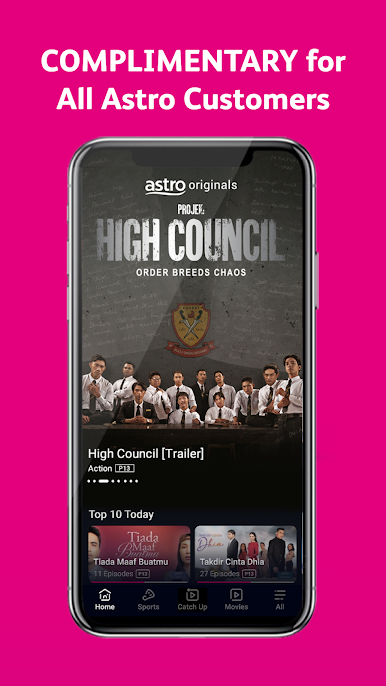
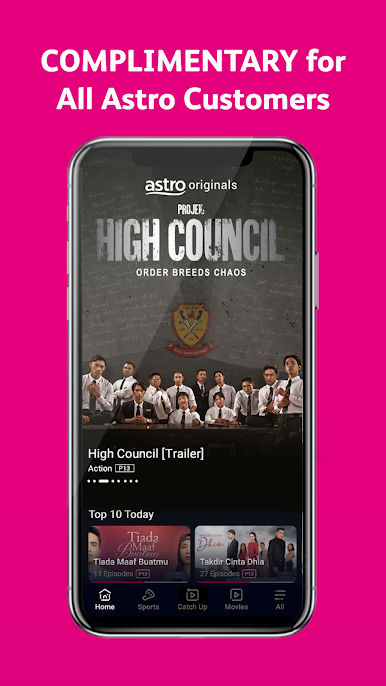
Download Astro GO now and experience the joy of having a world of entertainment in your pocket. Complimentary for all Astro customers.
Play Astro GO – Anytime, anywhere! on PC. It’s easy to get started.
-
Download and install BlueStacks on your PC
-
Complete Google sign-in to access the Play Store, or do it later
-
Look for Astro GO – Anytime, anywhere! in the search bar at the top right corner
-
Click to install Astro GO – Anytime, anywhere! from the search results
-
Complete Google sign-in (if you skipped step 2) to install Astro GO – Anytime, anywhere!
-
Click the Astro GO – Anytime, anywhere! icon on the home screen to start playing

