


Quadroid - Icon Pack
Play on PC with BlueStacks – the Android Gaming Platform, trusted by 500M+ gamers.

Page Modified on: May 15, 2025
Play Quadroid - Icon Pack on PC
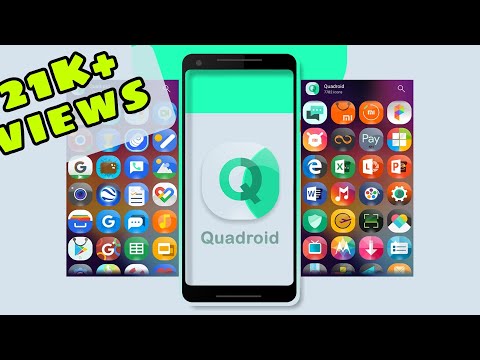
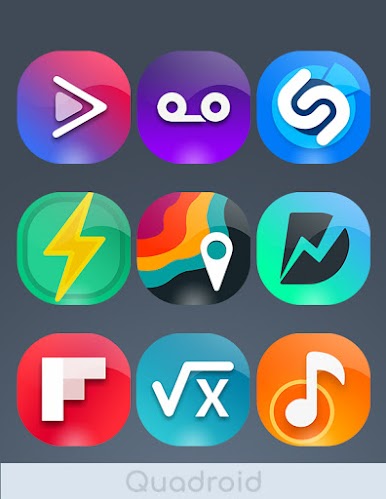
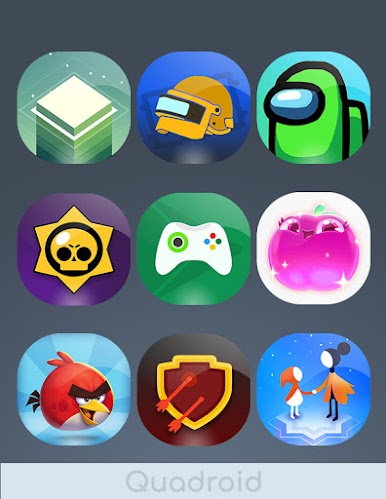
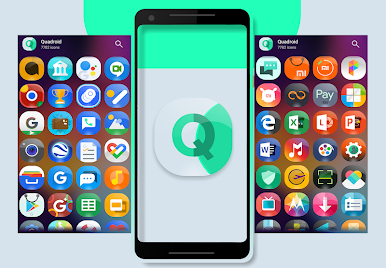
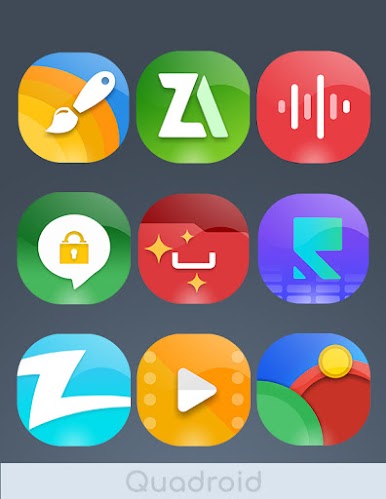
Looking for a fresh, stylish look for your Android device? Quadroid - Icon Pack offers a stunning collection of glass-finish icons, completely free to download! Give your home screen a sleek, modern makeover with thousands of high-quality icons and matching HD wallpapers.
Free Icon Pack, Premium Features:
* 3800+ Crystal-Clear Icons: Enjoy an extensive library of XXHDPI icons (256x256 pixels) crafted with precision using vector graphics. New free icons added weekly!
* HD+ Cloud Wallpapers: Complement your new icons with beautiful, high-resolution wallpapers, all accessible directly within the app.
* Personalize Your Look: Choose from a variety of alternate icons to perfectly match your style.
* Wide Launcher Compatibility: Works seamlessly with many popular Android launchers (see full list below).
* Easy Icon Management: Quickly search, preview, and apply icons with our intuitive interface.
* Request Your Favorites: Missing an icon? Use our smart icon request feature to suggest additions to our growing collection.
* Dynamic Calendar Support: Keep your home screen up-to-date with dynamic calendar icons.
* Muzei Live Wallpaper Integration: Seamlessly integrate with Muzei for a truly dynamic home screen experience.
* Convenient Image Picker: Easily share icons as images via email, Hangouts, or use them to create custom widgets.
Free Icon Pack for These Launchers (and more!):
* Action Launcher
* ADW Launcher
* Apex Launcher
* Nova Launcher
* Go Launcher
* Holo Launcher
* and many more! (See full list in app description)
Important Compatibility Information:
* Requires a compatible launcher. This free icon pack is NOT compatible with Google Now Launcher, Pixel Launcher, or most factory-installed launchers (except LG Home, Xperia Home, Asus ZenUI, and OnePlus Launcher).
* Some launchers may have specific configuration requirements (details in app).
Get the Free Icon Pack Today!
Download Quadroid - Icon Pack now and experience a vibrant, personalized Android interface. Don't forget to rate and review – your feedback helps us make this free icon pack even better!
Play Quadroid - Icon Pack on PC. It’s easy to get started.
-
Download and install BlueStacks on your PC
-
Complete Google sign-in to access the Play Store, or do it later
-
Look for Quadroid - Icon Pack in the search bar at the top right corner
-
Click to install Quadroid - Icon Pack from the search results
-
Complete Google sign-in (if you skipped step 2) to install Quadroid - Icon Pack
-
Click the Quadroid - Icon Pack icon on the home screen to start playing

