


Ray of sun Icon Pack
Play on PC with BlueStacks – the Android Gaming Platform, trusted by 500M+ gamers.

Page Modified on: Jul 9, 2025
Play Ray of sun Icon Pack on PC
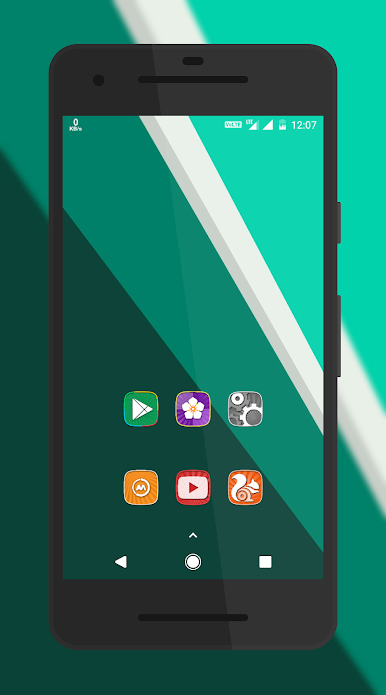
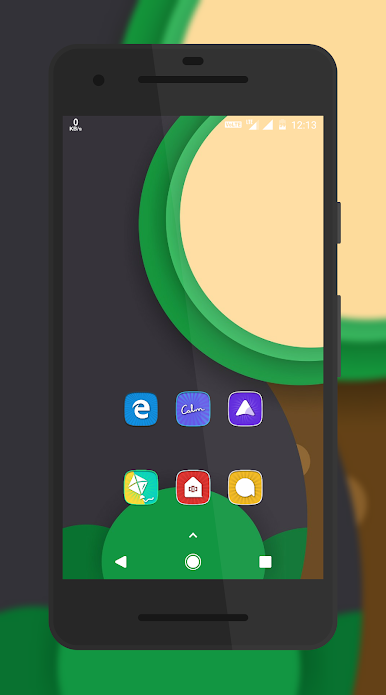
★ Includes 4900+ icons and counting
★ Icon resolution 192x192px
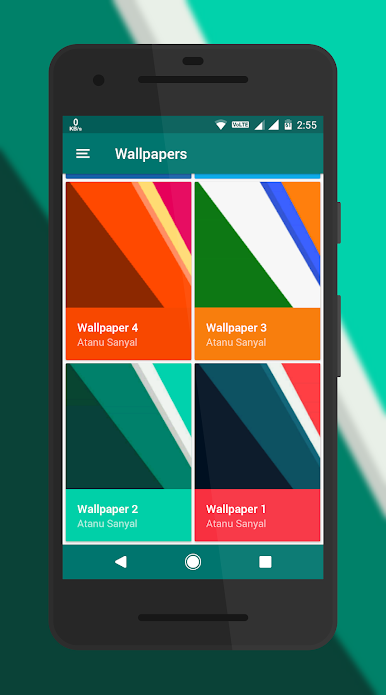
★ Cloud Based Quad HD Wallpapers
★ Material Design Theme Dashboard
★ Supports Dynamic Calendars
★ Icons masking to theme your unthemed icons
★ Many alternate icons to choose from.
★ MUZEI live wallpaper support
★ Icons sorted in various categories with search and preview function.
★★ Icon Pack Supported Launchers ★★
Action Launcher • ADW Launcher • Apex Launcher •Atom Launcher • Aviate Launcher • CM Theme Engine • GO Launcher • Holo Launcher • Holo Launcher HD • LG Home • Lucid Launcher • M Launcher • Mini Launcher • Next Launcher • Nougat Launcher •Nova Launcher(recommended) • Smart Launcher •Solo Launcher •V Launcher • ZenUI Launcher •Zero Launcher • ABC Launcher •Evie Launcher • L Launcher • Lawnchair
Icon Pack Supported Launchers not Included in Apply Section
Arrow Launcher • ASAP Launcher •Cobo Launcher •Line Launcher •Mesh Launcher •Peek Launcher • Z Launcher • Launch by Quixey Launcher • iTop Launcher • KK Launcher • MN Launcher • New Launcher • S Launcher • Open Launcher • Flick Launcher • Poco Launcher
This icon pack has been tested, and it works with these launchers. However, it may also work with others too.In case you do not found an apply section in dashboard. You can apply icon pack from a theme setting.

Play Ray of sun Icon Pack on PC. It’s easy to get started.
-
Download and install BlueStacks on your PC
-
Complete Google sign-in to access the Play Store, or do it later
-
Look for Ray of sun Icon Pack in the search bar at the top right corner
-
Click to install Ray of sun Icon Pack from the search results
-
Complete Google sign-in (if you skipped step 2) to install Ray of sun Icon Pack
-
Click the Ray of sun Icon Pack icon on the home screen to start playing

