


ATI MPort
Play on PC with BlueStacks – the Android Gaming Platform, trusted by 500M+ gamers.

Page Modified on: Sep 28, 2026
Overview
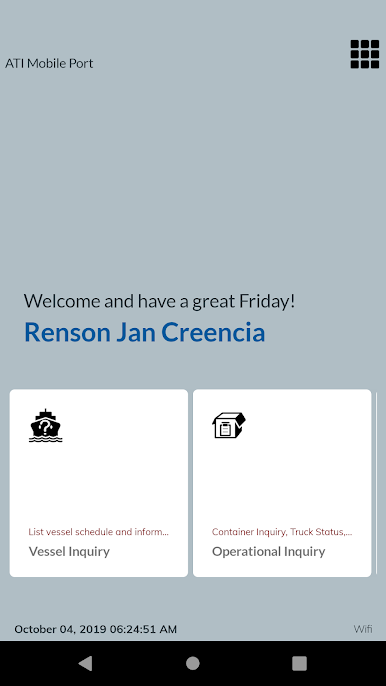
1. Vessel Schedule
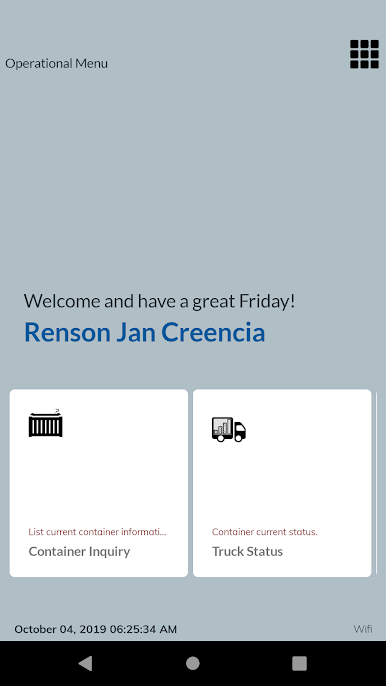
2. Container Inquiry
3. Empty Quota (South Harbor)
4. Manifest Inquiry (BOC OLRS Status, Billing Inquiry, Import Proforma)
5. Cargo Truck Status
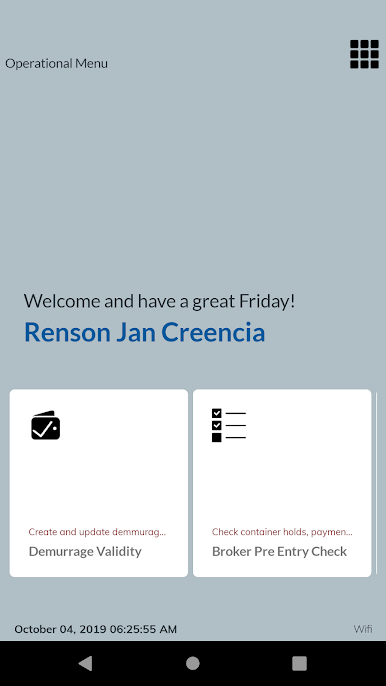
6. Demurrage/DO/SLEIR Validity
7. TABS Inquiry (Balance, Penalties, Rebates, Transactions)
8. Broker Pre-Entry Check
9. Request For Services (RFS) in BETA
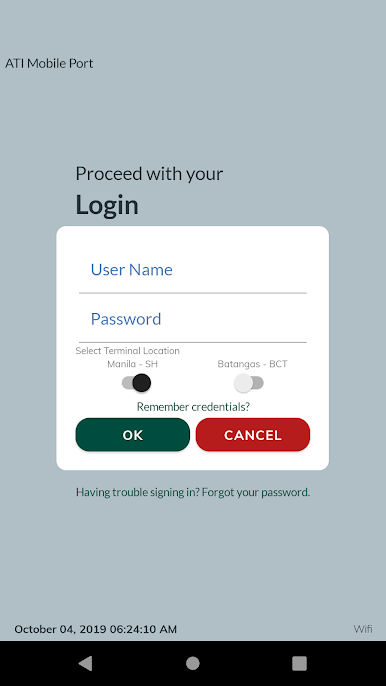
Requires an account for full feature access (existing webTrack account can be use).
Access for request is subject for ATI Management review and approval.
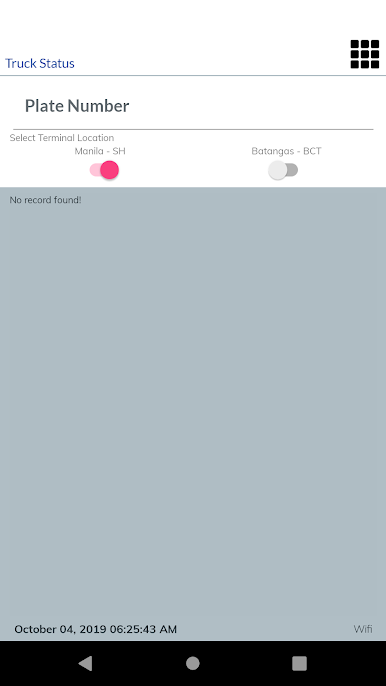
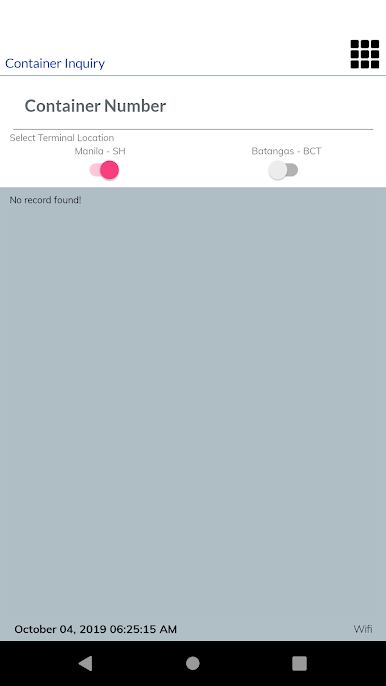
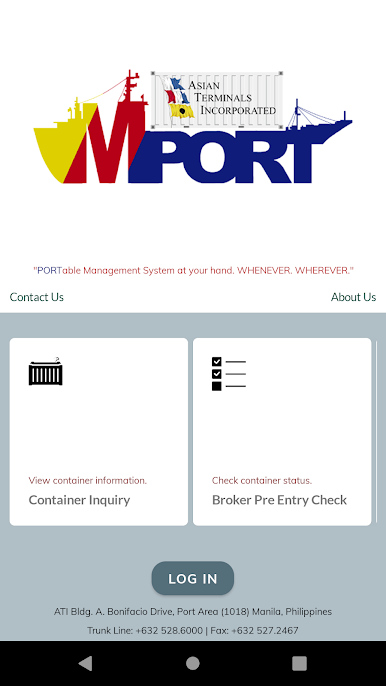
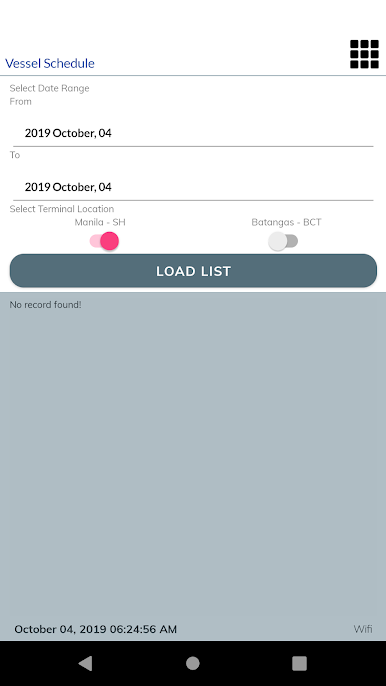
Play ATI MPort on PC. It’s easy to get started.
-
Download and install BlueStacks on your PC
-
Complete Google sign-in to access the Play Store, or do it later
-
Look for ATI MPort in the search bar at the top right corner
-
Click to install ATI MPort from the search results
-
Complete Google sign-in (if you skipped step 2) to install ATI MPort
-
Click the ATI MPort icon on the home screen to start playing

