

Auphonic Edit
Play on PC with BlueStacks – the Android Gaming Platform, trusted by 500M+ gamers.

Page Modified on: May 8, 2017
Run Auphonic Edit on PC or Mac
Get freedom from your phone’s obvious limitations. Use Auphonic Edit, made by Auphonic, a Music & Audio app on your PC or Mac with BlueStacks, and level up your experience.
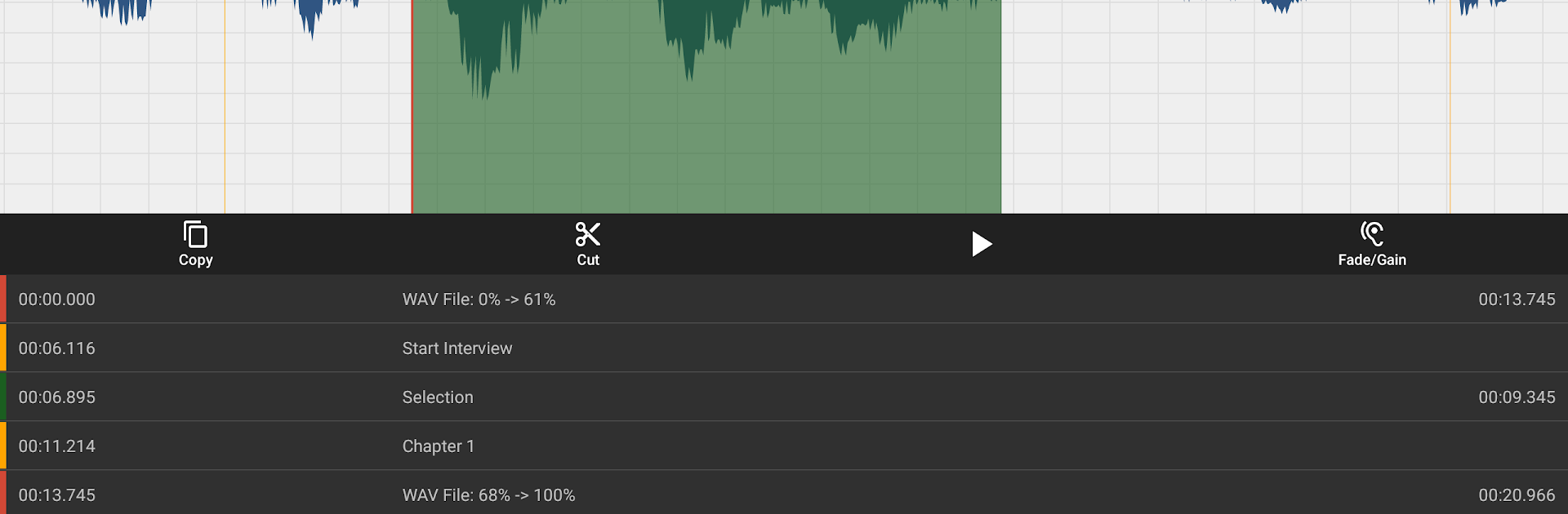
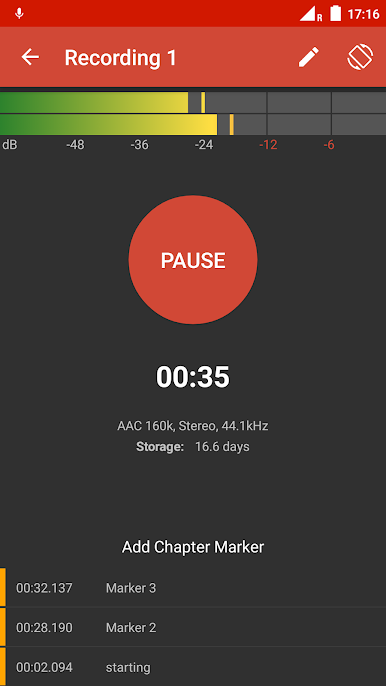
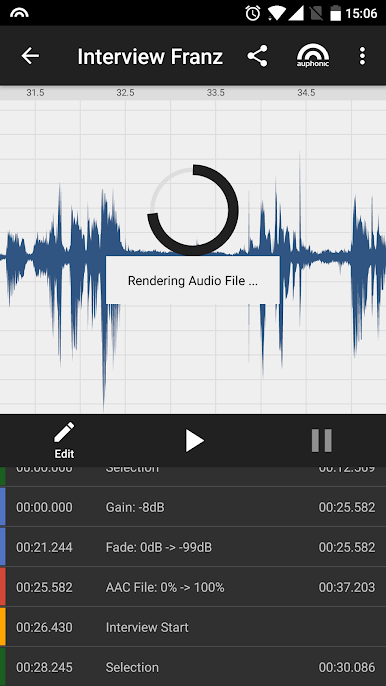
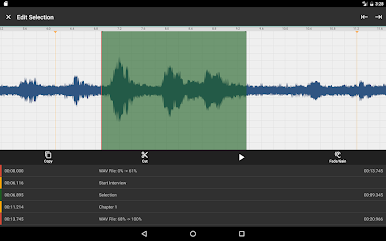
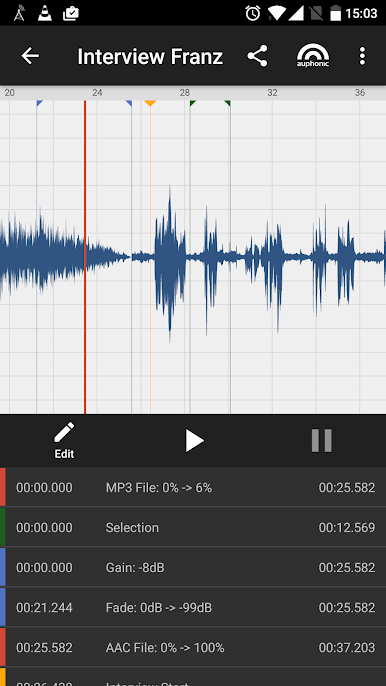
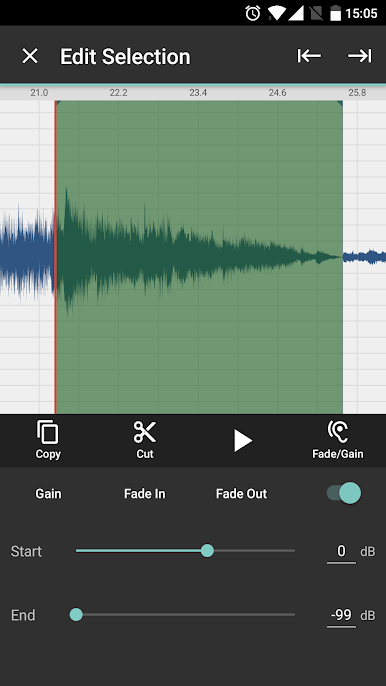
Auphonic Edit feels like a focused audio tool that keeps things simple without dumbing anything down. It records clean, raw audio from a USB interface or the built in mic, with no Android processing in the way, and saves in WAV or AAC while writing to disk constantly so a crash does not eat a take. The recorder view shows a proper peak meter and how much time is left, adds chapter markers on the fly, and keeps recording in the background while other apps are open. Editing is the calm part. There is a full waveform that is easy to zoom, seek and scroll. Cuts are non destructive, crossfades happen automatically, and old regions can be brought back if a trim goes too far. Markers and selections make navigation exact, copy or paste works across sessions, and little fixes like gain tweaks or fade in and out are right there. It does not try to be a full studio, which is the point.
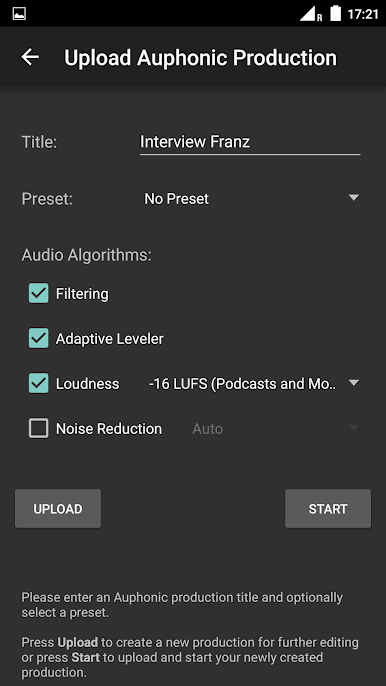
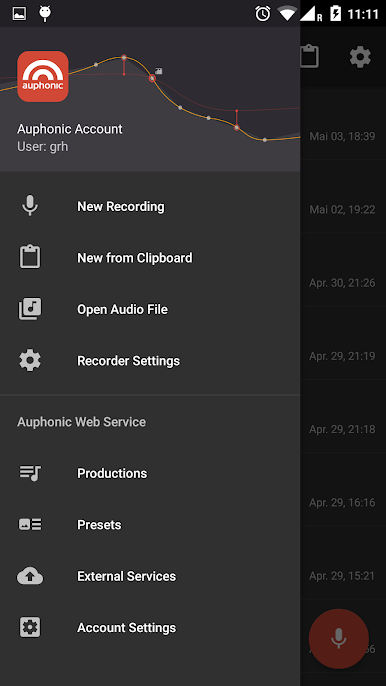
On PC through BlueStacks, the bigger screen and a mouse make the waveform work nicer, especially when placing chapter marks or precise cuts. Importing odd files is fine since the app resamples and up or downmixes to the session settings in realtime. Finished sessions can be shared to other apps or pushed to the Auphonic web service, which is where the heavy lifting happens: loudness normalization to broadcast targets, an intelligent leveler for speech and music, noise and hum reduction, metadata and chapter tags, format encoding from MP3 to FLAC, even speech recognition in a bunch of languages, plus one click publishing to places like YouTube, SoundCloud, Libsyn, Dropbox, S3 and others. A free Auphonic account is needed for the web service, but recording and editing work fully offline without any account. The whole thing feels stable and purposeful, good for podcasts, interviews, and quick music fixes.
Eager to take your app experience to the next level? Start right away by downloading BlueStacks on your PC or Mac.
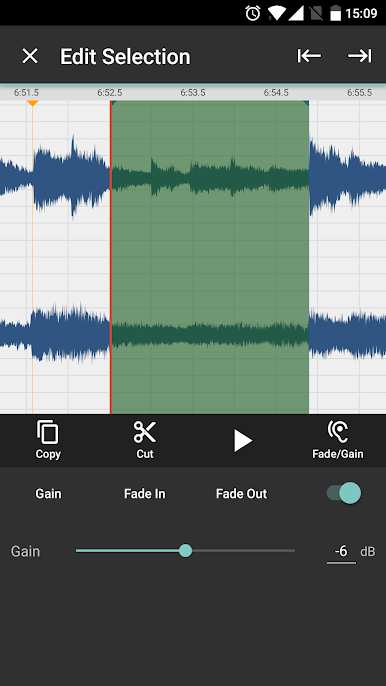
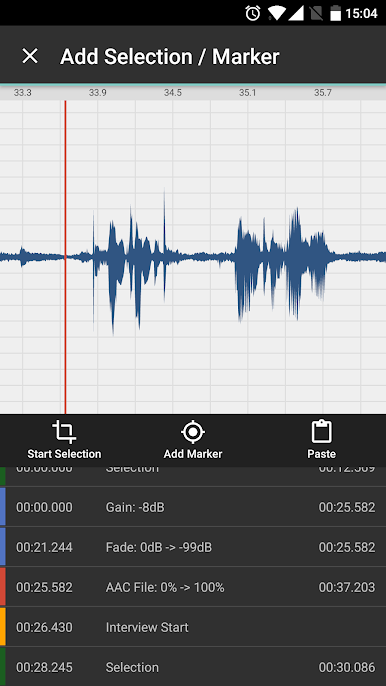
Play Auphonic Edit on PC. It’s easy to get started.
-
Download and install BlueStacks on your PC
-
Complete Google sign-in to access the Play Store, or do it later
-
Look for Auphonic Edit in the search bar at the top right corner
-
Click to install Auphonic Edit from the search results
-
Complete Google sign-in (if you skipped step 2) to install Auphonic Edit
-
Click the Auphonic Edit icon on the home screen to start playing

