


Autodesk Fusion
Play on PC with BlueStacks – the Android Gaming Platform, trusted by 500M+ gamers.

Page Modified on: Mar 6, 2026
Run Autodesk Fusion on PC or Mac
Let BlueStacks turn your PC, Mac, or laptop into the perfect home for Autodesk Fusion, a fun Productivity app from Autodesk Inc..
About the App
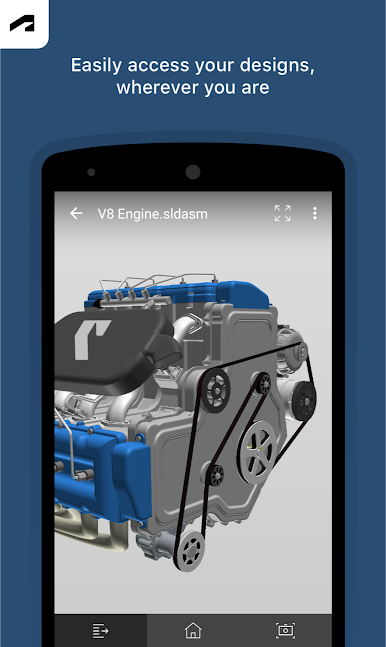
Ever wanted to bring your 3D design projects with you, wherever you go? With Autodesk Fusion, you can browse, review, and talk over your CAD models right from your Android device. Whether you’re swapping notes with a colleague or showing off a cool concept to a friend, this app makes it easy to keep your projects accessible and your ideas moving forward. Sketches, assemblies, and designs are all just a tap away—no matter if you’re at your desk or out and about.
App Features
-
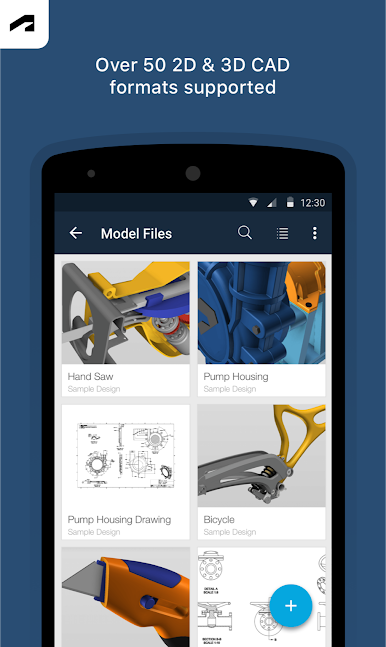
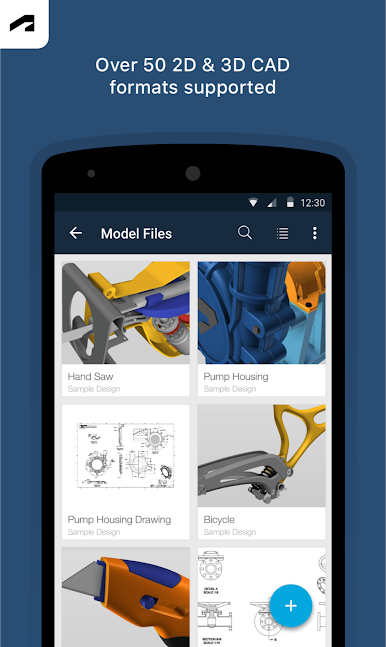
Supports Tons of File Formats
Open and review over 100 different file types, including favorites like DWG, SLDPRT, STEP, and STL. No more worrying about whether your file will work. -
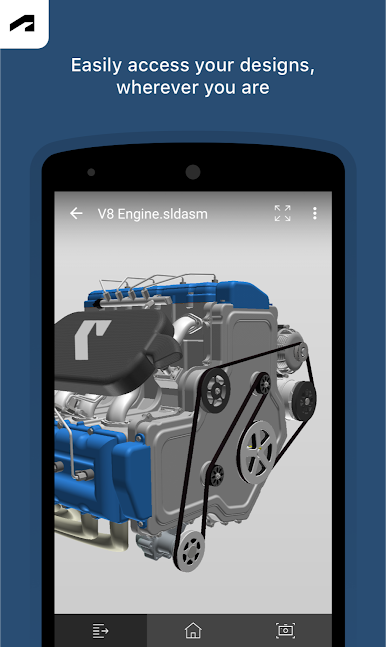
3D Model Viewing on the Go
Zoom, pan, and spin your models with just your fingers. Get right up close with your projects, whether they’re huge assemblies or tiny parts. -
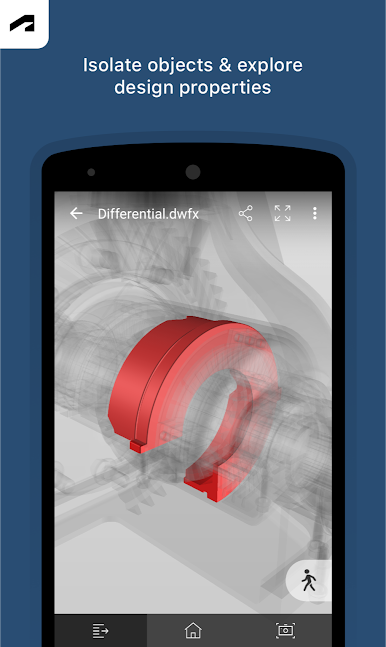
Component Control
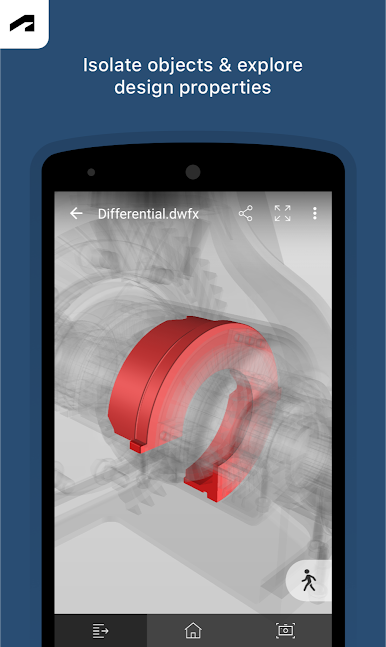
Want a closer look at just one part? Easily isolate or hide components in any model to focus on exactly what you need to see. -
Project Activity Tracking
Stay updated on your project’s changes and progress. It’s simple to see what’s new and what your teammates are working on. -
Full Property and Parts List Access
Tap into detailed design properties and comprehensive lists of every part, all from your phone or tablet. -
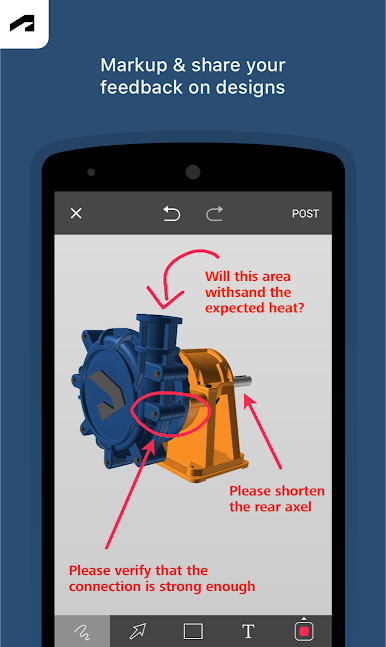
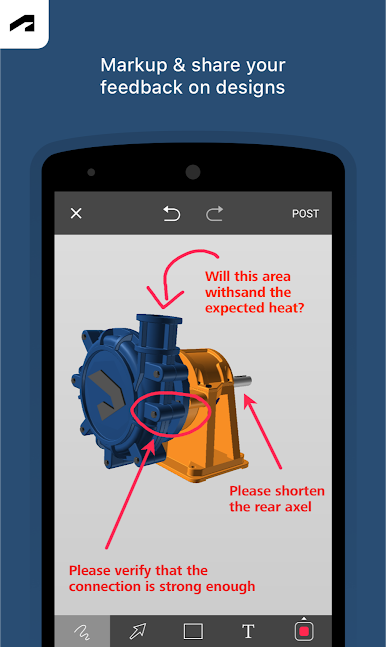
Quick Sharing & Markup Options
Snap a screenshot, add some pointers or notes, and shoot it off to colleagues or clients, whether they use Autodesk Fusion or not. -
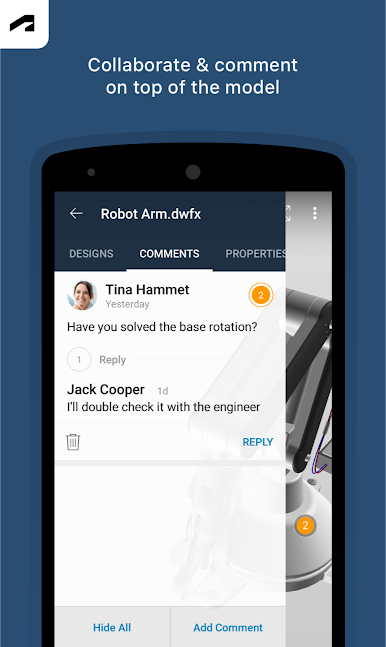
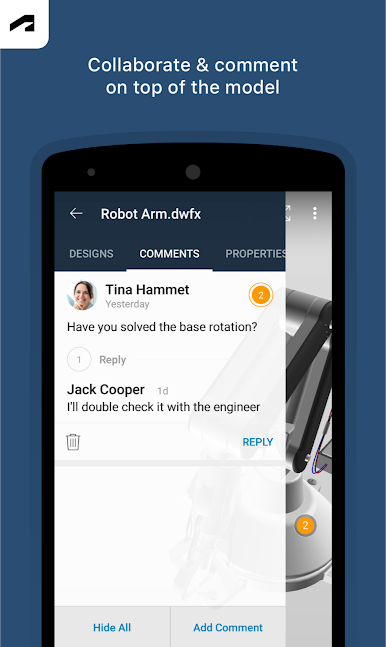
Collaborate Anywhere
Share designs and work with partners both inside your company and outside. You’re always in the loop. -
Offline Viewing
Save files to your device for moments when you’re offline—handy when you’re headed somewhere with spotty connectivity. -
Compatible with BlueStacks
Prefer a bigger screen? Autodesk Fusion works smoothly with BlueStacks, so you can review and collaborate on designs using your computer too.
Big screen. Bigger performance. Use BlueStacks on your PC or Mac to run your favorite apps.
Play Autodesk Fusion on PC. It’s easy to get started.
-
Download and install BlueStacks on your PC
-
Complete Google sign-in to access the Play Store, or do it later
-
Look for Autodesk Fusion in the search bar at the top right corner
-
Click to install Autodesk Fusion from the search results
-
Complete Google sign-in (if you skipped step 2) to install Autodesk Fusion
-
Click the Autodesk Fusion icon on the home screen to start playing

