

Полиглот. Английские слова
Play on PC with BlueStacks – the Android Gaming Platform, trusted by 500M+ gamers.

Page Modified on: Feb 19, 2026
Run Полиглот. Английские слова on PC or Mac
Multitask effortlessly on your PC or Mac as you try out Полиглот. Английские слова, a Education app by AxiomMobile on BlueStacks.
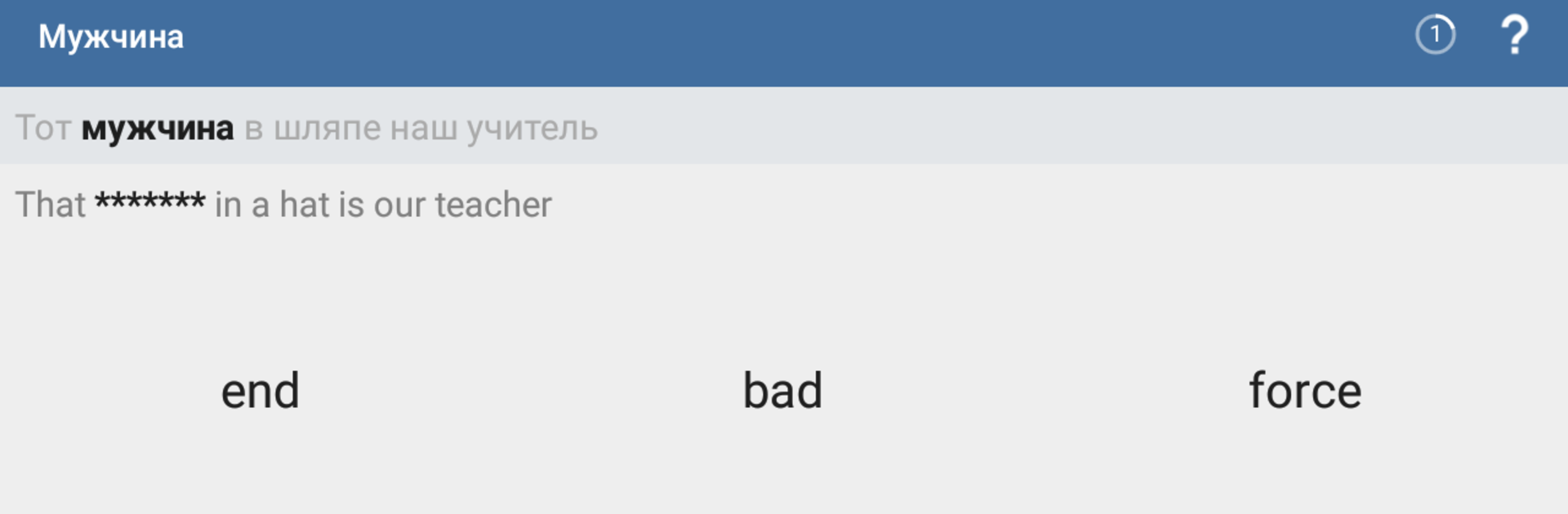
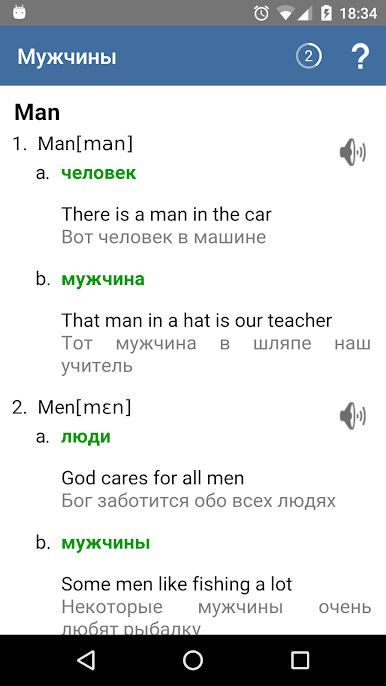
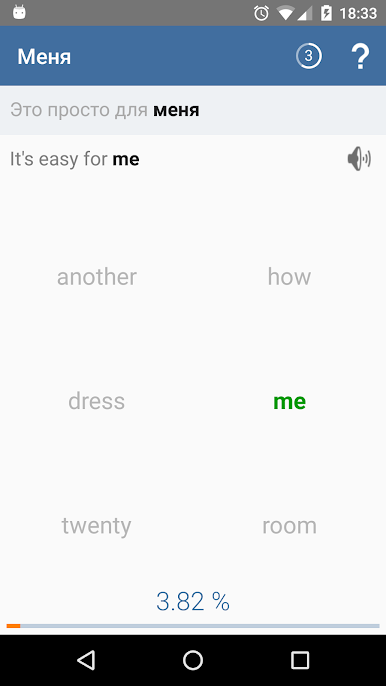
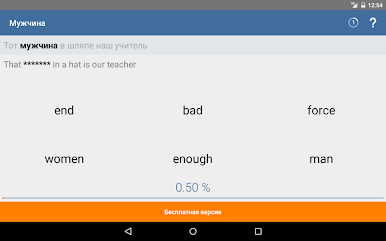
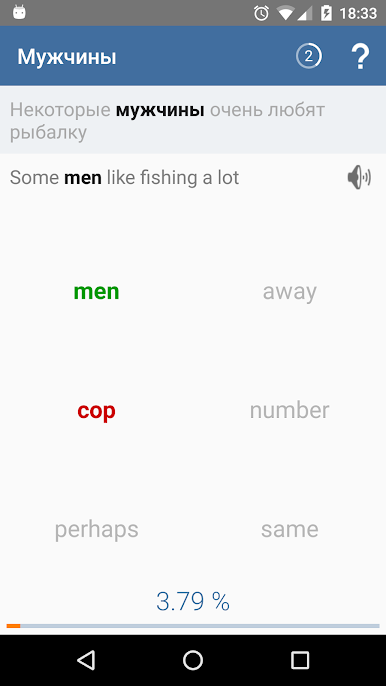
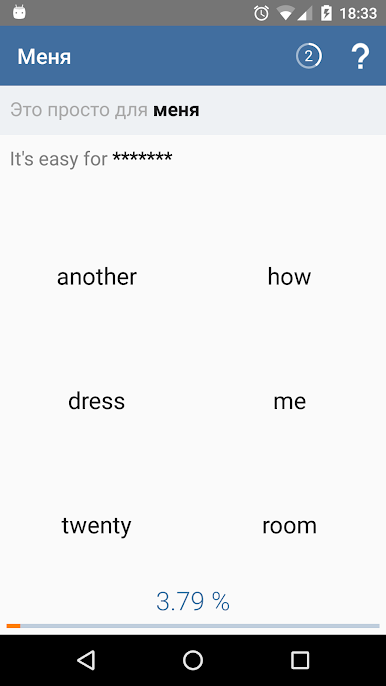
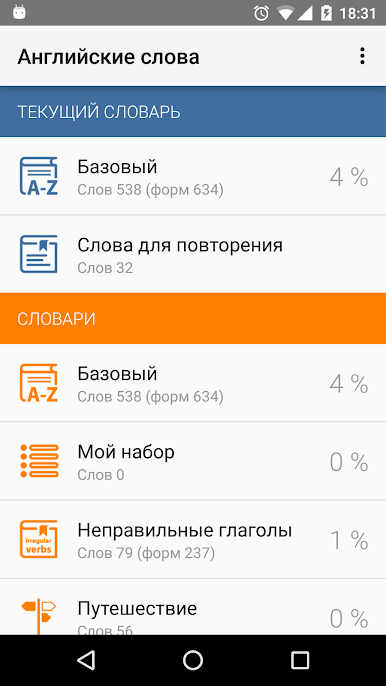
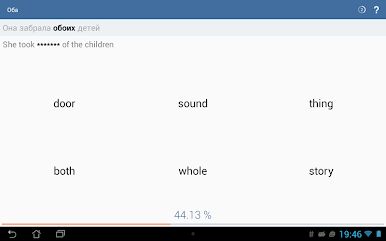
So, Полиглот. Английские слова is an English vocabulary app that’s surprisingly straightforward. The way it works, you see a Russian word plus a sentence, and your job is to pick the right English word for that sentence. It’s quick—literally a few minutes a day and you start making progress without even noticing. There’s a huge bank of words (over 1,500, and it seems like they keep adding more), sorted into handy categories about travel, food, family, sports, jobs, and all that. You can even create your own set if there’s something specific you want to remember.
The app keeps things interesting with points, tracking how much you’ve learned—you get scores for each word, with a clear percent of how much you know. If you get a word right, you get a little praise; get it wrong, and it shows you the right answer with a flashcard. It even splits up similar words and tracks them separately, so stuff like “see” and “saw” don’t just get lumped together. Repeat practice is built in, with words coming back at you over a few days until they’re locked in your memory. There’s pronunciation help and you can tweak how easy or hard things are, plus voice input on tougher questions. On PC, using BlueStacks, it runs pretty smoothly and it feels nice to tap through everything on a bigger screen. The look of the app can be changed with themes, and the word cards are always easy to get back to if you want a refresher. All in all, it’s simple, focused, and genuinely helps build up vocab without too much fuss.
BlueStacks gives you the much-needed freedom to experience your favorite apps on a bigger screen. Get it now.
Play Полиглот. Английские слова on PC. It’s easy to get started.
-
Download and install BlueStacks on your PC
-
Complete Google sign-in to access the Play Store, or do it later
-
Look for Полиглот. Английские слова in the search bar at the top right corner
-
Click to install Полиглот. Английские слова from the search results
-
Complete Google sign-in (if you skipped step 2) to install Полиглот. Английские слова
-
Click the Полиглот. Английские слова icon on the home screen to start playing

