


Driving School: Car Parking 3D
Play on PC with BlueStacks – the Android Gaming Platform, trusted by 500M+ gamers.

Page Modified on: Mar 13, 2026
Main Driving School: Car Parking 3D on PC
🚗 Become a Driving Pro:
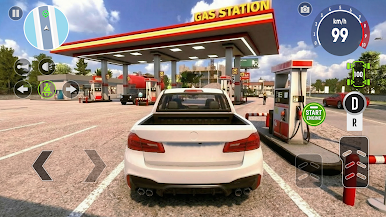
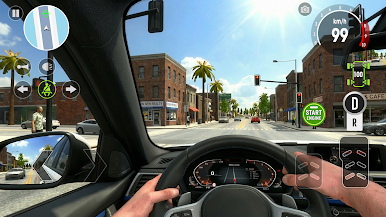
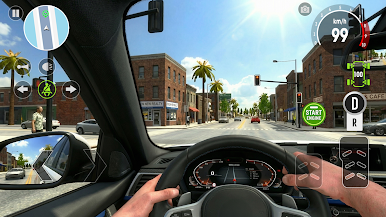
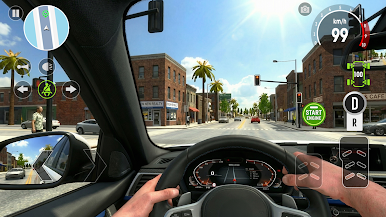
- Multiple Exciting Modes: Test your skills across diverse environments! Navigate busy City streets while obeying traffic signals, tackle tricky spots, maneuver carefully or simply enjoy the freedom of exploration.
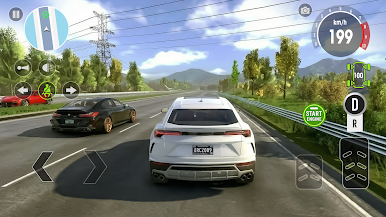
- Realistic Simulation: Experience true-to-life driving physics, responsive controls, and detailed environments. Feel the weight of the car as you steer, accelerate, and brake.
🎨 Your Cars, Your Style:
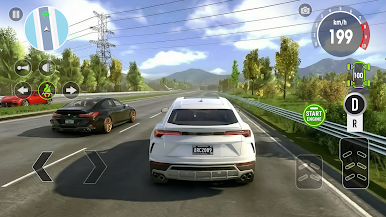
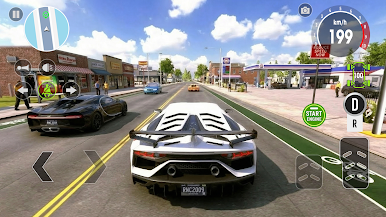
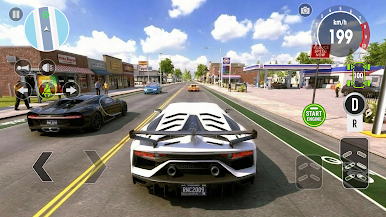
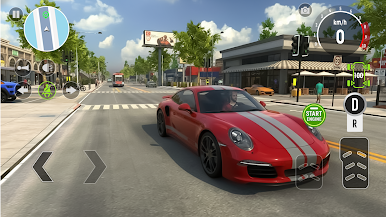
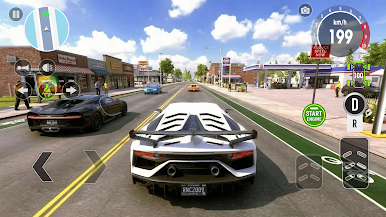
- Wide Car Variety: Unlock and drive a diverse collection of realistic vehicles, each with unique handling characteristics.
- Deep Customization: Make your ride stand out! Personalize your cars with:
+ A full spectrum of Colors and Decals
+ Fun Roof Decorations
+ Customizable license Plates
🖼️ Stunning Realism:
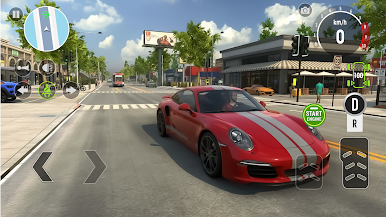
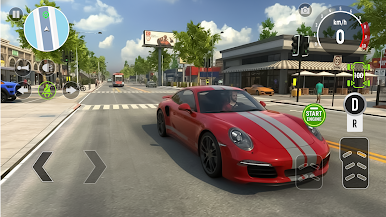
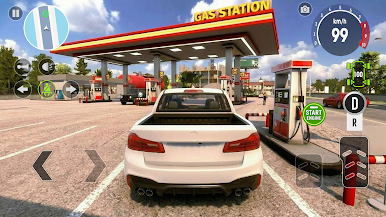
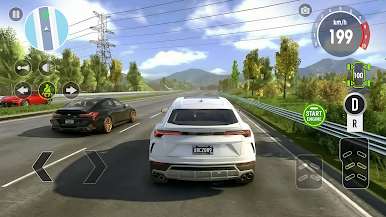
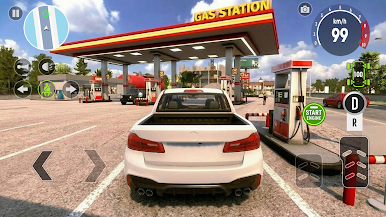
Immerse yourself in highly detailed 3D graphics that bring the city, parking lots, and cars to life. From realistic lighting and reflections to accurate car models, Driving School: Car Parking 3D offers a visually stunning simulation experience.
Whether you're a beginner learning the basics or an experienced driver looking for a challenging parking simulator, Driving School: Car Parking 3D has something for everyone.
Download now, start your engine, and begin your journey to becoming a parking master!
Play Driving School: Car Parking 3D on PC. It’s easy to get started.
-
Download and install BlueStacks on your PC
-
Complete Google sign-in to access the Play Store, or do it later
-
Look for Driving School: Car Parking 3D in the search bar at the top right corner
-
Click to install Driving School: Car Parking 3D from the search results
-
Complete Google sign-in (if you skipped step 2) to install Driving School: Car Parking 3D
-
Click the Driving School: Car Parking 3D icon on the home screen to start playing

