

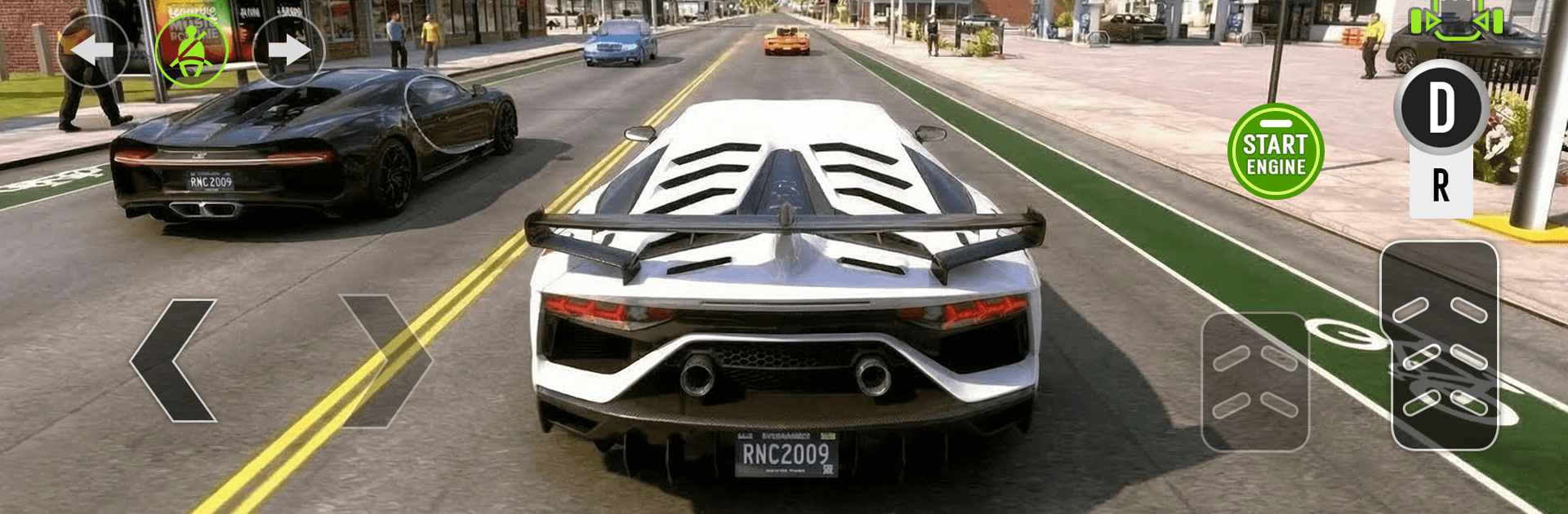
Driving School: Car Parking 3D
Play on PC with BlueStacks – the Android Gaming Platform, trusted by 500M+ gamers.

Page Modified on: Mar 13, 2026
Play Driving School: Car Parking 3D on PC or Mac
Explore a whole new adventure with Driving School: Car Parking 3D, a Simulation game created by Cheetah Game Studios. Experience great gameplay with BlueStacks, the most popular gaming platform to play Android games on your PC or Mac.
About the Game
Driving School: Car Parking 3D turns everyday driving into a hands-on challenge you actually want to practice. It’s a smart blend of careful parking, smooth cruising, and learning real road habits without the pressure of a real commute. Made by Cheetah Game Studios, this Simulation title focuses on believable physics and clear feedback, whether you’re just starting out or chasing spotless, scratch-free runs. Prefer a bigger screen and tighter control options? It plays nicely on BlueStacks too.
Game Features
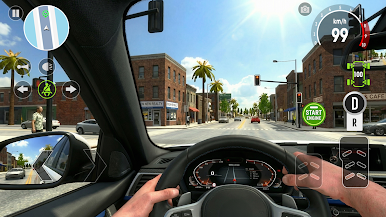
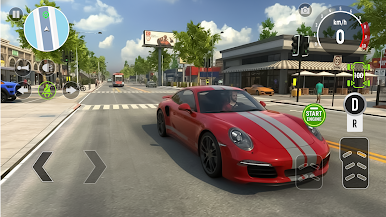
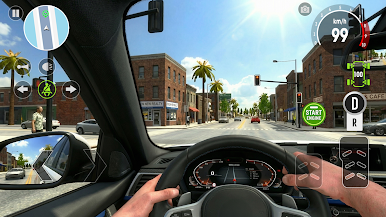
- Varied Modes: Tackle busy city routes with traffic lights and signs, precision parking scenarios that get trickier over time, and relaxed free-drive sessions when you just want to roam.
- Realistic Physics: Feel the car’s weight shift as you steer, brake, and ease into tight spots—small mistakes matter, and clean lines are rewarded.
- Traffic-Rule Focus: Practice real-world road behavior, from stopping correctly to reading lane markings, then apply it as challenges ramp up.
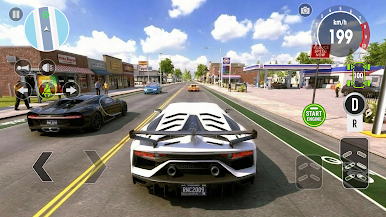
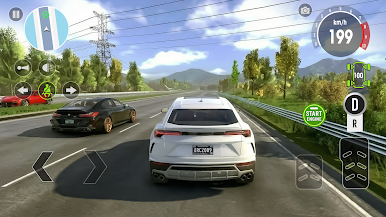
- Diverse Vehicle Roster: Unlock a range of believable cars, each with its own handling personality—light compacts, sturdy sedans, and more to master.
- Deep Customization: Make every ride yours with paint colors, bold decals, playful roof add-ons, and custom license plates that show a bit of flair.
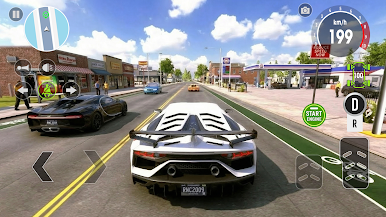
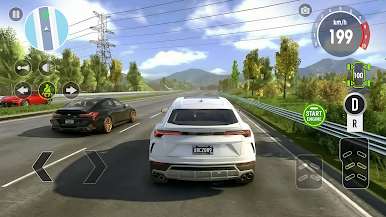
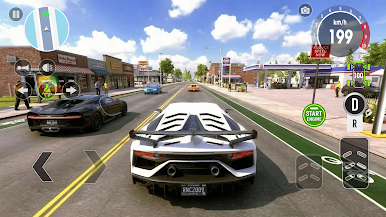
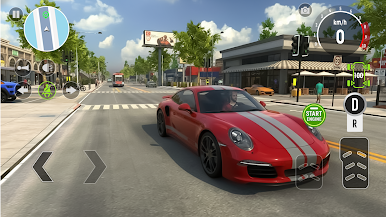
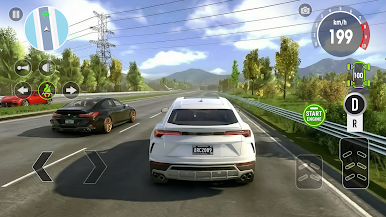
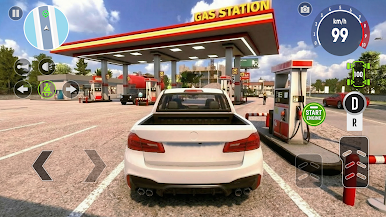
- Crisp 3D Visuals: Explore detailed streets and parking lots with convincing lighting and reflections, plus car models that look the part up close.
- Comfortable Controls: Pick a control setup that suits you and refine those maneuvers—nudge forward, feather the brake, straighten out, done.
Get ready for a buttery smooth, high-performance gaming action only on BlueStacks.
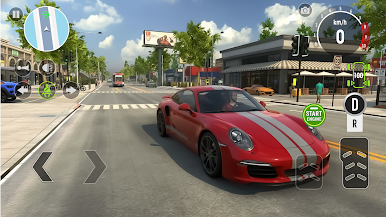
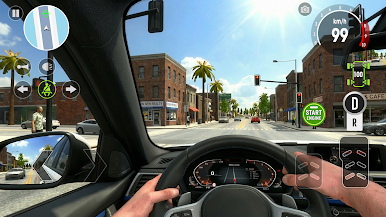
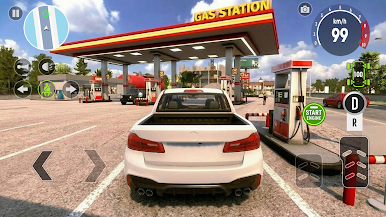
Play Driving School: Car Parking 3D on PC. It’s easy to get started.
-
Download and install BlueStacks on your PC
-
Complete Google sign-in to access the Play Store, or do it later
-
Look for Driving School: Car Parking 3D in the search bar at the top right corner
-
Click to install Driving School: Car Parking 3D from the search results
-
Complete Google sign-in (if you skipped step 2) to install Driving School: Car Parking 3D
-
Click the Driving School: Car Parking 3D icon on the home screen to start playing

