


Hyperburner
Play on PC with BlueStacks – the Android Gaming Platform, trusted by 500M+ gamers.

Page Modified on: Oct 9, 2025
Play Hyperburner on PC or Mac
Bring your A-game to Hyperburner, the Racing game sensation from Bad Potion. Give your gameplay the much-needed boost with precise game controls, high FPS graphics, and top-tier features on your PC or Mac with BlueStacks.
About the Game
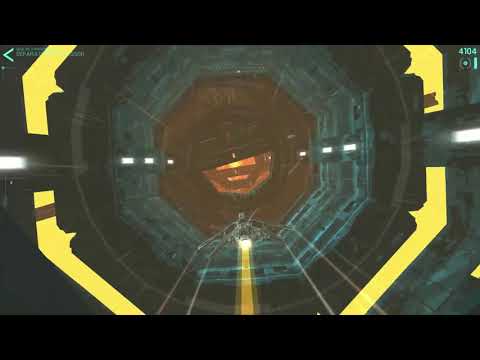
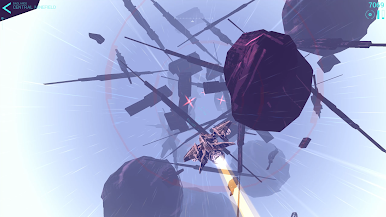
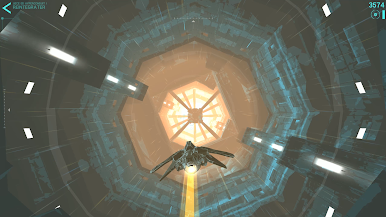
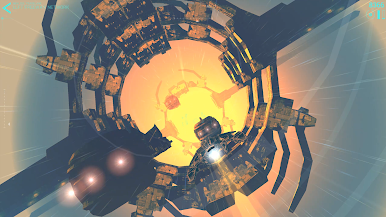
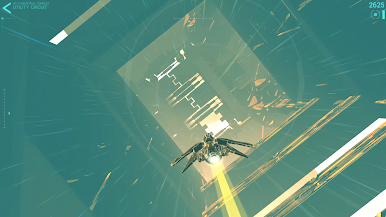
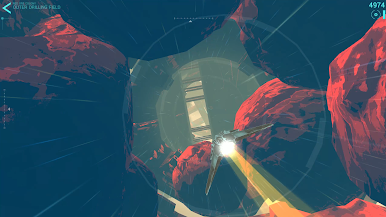
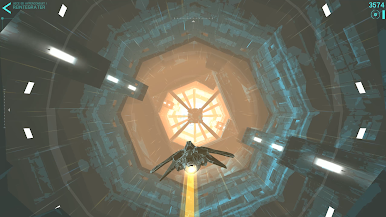
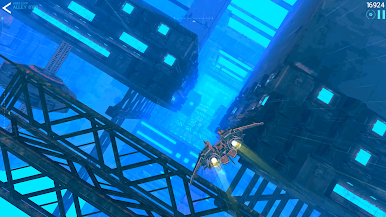
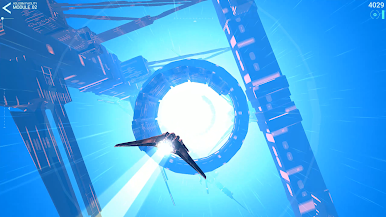
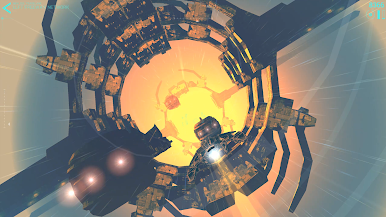
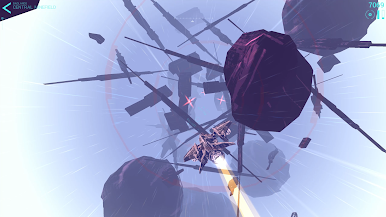
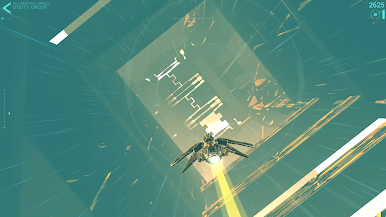
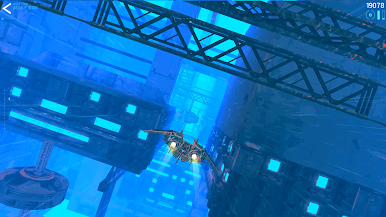
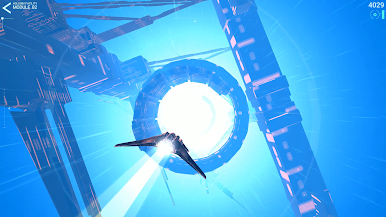
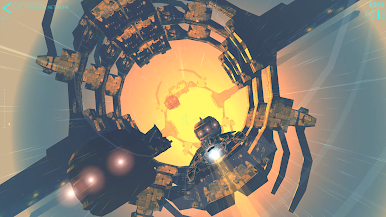
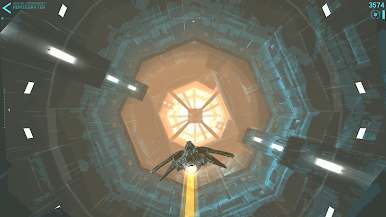
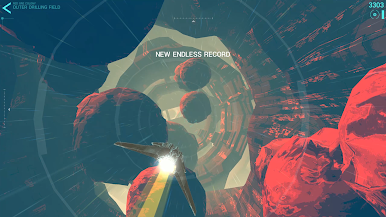
Ready for a white-knuckle trip through the cosmos? Hyperburner throws you straight into high-speed, obstacle-dodging action in a sleek, futuristic setting. Zip through wild space tracks, slam on the boosters, and see just how sharp your skills really are—it’s not for the faint of heart, that’s for sure.
Game Features
- Thrilling Speeds
-
Get set for fast-paced runs filled with dizzyingly quick maneuvers and split-second reflex tests. Miss a turn? No worries—you’re right back in thanks to instant respawns.
-
Challenging Stages
-
Each of the six zones offers its own mood and surprise, with five stages per zone ramping up the challenge as you progress.
-
Ever-Increasing Skill Tests
-
Think you have what it takes? Take on tricky ace pilot objectives and aim for leaderboard-worthy runs. There’s always a new test waiting.
-
Unlockable Ships
-
Rack up achievements and you’ll be swapping your starter ship for fresh, futuristic rides—each one cooler than the last.
-
Smooth Controls, Any Way You Play
-
Hyperburner is designed so you can go full throttle whether you’re playing upright or sideways. Controls stay fluid, no matter how you hold your device.
-
Perfect for BlueStacks
- Want to amp up the precision even further? Hyperburner feels right at home with mouse and keyboard support on BlueStacks.
Start your journey now. Download the game on BlueStacks, invite your friends, and march on a new adventure.

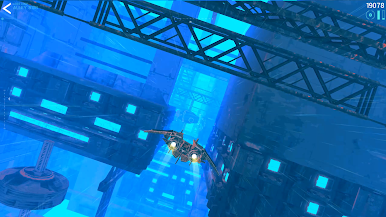
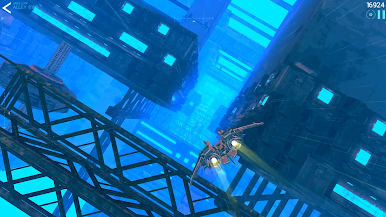
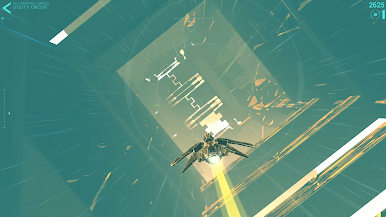

Play Hyperburner on PC. It’s easy to get started.
-
Download and install BlueStacks on your PC
-
Complete Google sign-in to access the Play Store, or do it later
-
Look for Hyperburner in the search bar at the top right corner
-
Click to install Hyperburner from the search results
-
Complete Google sign-in (if you skipped step 2) to install Hyperburner
-
Click the Hyperburner icon on the home screen to start playing

