


Dicero
Play on PC with BlueStacks – the Android Gaming Platform, trusted by 500M+ gamers.

Page Modified on: Mar 30, 2026
Main Dicero on PC
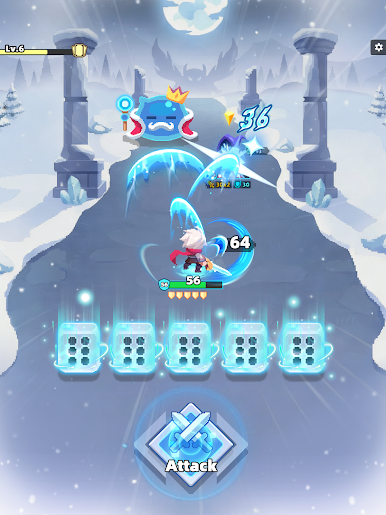
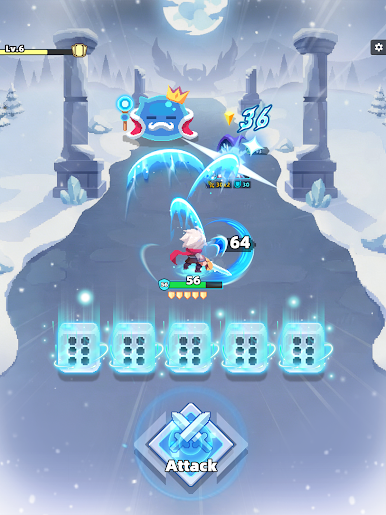
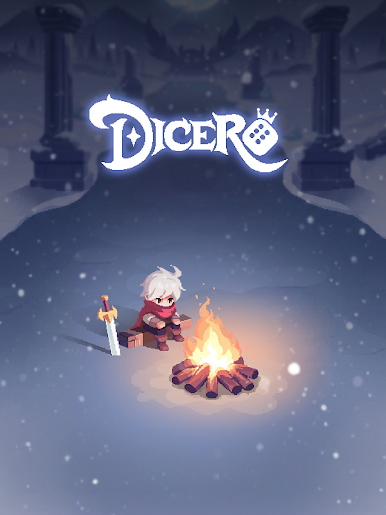
Welcome to Dicero, a fast-paced Casual Roguelite adventure where every battle starts with a roll. It’s time to stop thinking and start rolling!
Game Features
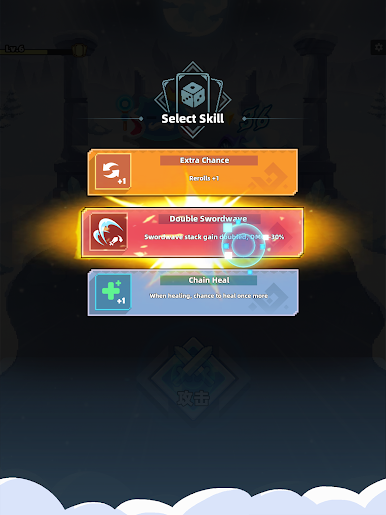
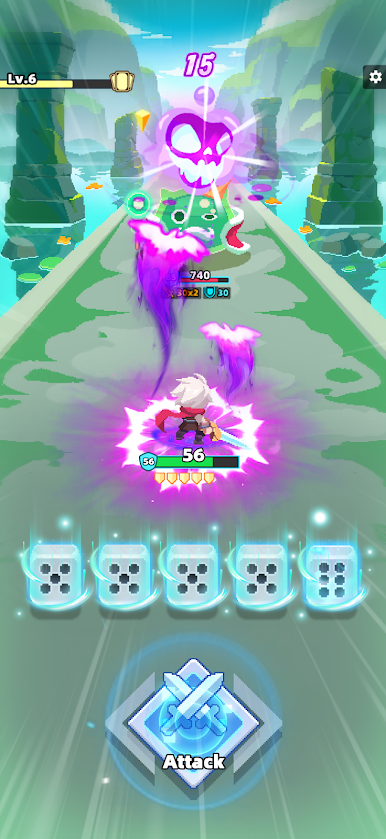
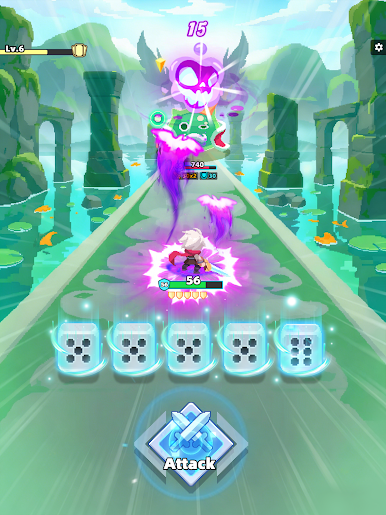
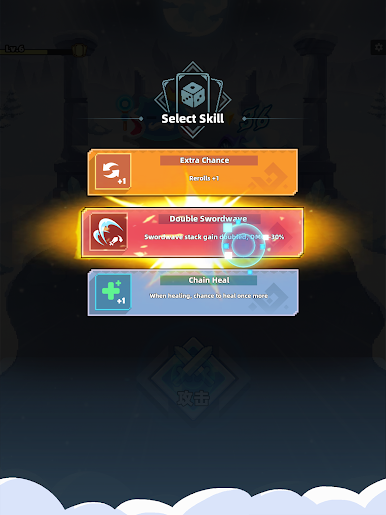
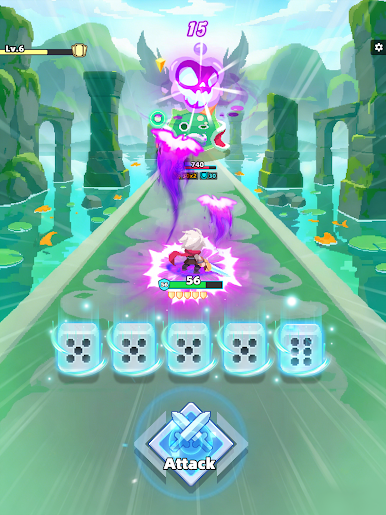
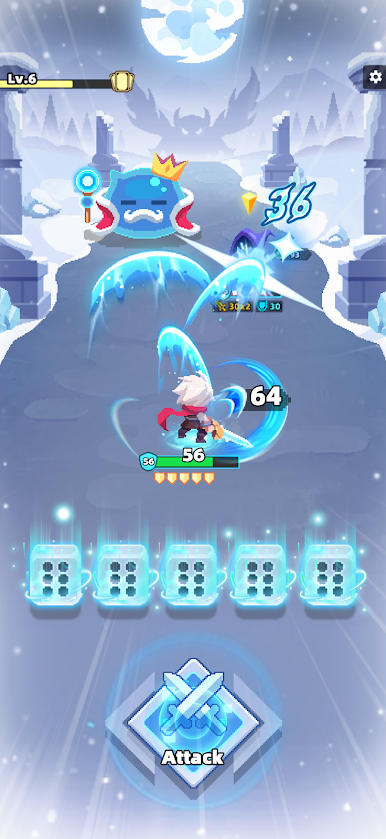
· Roll & Conquer – Roll your dice to unleash powerful skills. Simple strategy, total domination!
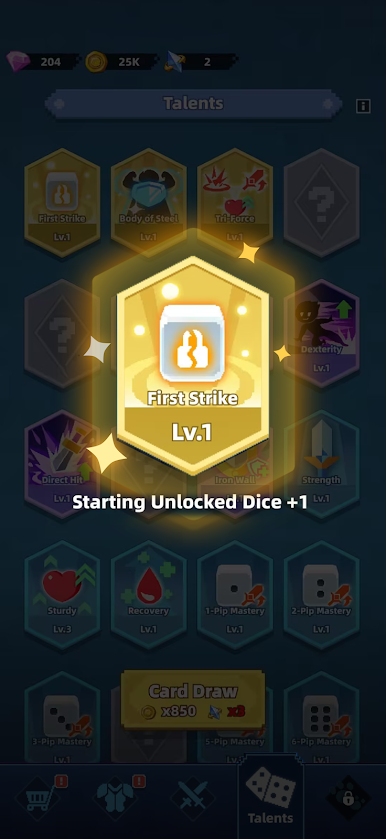
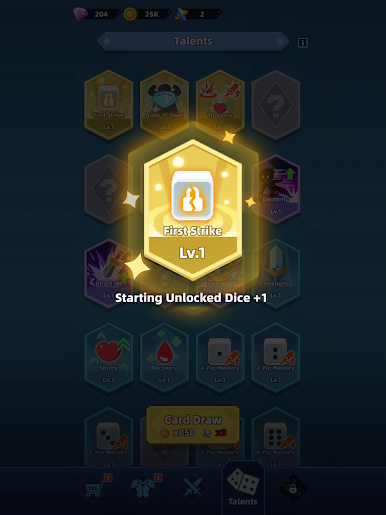
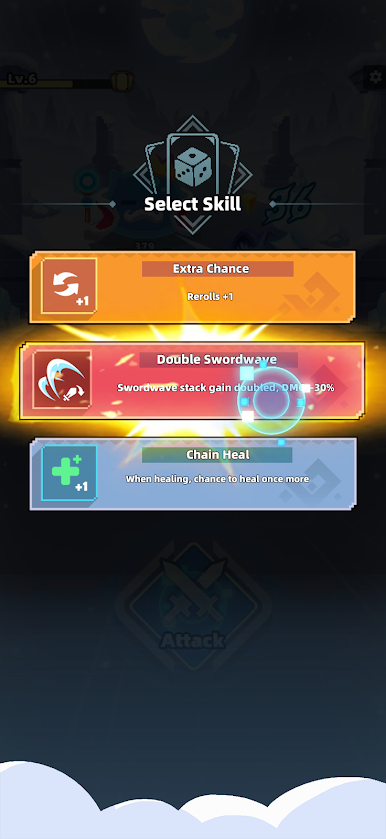
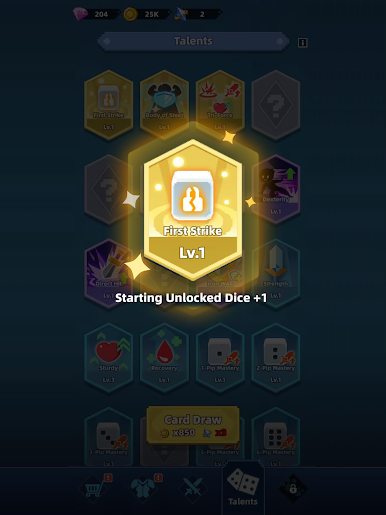
· Build Your Hero – Unlock hundreds of unique skills and gear. Create your own builds to crush enemies.
· Endless Action – No two runs are the same. Explore infinite skill combos in every challenge.
· Epic Pixel Combat – Bold effects, clean visuals, and big impact.
Why You'll Love Dicero
· Easy to Learn – Jump into the action instantly. No complicated tutorials!
· Instant Power – Upgrade skills and gear to see your hero grow stronger by the second.
· Quick Fun – An addictive strategy experience perfect for short sessions.
Download Now! Start your epic Dice journey today!


Play Dicero on PC. It’s easy to get started.
-
Download and install BlueStacks on your PC
-
Complete Google sign-in to access the Play Store, or do it later
-
Look for Dicero in the search bar at the top right corner
-
Click to install Dicero from the search results
-
Complete Google sign-in (if you skipped step 2) to install Dicero
-
Click the Dicero icon on the home screen to start playing

