


3D Billiards World Tour Pool
Play on PC with BlueStacks – the Android Gaming Platform, trusted by 500M+ gamers.

Page Modified on: May 18, 2026
Main 3D Billiards World Tour Pool on PC
🌟 KEY FEATURES 🌟
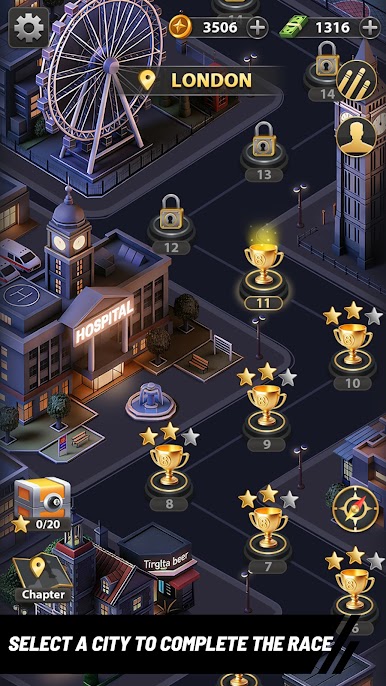
🌍 World Tour Map Mode
Take your skills on the road! Progress through beautifully designed, level-based maps set in iconic cities around the globe. Clear stages in the romantic streets of Paris, hit the jackpot in Las Vegas, and conquer the clubs of London and New York.
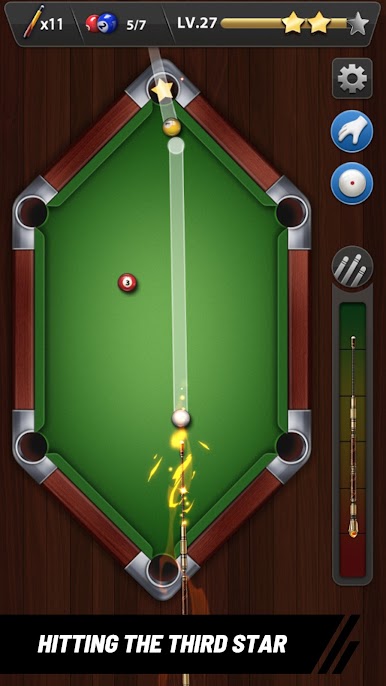
🎱 Creative & Unique Pool Tables
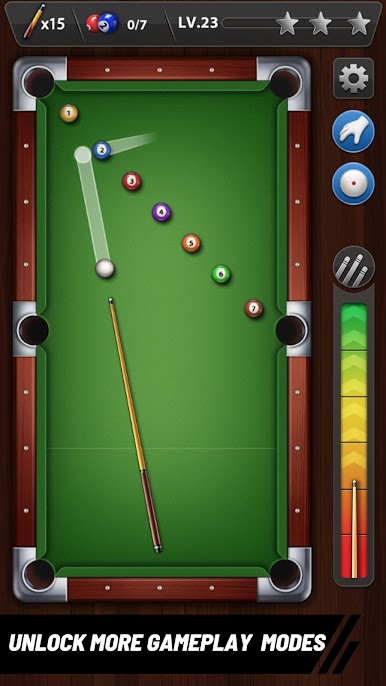
Say goodbye to standard gameplay! Test your geometry and physics skills across a variety of innovative table shapes. Play on classic rectangular tables, tackle tricky multi-sided polygonal tables, and master completely irregular, custom-shaped boards that will push your trick-shot abilities to the limit.
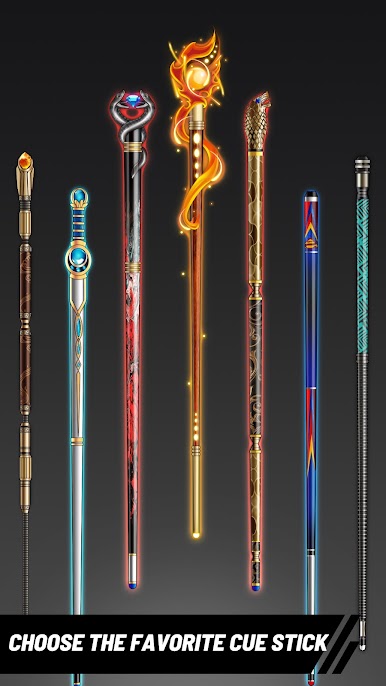
🪄 Advanced Cues & Precision Aiming
Take total control of the cue ball. Utilize an adjustable aiming system to map out the perfect trajectory, apply spin, and execute flawless shots. Unlock a massive arsenal of unique cues, each loaded with special skills and attributes to help you dominate the toughest levels.
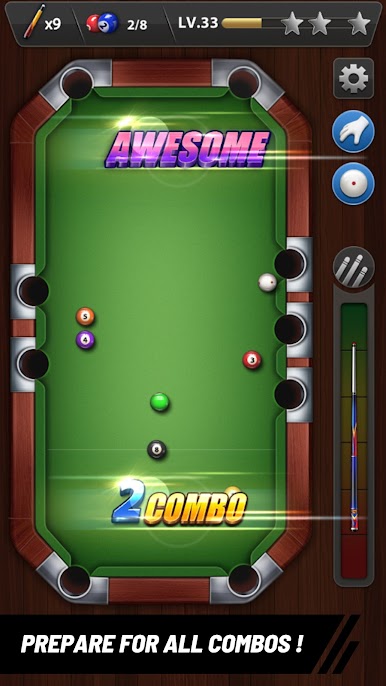
🏆 Classic Rules, Puzzle-Like Challenges
Enjoy the familiar and authentic 8-ball pool rules you love, seamlessly blended into a level-based progression system. Sink the balls, complete stage objectives, earn 3 stars, and become a billiards legend!
Are you ready to travel the world and become the ultimate pool champion? Download now and start your 3D billiards journey today!

Play 3D Billiards World Tour Pool on PC. It’s easy to get started.
-
Download and install BlueStacks on your PC
-
Complete Google sign-in to access the Play Store, or do it later
-
Look for 3D Billiards World Tour Pool in the search bar at the top right corner
-
Click to install 3D Billiards World Tour Pool from the search results
-
Complete Google sign-in (if you skipped step 2) to install 3D Billiards World Tour Pool
-
Click the 3D Billiards World Tour Pool icon on the home screen to start playing

