


DIGIMON UP
Play on PC with BlueStacks – the Android Gaming Platform, trusted by 500M+ gamers.

Page Modified on: Oct 6, 2026
Main DIGIMON UP on PC
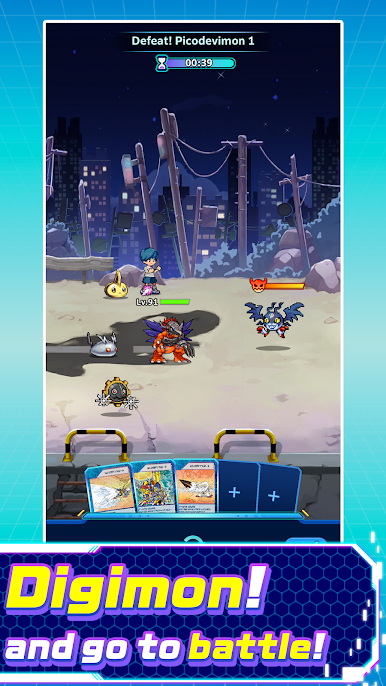
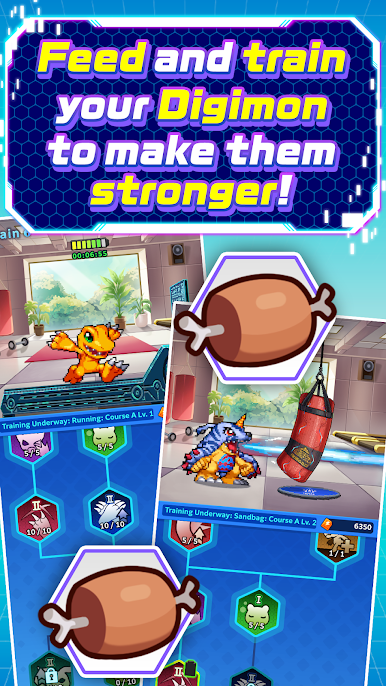
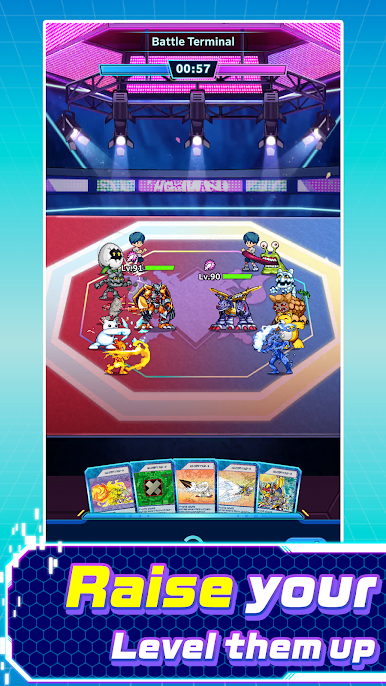
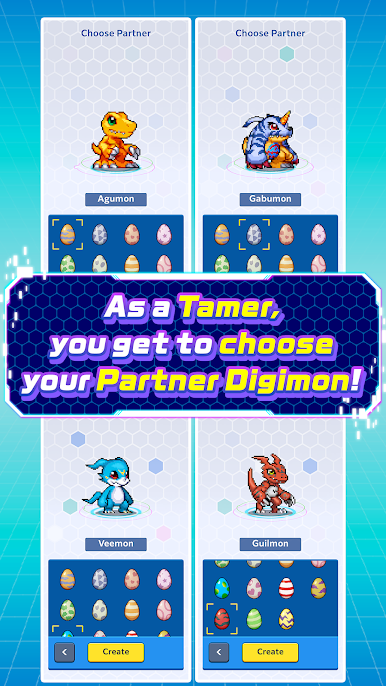
A new Digimon app game is here!
SUPPORT:
https://bnfaq.channel.or.jp/title/3327
Bandai Namco Entertainment Inc. Website:
https://bandainamcoent.co.jp/english/
By downloading or installing this app, you agree to the Bandai Namco Entertainment Terms of Service.
Terms of Service:
https://legal.bandainamcoent.co.jp/terms/
Privacy Policy:
https://legal.bandainamcoent.co.jp/privacy/
Note:
This game contains some items available for in-app purchase that can enhance gameplay and speed up your progress. In-app purchases can be disabled in your device settings, see
https://support.google.com/googleplay/answer/1626831?hl=en for more details.
This application is distributed under the official rights from the license holder.
©Akiyoshi Hongo, Toei Animation ©Bandai Namco Entertainment Inc.
Play DIGIMON UP on PC. It’s easy to get started.
-
Download and install BlueStacks on your PC
-
Complete Google sign-in to access the Play Store, or do it later
-
Look for DIGIMON UP in the search bar at the top right corner
-
Click to install DIGIMON UP from the search results
-
Complete Google sign-in (if you skipped step 2) to install DIGIMON UP
-
Click the DIGIMON UP icon on the home screen to start playing

