


Anona Security
Play on PC with BlueStacks – the Android Gaming Platform, trusted by 500M+ gamers.

Page Modified on: Aug 29, 2026
Play Anona Security on PC
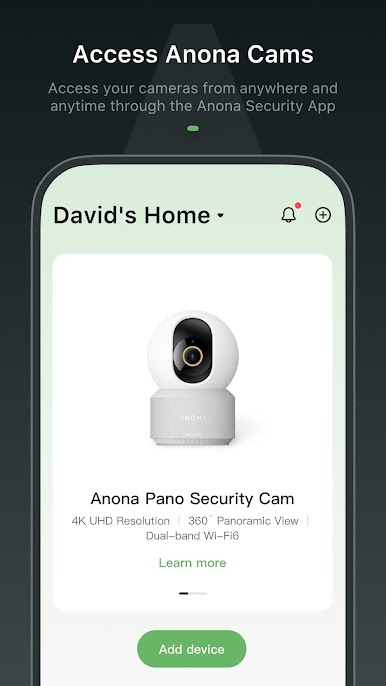
1. Access your cameras anytime, anywhere.
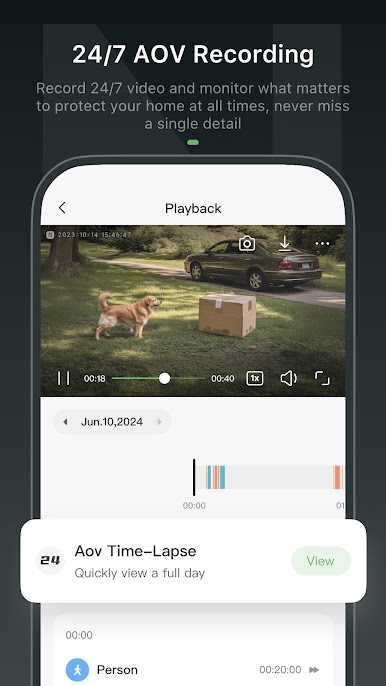
2. Record 24/7 video to monitor and protect what matters most in your home at all times.
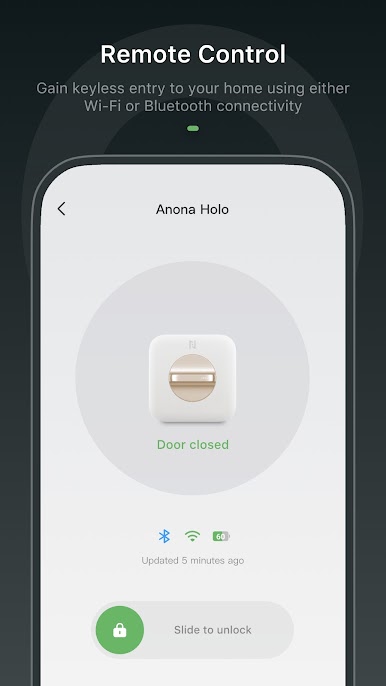
3. Gain keyless entry to your home using Wi-Fi or Bluetooth connectivity.
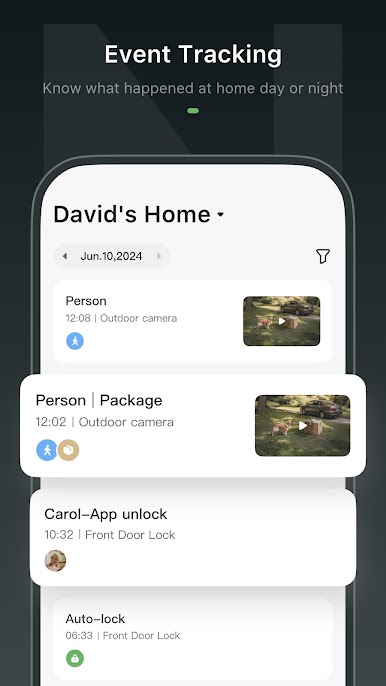
4. Stay informed about what happens at home, day or night.
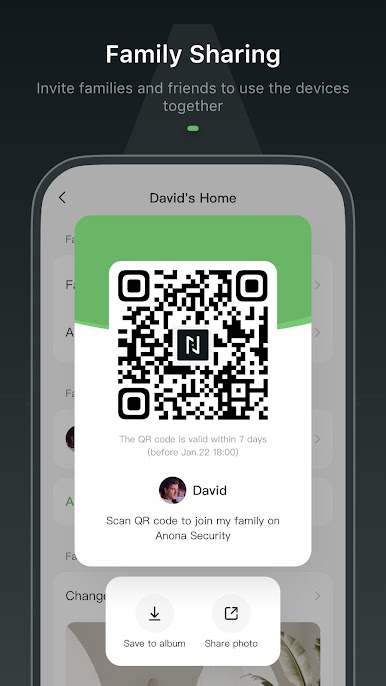
5. Invite family and friends to share access to your devices.

Play Anona Security on PC. It’s easy to get started.
-
Download and install BlueStacks on your PC
-
Complete Google sign-in to access the Play Store, or do it later
-
Look for Anona Security in the search bar at the top right corner
-
Click to install Anona Security from the search results
-
Complete Google sign-in (if you skipped step 2) to install Anona Security
-
Click the Anona Security icon on the home screen to start playing

