


Bartleby: Q&A Homework-Helper
Play on PC with BlueStacks – the Android Gaming Platform, trusted by 500M+ gamers.

Page Modified on: Jul 22, 2025
Run Bartleby: Q&A Homework-Helper on PC or Mac
Let BlueStacks turn your PC, Mac, or laptop into the perfect home for Bartleby: Q&A Homework-Helper, a fun Education app from Bartleby.
About the App
Homework giving you a headache? Bartleby: Q&A Homework-Helper is like having a brainy friend on standby, ready to lend a hand when those tricky assignments won’t quit. Whether it’s late at night or right before class starts, this app has a friendly team of experts and tons of resources for all those “wait, how do I solve this?” moments.
App Features
-
Instant Expert Q&A Help
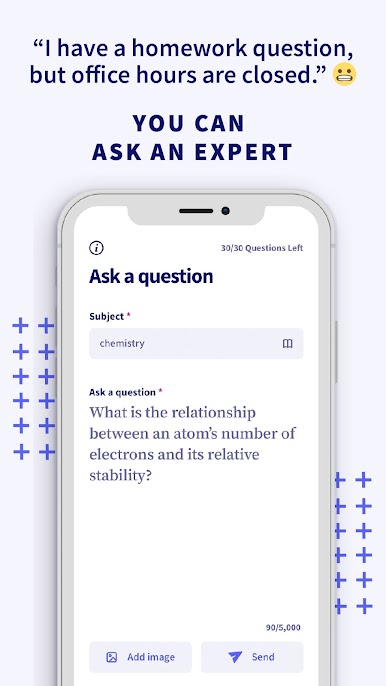
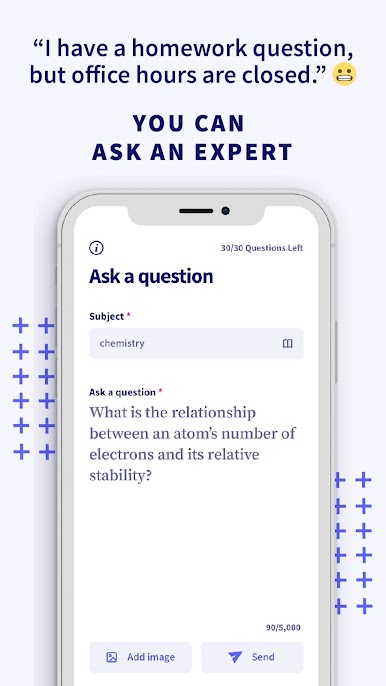
Stuck on a tricky question or just totally blanking on a math problem? Snap a pic or type it out, and real experts will get back to you––sometimes in as little as half an hour. -
8 Million+ Step-by-Step Solutions
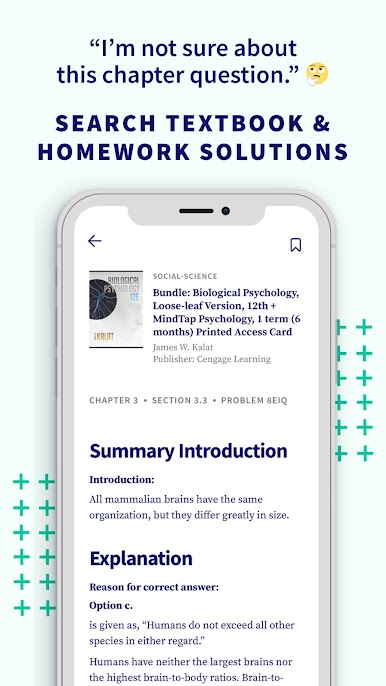
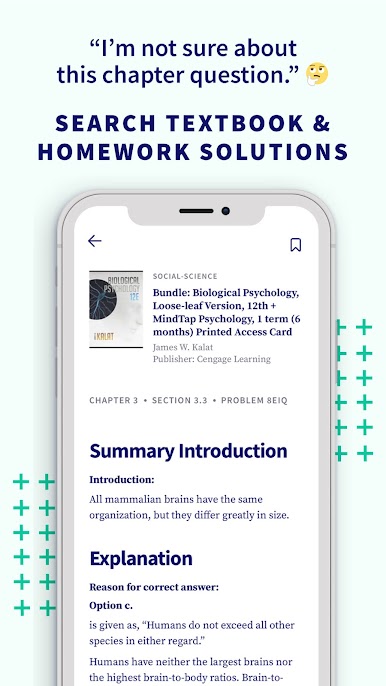
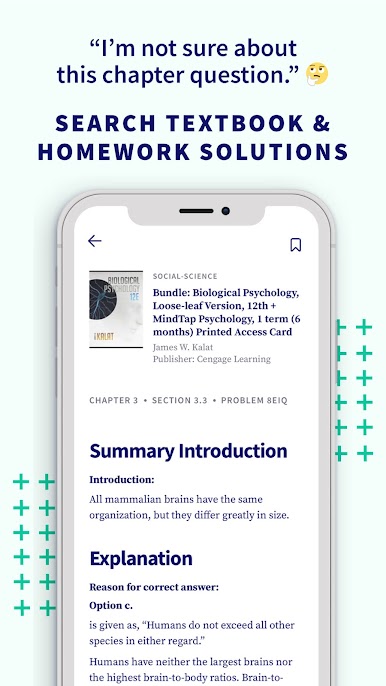
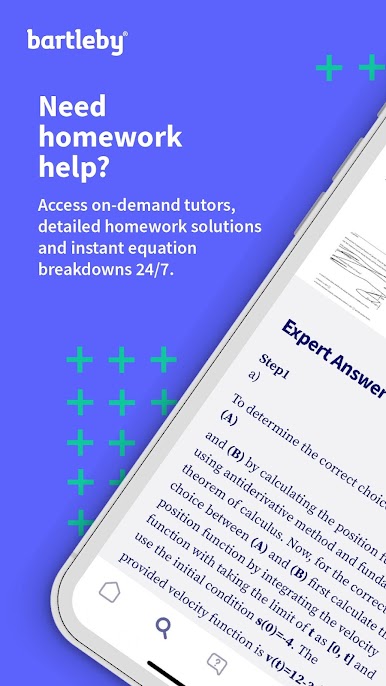
Can’t figure out the next step in a textbook assignment? There’s a giant searchable database packed with walk-through answers for everything from algebra to business. -
Math Made Simple
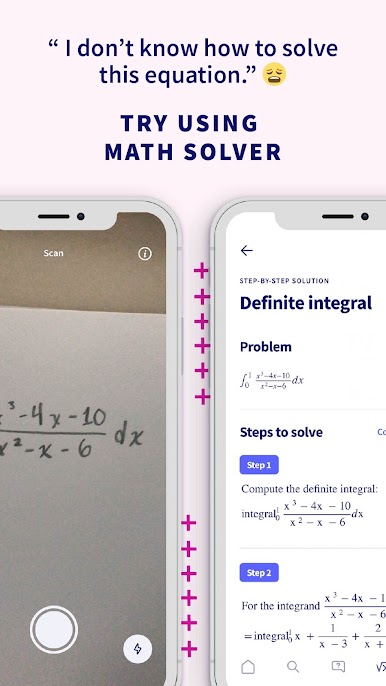
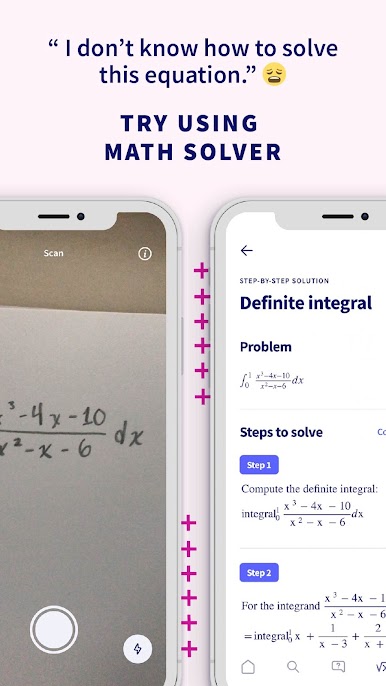
Take advantage of the math problem solver, answer scanner, and built-in calculator. It’s perfect for everything from algebra homework to those “I’ll never use this” calculus questions. -
Support for 30+ Subjects
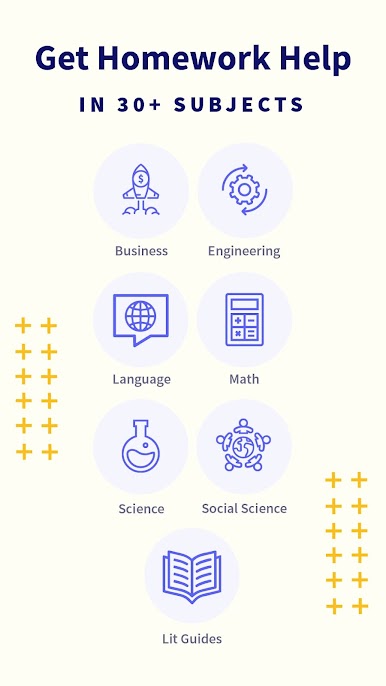
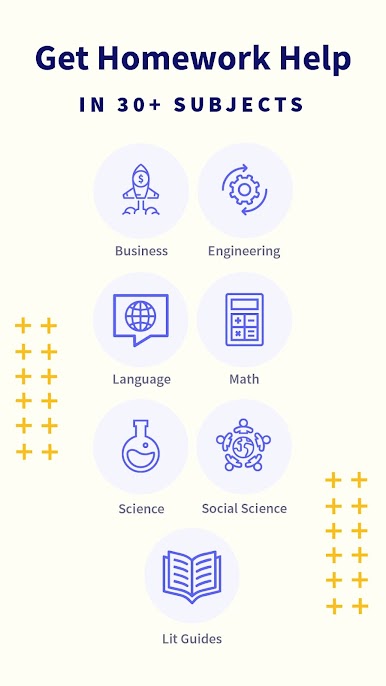
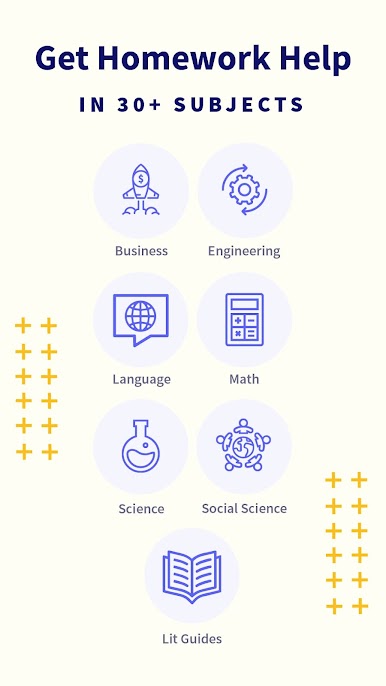
Bartleby covers way more than just math—there’s plenty of help for science, history, English, psychology, and way more. It’s like carrying every tutor you wish you had, right on your device. -
Always-On Homework Help
No matter what time it is, you can ask questions and search answers. Perfect for that last-minute cramming, or if you’re more of a night owl. -
Easy Access on Any Device
If you want a bigger screen or just need a break from your phone, you can even use Bartleby: Q&A Homework-Helper with BlueStacks. -
Flexible Monthly Access
Jump in and out whenever you need, with monthly access and no contract headaches.
Whether you’re wrestling with math, untangling a history essay, or just trying to finish that overdue science worksheet, Bartleby: Q&A Homework-Helper by Bartleby makes finding the answers a whole lot less stressful.
Big screen. Bigger performance. Use BlueStacks on your PC or Mac to run your favorite apps.

Play Bartleby: Q&A Homework-Helper on PC. It’s easy to get started.
-
Download and install BlueStacks on your PC
-
Complete Google sign-in to access the Play Store, or do it later
-
Look for Bartleby: Q&A Homework-Helper in the search bar at the top right corner
-
Click to install Bartleby: Q&A Homework-Helper from the search results
-
Complete Google sign-in (if you skipped step 2) to install Bartleby: Q&A Homework-Helper
-
Click the Bartleby: Q&A Homework-Helper icon on the home screen to start playing

