

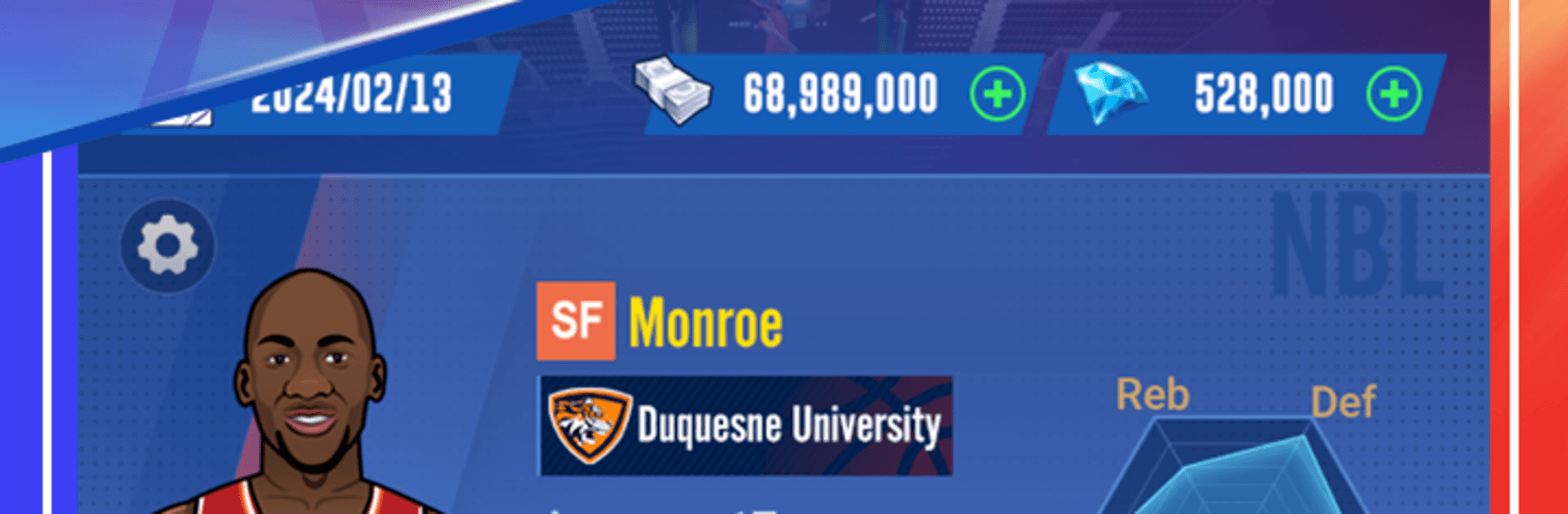
Star Rising: Basketball
Play on PC with BlueStacks – the Android Gaming Platform, trusted by 500M+ gamers.

Page Modified on: May 11, 2026
Play Star Rising: Basketball on PC or Mac
Play Star Rising: Basketball by Rising Star Sports Studio on PC or Mac with BlueStacks. Use a bigger screen, mouse and keyboard controls, and smoother performance while you play.
About the Game
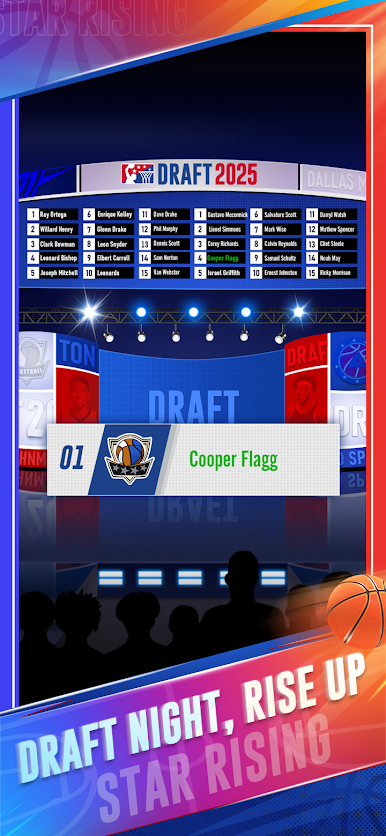
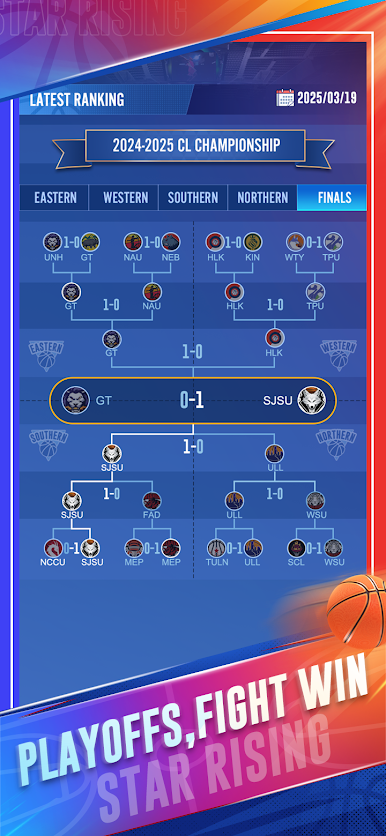
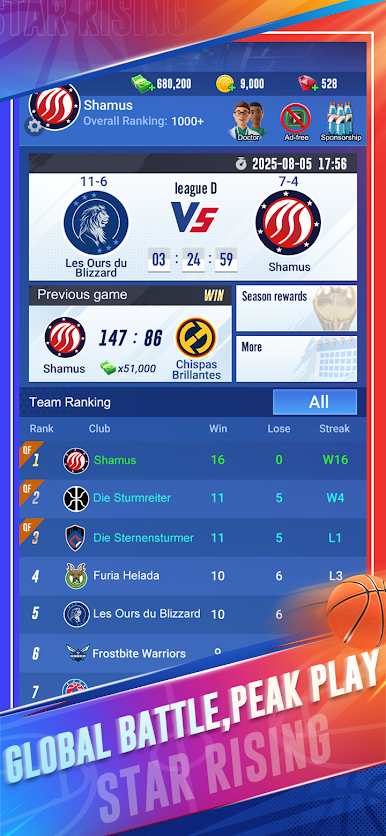
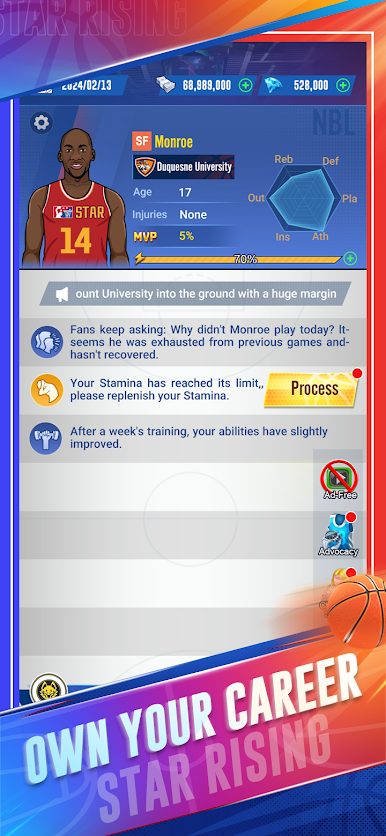
Star Rising: Basketball is a Sports career sim that puts you in the sneakers of a 17-year-old prodigy with big-league dreams. Start in a college club, grind through seasons, and make the kind of choices that turn a raw talent into a franchise cornerstone. It’s fast, flexible, and surprisingly personal—one good decision (or bad miss) can change your whole journey.
Game Features
- Create Your Pro: Begin as a 17-year-old recruit and shape your story across decades of play—grow your skills, build your reputation, and chase banners.
- Pick Your Position: Point guard, wing, big—choose the role you love and let your playstyle define the team’s identity.
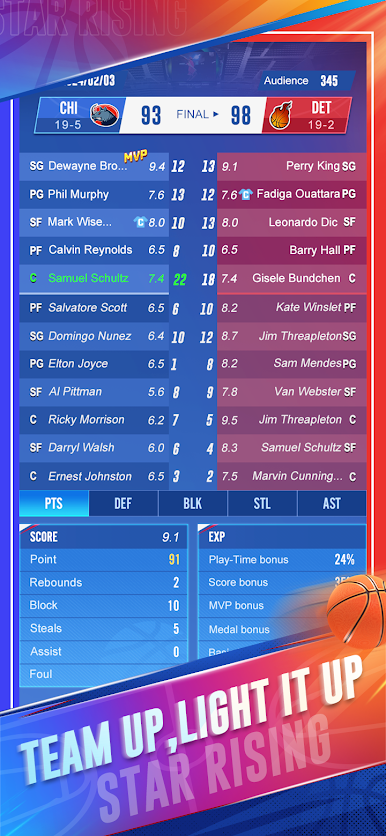
- Fast, Pick-Up-and-Play Matches: Quick games, clean pacing, and no clunky inputs. It’s about instincts, timing, and nailing that perfect release.
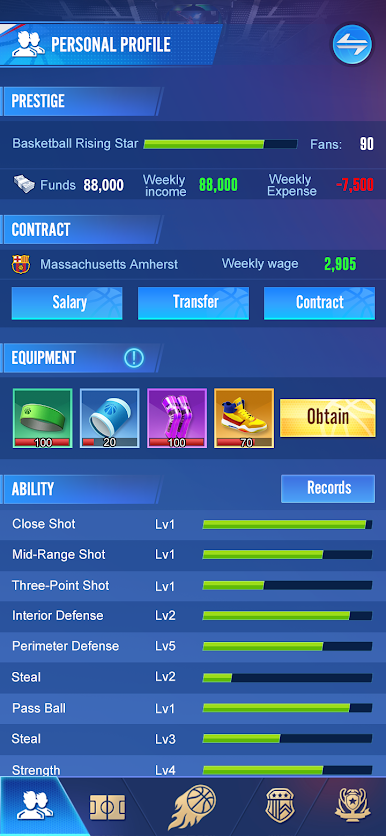
- Train, Transfer, Improve: Invest in specific skills, move to clubs that fit your goals, and keep developing season after season.
- Tactics That Matter: Adjust tempo, tune lineups, and run smart sets. Simple to manage, but every tweak shows up on the scoreboard.
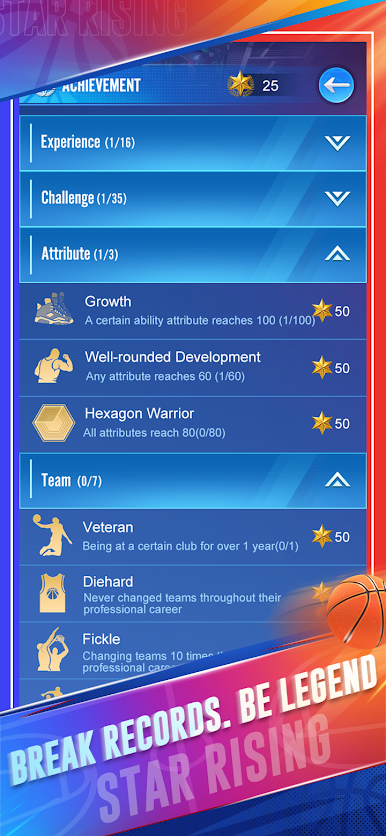
- Win the Hardware: Stack trophies and chase hundreds of achievements as you build a career that actually looks legendary.
- Built for Any Schedule: Sneak in a rapid matchup or settle in for a full season—both styles feel right at home.
- Looks Great on PC: Prefer a bigger screen and crisp controls? Playing on BlueStacks makes it easy to enjoy smooth sessions without the thumb-cramp.
BlueStacks gives you more room to focus on the game and less time adjusting around mobile limitations.

Play Star Rising: Basketball on PC. It’s easy to get started.
-
Download and install BlueStacks on your PC
-
Complete Google sign-in to access the Play Store, or do it later
-
Look for Star Rising: Basketball in the search bar at the top right corner
-
Click to install Star Rising: Basketball from the search results
-
Complete Google sign-in (if you skipped step 2) to install Star Rising: Basketball
-
Click the Star Rising: Basketball icon on the home screen to start playing

