


Electronic Battle Century
Play on PC with BlueStacks – the Android Gaming Platform, trusted by 500M+ gamers.

Page Modified on: Feb 01, 2026
Overview
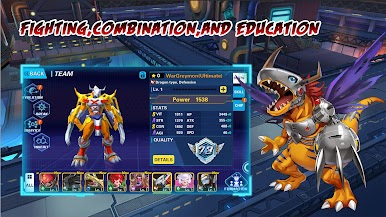
Reproduce the classic electronic world with a 3D perspective, and the picture upgrade experience is even better! You can freely explore and fight on the big map! The unique follow system allows the electronic monster to walk hand in hand with you
---Various fun battles, online real-time real-time battles---
Upgrade to unlock all kinds of fun gameplay and enjoy the fun of strategic battle. Real-time online match-matching in real-time, as well as single player and guild battle modes



Play Electronic Battle Century on PC. It’s easy to get started.
-
Download and install BlueStacks on your PC
-
Complete Google sign-in to access the Play Store, or do it later
-
Look for Electronic Battle Century in the search bar at the top right corner
-
Click to install Electronic Battle Century from the search results
-
Complete Google sign-in (if you skipped step 2) to install Electronic Battle Century
-
Click the Electronic Battle Century icon on the home screen to start playing

