


Bball Sim - Dynasty Basketball
Play on PC with BlueStacks – the Android Gaming Platform, trusted by 500M+ gamers.

Page Modified on: Jul 15, 2026
Play Bball Sim - Dynasty Basketball on PC
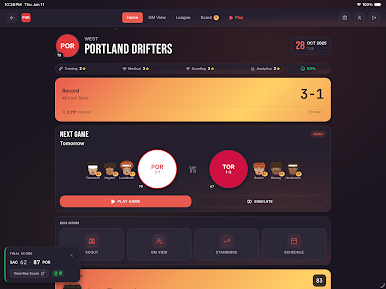
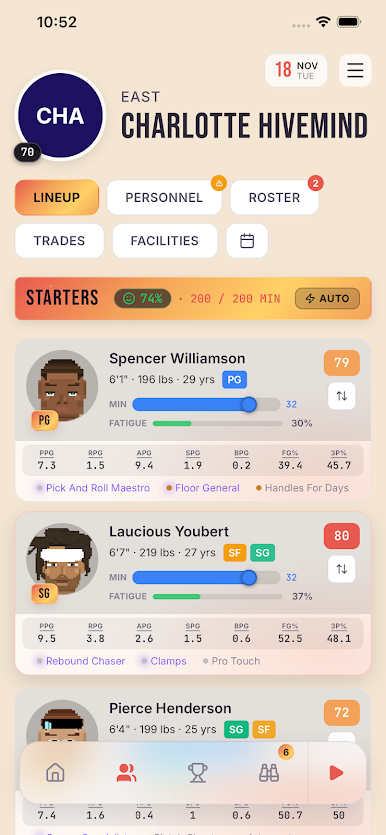
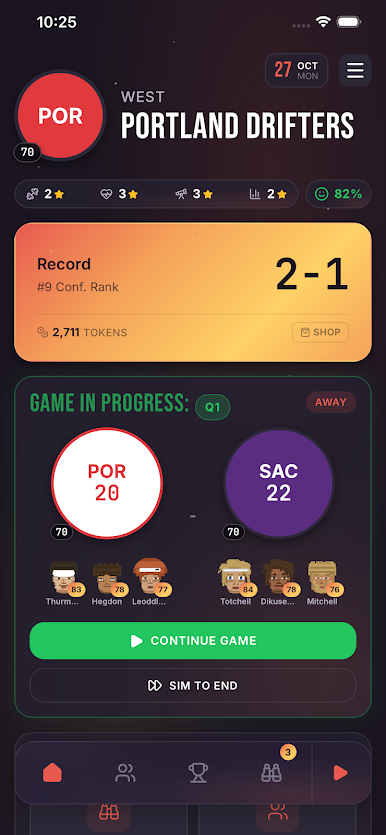
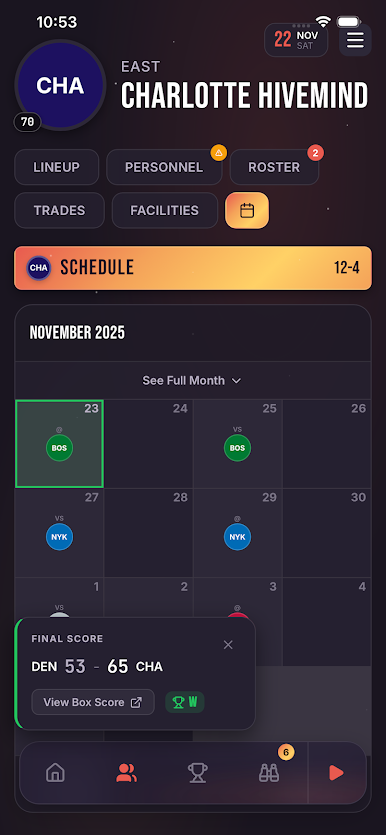
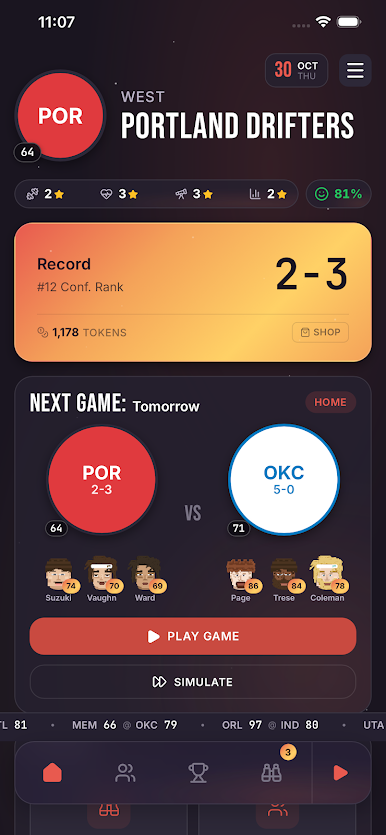
Take the GM seat and build a basketball dynasty. Draft prospects, work trades, develop your roster, and chase championships across multiple seasons.
KICK OFF YOUR WAY
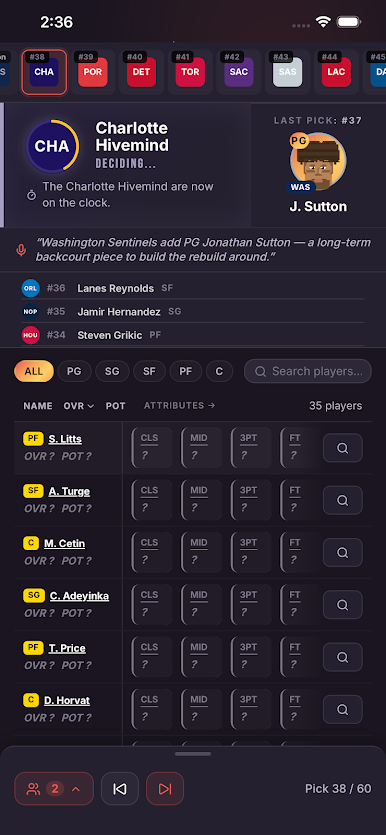
Start a regular campaign with a real-world inspired league — or jump into Fantasy Draft mode and assemble your roster from the entire player pool before tip-off.
A REAL SIM ENGINE
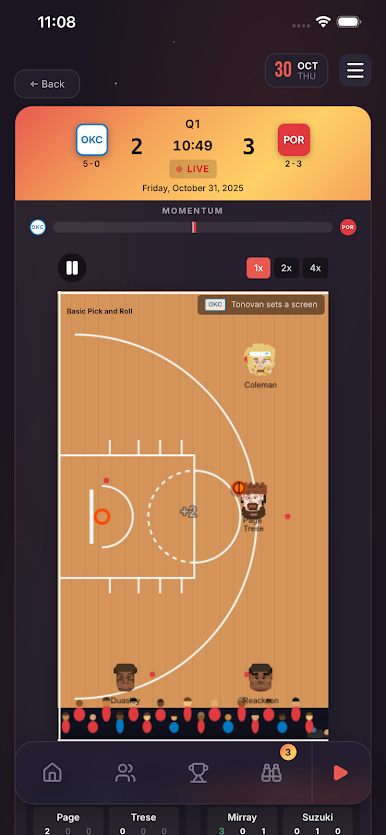
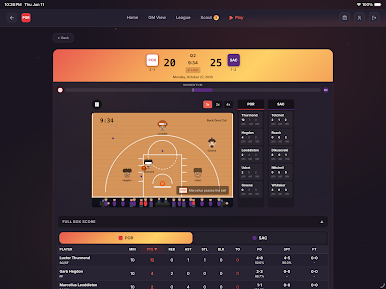
Possession-by-possession gameplay with ratings, coaching schemes, badges, and on-court synergies all shaping the result. Watch games play out live, or sim straight to the final score.
FULL GM CONTROL
• Draft prospects and develop them into stars
• Negotiate trades and navigate cap space
• Sign free agents and re-sign your own talent
• Hire coaches, scouts, and trainers
• Upgrade facilities to speed development
DEEP DEVELOPMENT
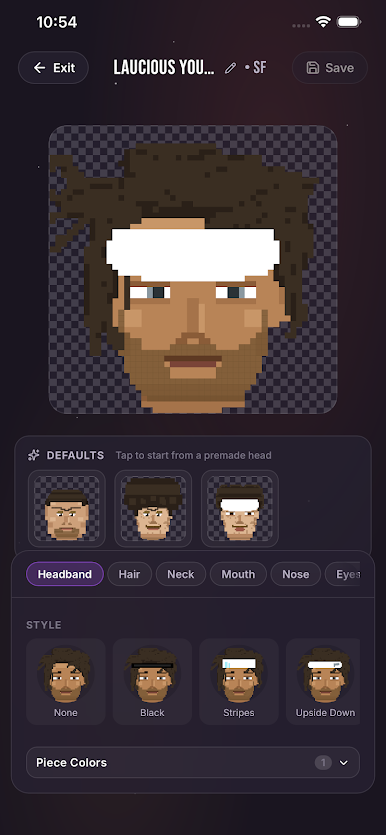
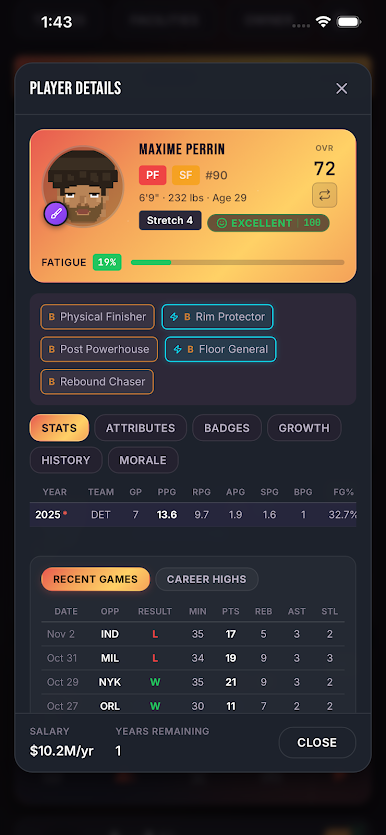
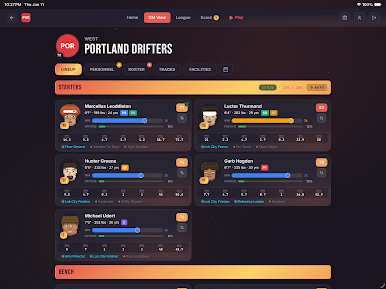
Every player evolves season by season. Minutes, morale, work ethic, and trainer perks shape who breaks out — and who fades. Pair the right badges for chemistry-changing synergies on the floor.
CROSS-DEVICE SYNC
Your campaigns and balance live in the cloud. Pick up where you left off on any device.
Build the roster. Make the moves. Chase the ring.
Play Bball Sim - Dynasty Basketball on PC. It’s easy to get started.
-
Download and install BlueStacks on your PC
-
Complete Google sign-in to access the Play Store, or do it later
-
Look for Bball Sim - Dynasty Basketball in the search bar at the top right corner
-
Click to install Bball Sim - Dynasty Basketball from the search results
-
Complete Google sign-in (if you skipped step 2) to install Bball Sim - Dynasty Basketball
-
Click the Bball Sim - Dynasty Basketball icon on the home screen to start playing

