


8 Ball Crown - Billiard Quest
Play on PC with BlueStacks – the Android Gaming Platform, trusted by 500M+ gamers.

Page Modified on: Jul 14, 2026
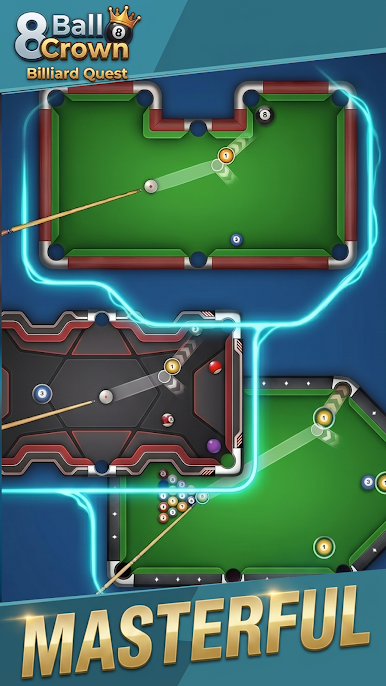
Play 8 Ball Crown - Billiard Quest on PC
✨ Smooth Controls
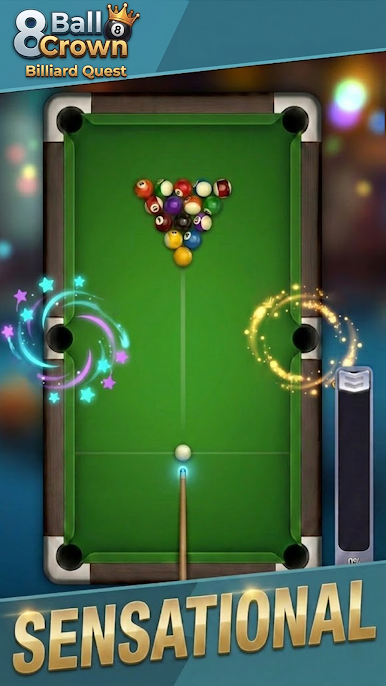
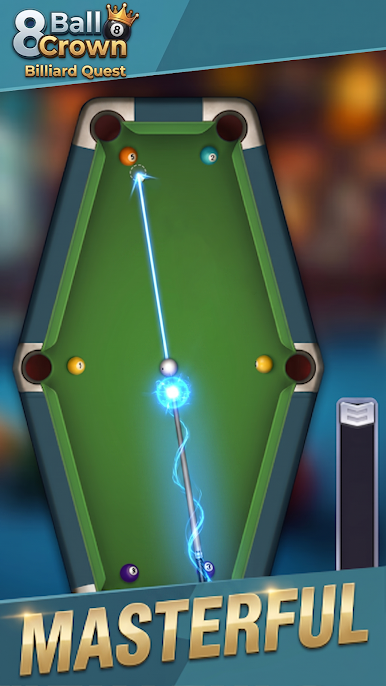
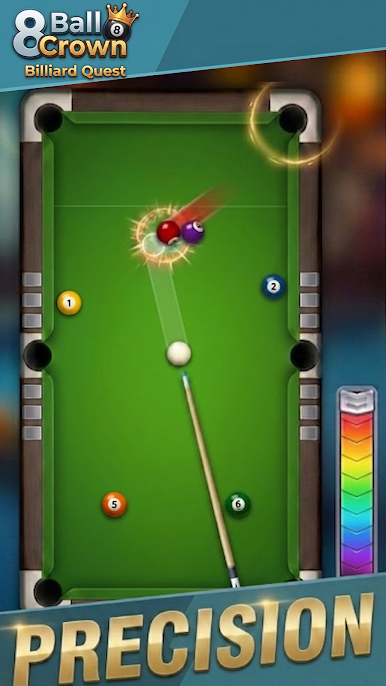
Intuitive touch controls paired with realistic physics make every shot feel satisfying. Just swipe, aim, and fire!
🎱 Variety of Cues, Your Signature Style
Unlock and choose from a selection of stylish cues in the game. Each cue features its own unique look and feel, letting you express your personality on the table and customize your path to victory.
🎯 Challenging Levels
Progress through a series of well‑designed stages that test your precision. Clear the table and hit your targets to advance to the next challenge.
🧠 Think Like a Pro
It’s not just about potting balls – it’s about position play. Plan your next move wisely, outsmart the layout, and take control of the table.
🕹️ Relax or Compete, Your Choice
Whether you have five minutes or a full hour, enjoy a pure 8‑ball experience that’s easy to pick up and deeply rewarding to master.
Download 8 Ball Crown now and claim your victory!
Play 8 Ball Crown - Billiard Quest on PC. It’s easy to get started.
-
Download and install BlueStacks on your PC
-
Complete Google sign-in to access the Play Store, or do it later
-
Look for 8 Ball Crown - Billiard Quest in the search bar at the top right corner
-
Click to install 8 Ball Crown - Billiard Quest from the search results
-
Complete Google sign-in (if you skipped step 2) to install 8 Ball Crown - Billiard Quest
-
Click the 8 Ball Crown - Billiard Quest icon on the home screen to start playing

