


Dwarfs Diggers: Idle Master
Play on PC with BlueStacks – the Android Gaming Platform, trusted by 500M+ gamers.

Page Modified on: Jan 12, 2026
Main Dwarfs Diggers: Idle Master on PC
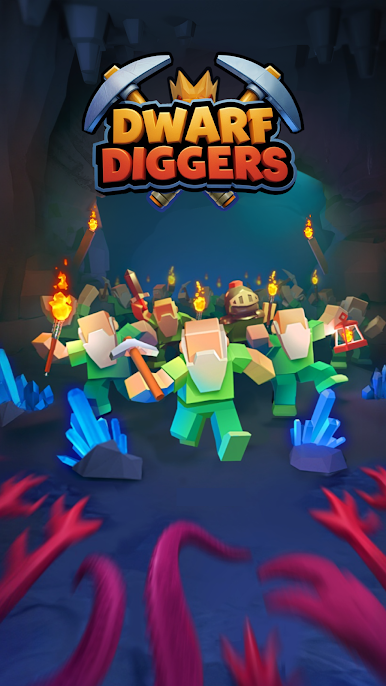
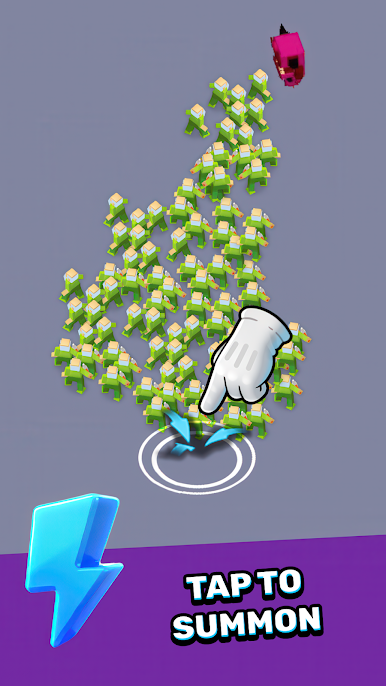
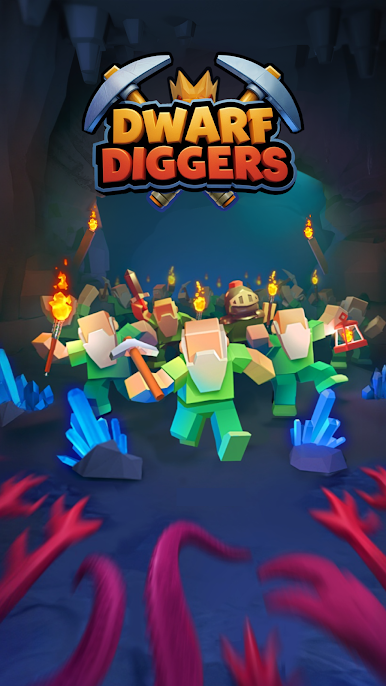
Lead a team of mighty dwarves into dangerous dungeons, where gold, crystals, and deadly monsters await!
🌟 Features:
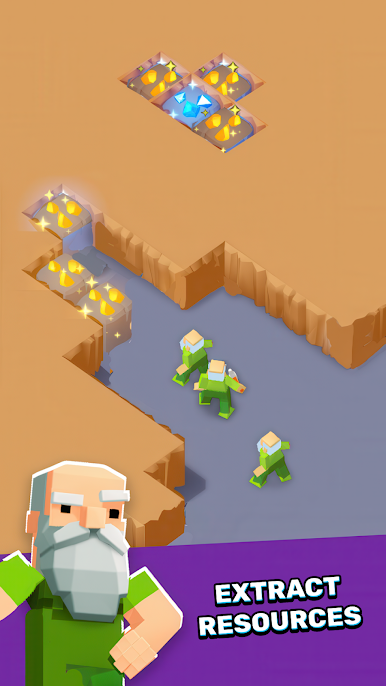
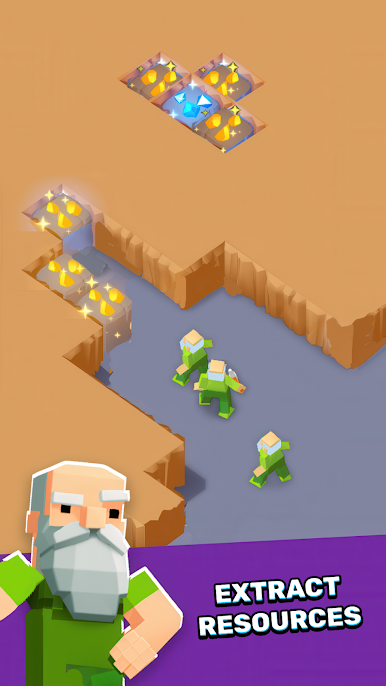
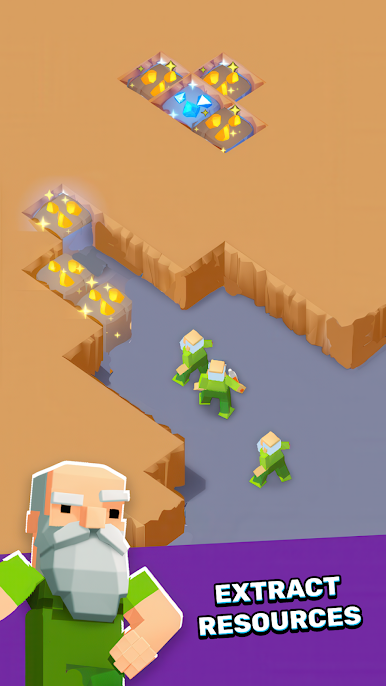
⛏️ Dynamic Mining & Resource Management: Dig through caves to collect gold, rare crystals, and ancient relics. Every strike brings rewards!
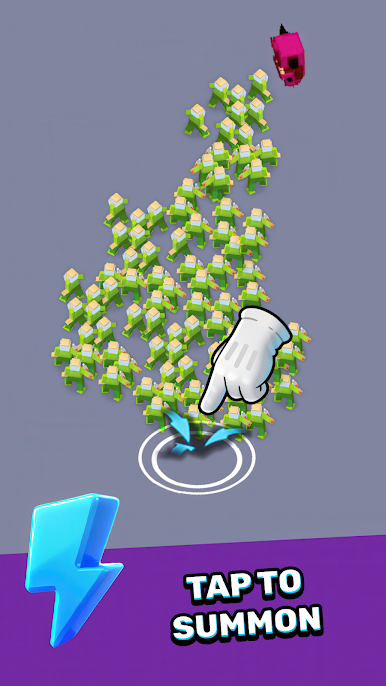
👹 Monster Battles & Challenges: Defend your miners from goblin hordes, lava beasts, and colossal bosses lurking in the shadows.
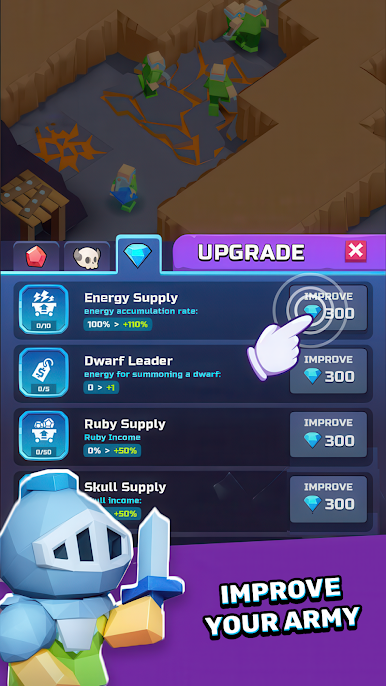
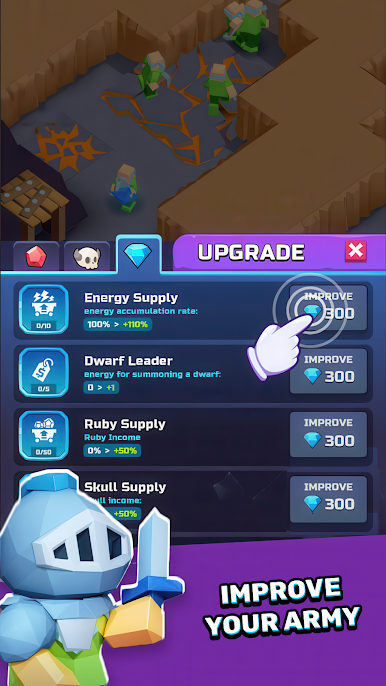
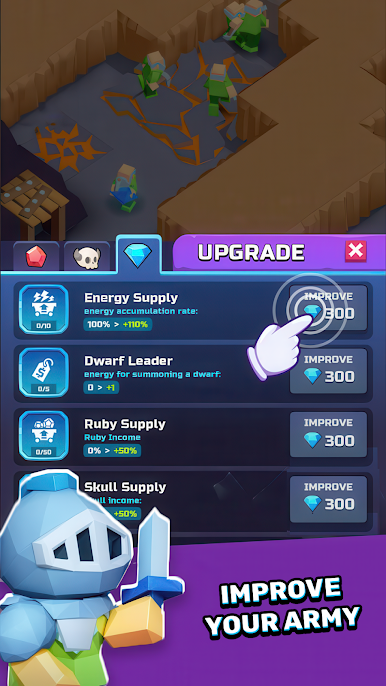
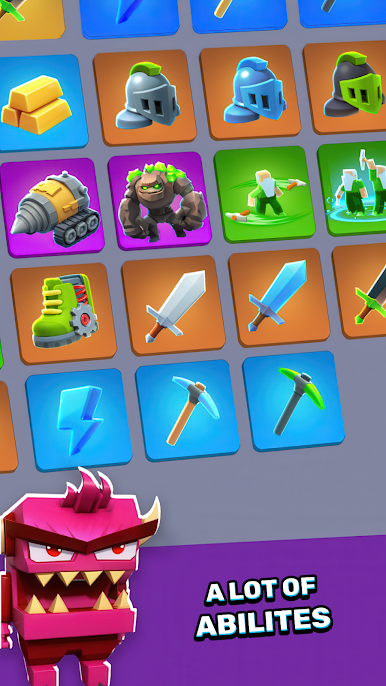
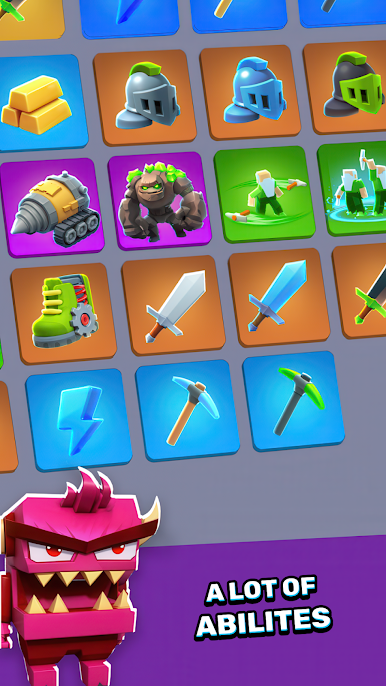
🛠️ Strategic Upgrades & Skill Tree: Unlock abilities like "Molten Pickaxe" or "Crystal Armor" to customize your dwarves’ strengths.
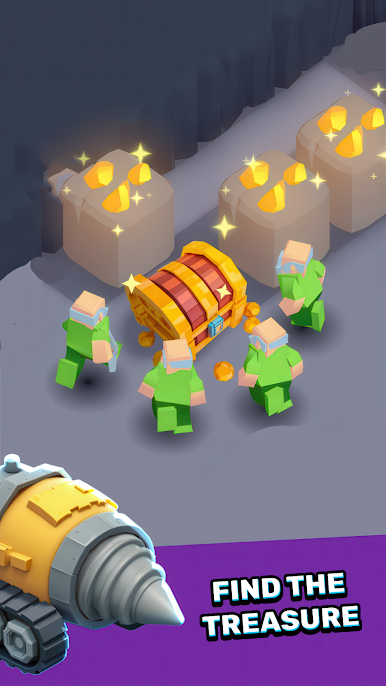
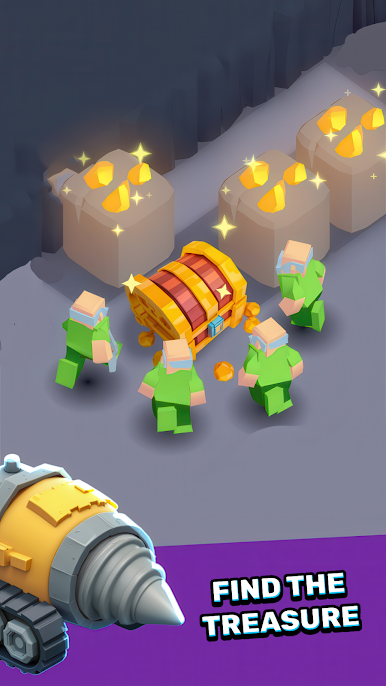
💎 Treasure Hunts & Epic Bosses: Discover hidden chests filled with rare loot and conquer gigantic monsters for legendary rewards.
🔥 Idle Mechanics & Progress: Earn resources even offline! Perfect for casual players who love incremental growth.
🏆 Team Building & Strategy: Combine dwarves’ skills, set traps, and manage resources to dominate the underground!
🚀 Why Choose Dwarf Diggers?
- Unique blend of strategy, idle gameplay, and fast-paced action.
- Vibrant visuals, intuitive controls, and endless dungeon depth.
- Daily quests, events, and secret levels to keep the adventure fresh!
Download now and claim your place as the greatest dwarf leader!
Play Dwarfs Diggers: Idle Master on PC. It’s easy to get started.
-
Download and install BlueStacks on your PC
-
Complete Google sign-in to access the Play Store, or do it later
-
Look for Dwarfs Diggers: Idle Master in the search bar at the top right corner
-
Click to install Dwarfs Diggers: Idle Master from the search results
-
Complete Google sign-in (if you skipped step 2) to install Dwarfs Diggers: Idle Master
-
Click the Dwarfs Diggers: Idle Master icon on the home screen to start playing

