


Robot Era Evolution
Play on PC with BlueStacks – the Android Gaming Platform, trusted by 500M+ gamers.

Page Modified on: Aug 12, 2026
Main Robot Era Evolution on PC
How to Play Robot Era Evolution:
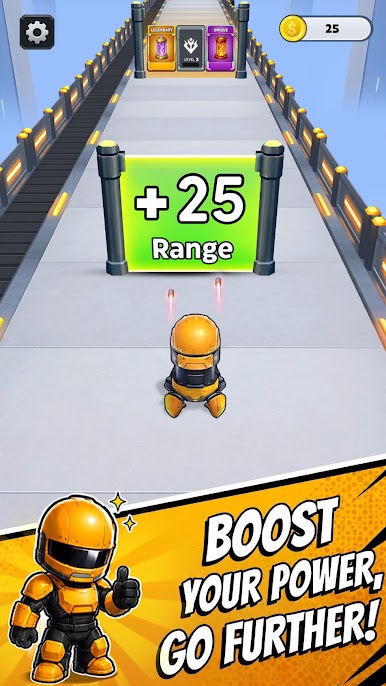
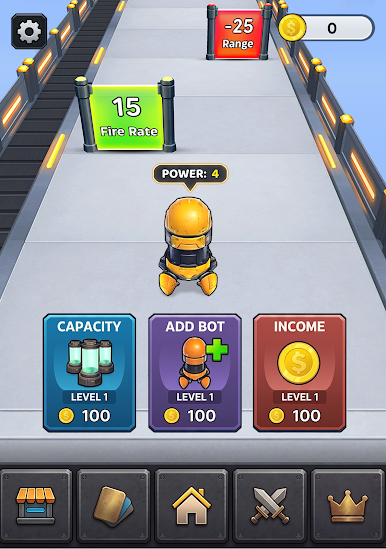
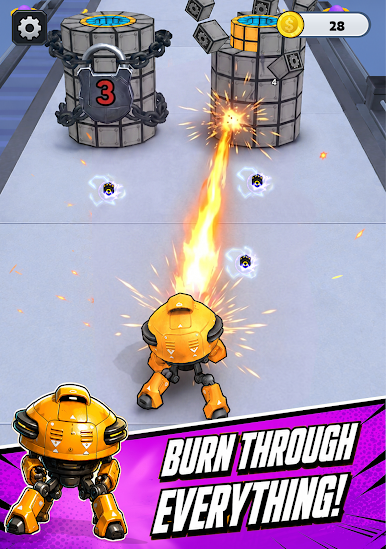
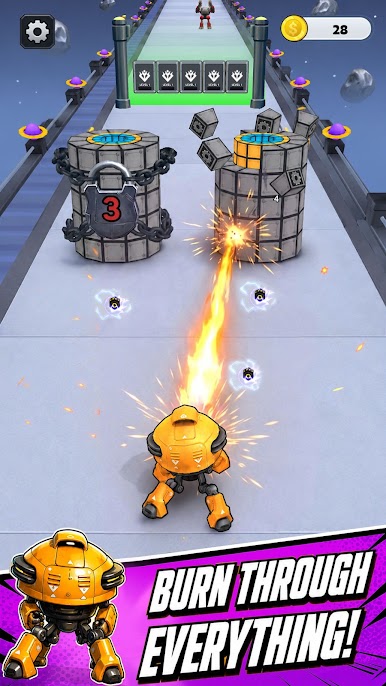
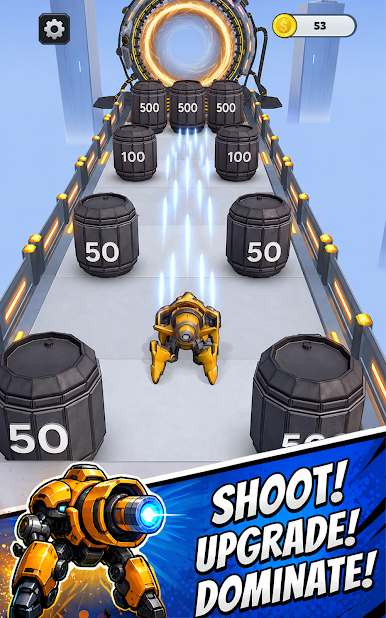
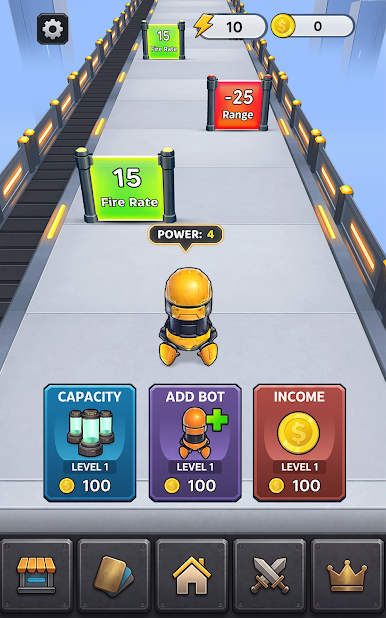
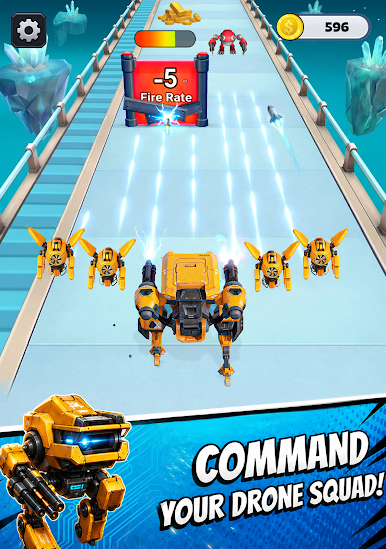
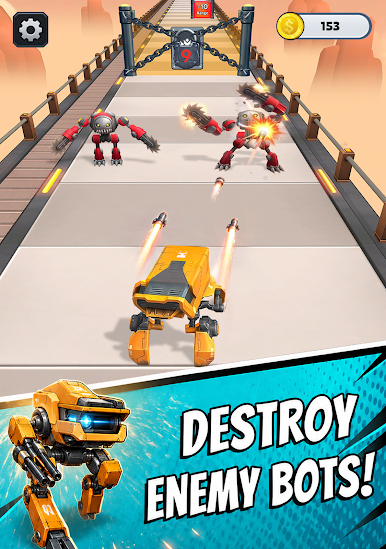
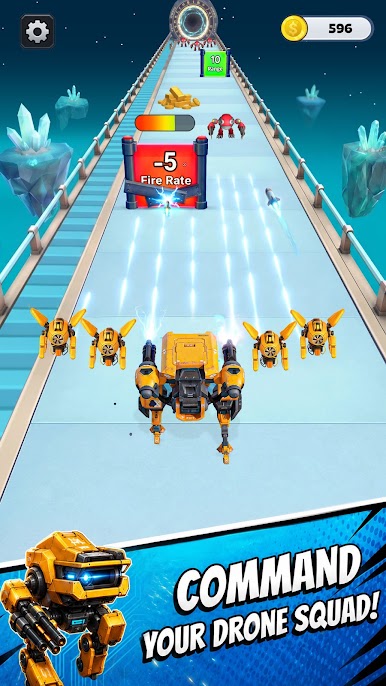
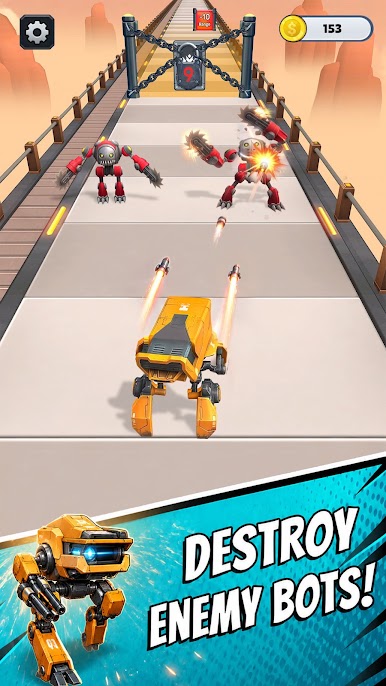
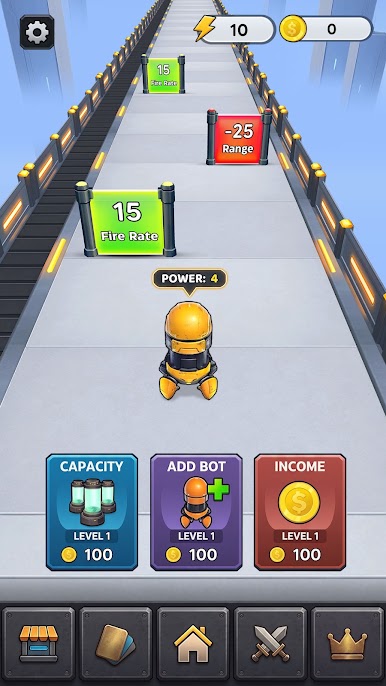
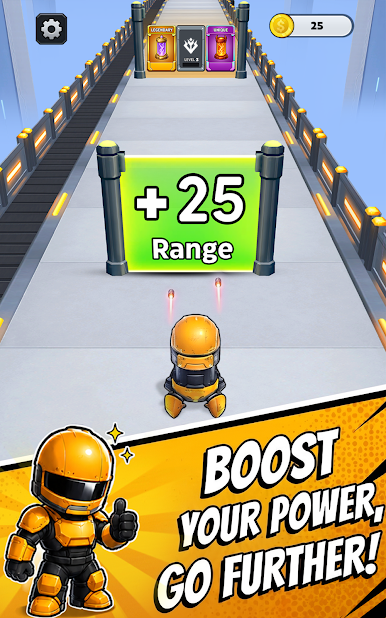
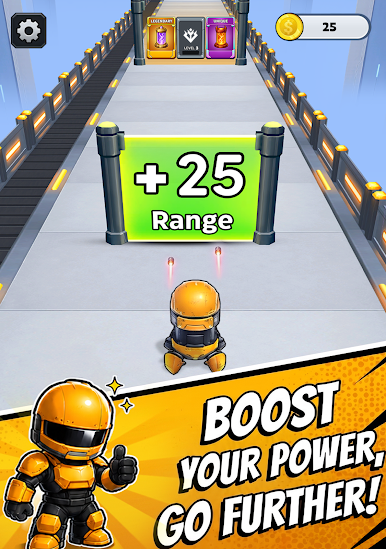
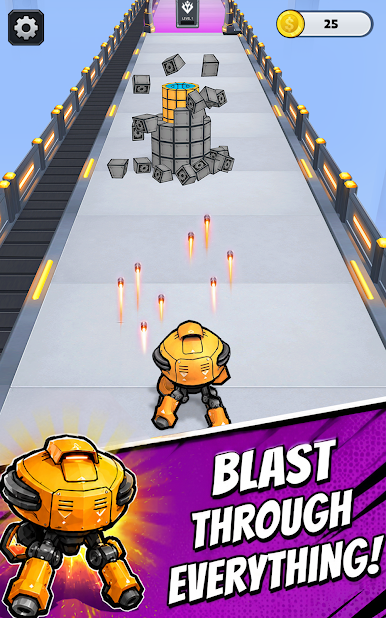
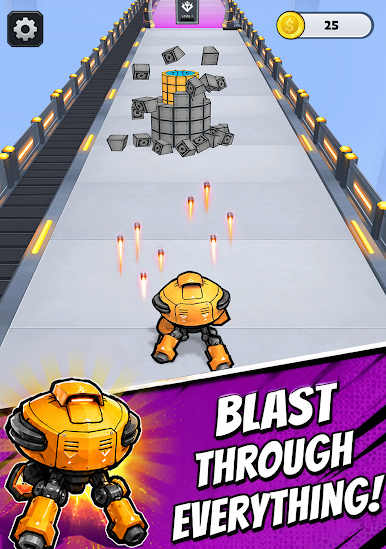
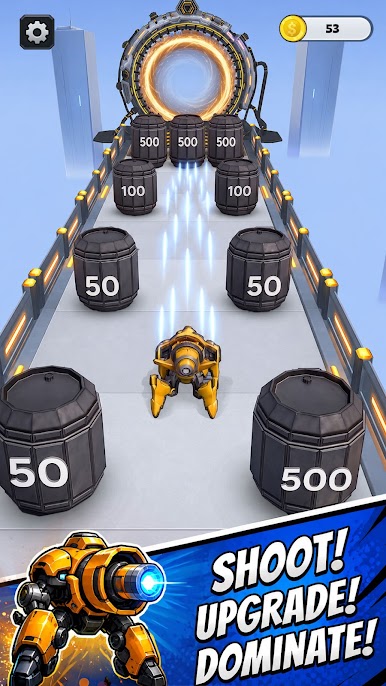
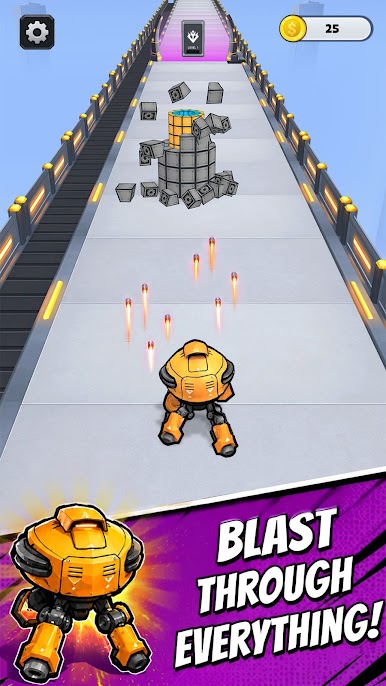
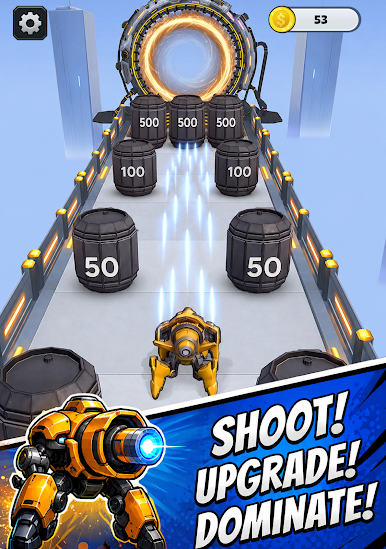
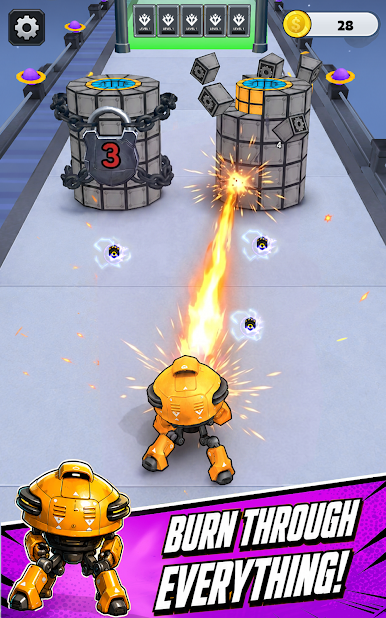
Swipe left and right to steer your robot army through dynamic tracks. Run through upgrade gates to power up your squad. Smash obstacles, collect new robots, and evolve your crew to conquer every stage that stands in your way.
Key Features:
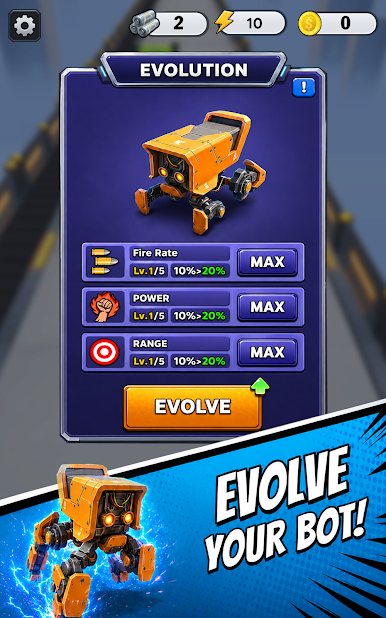
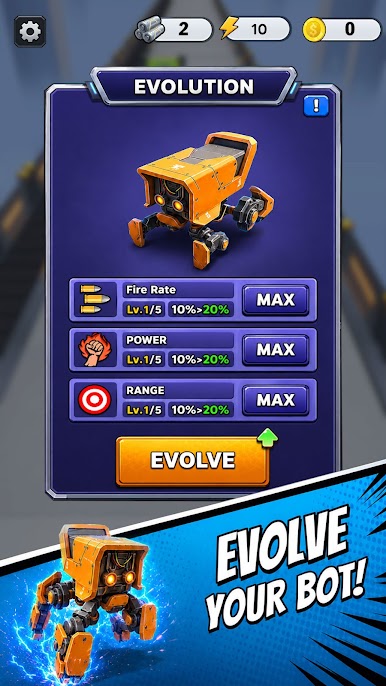
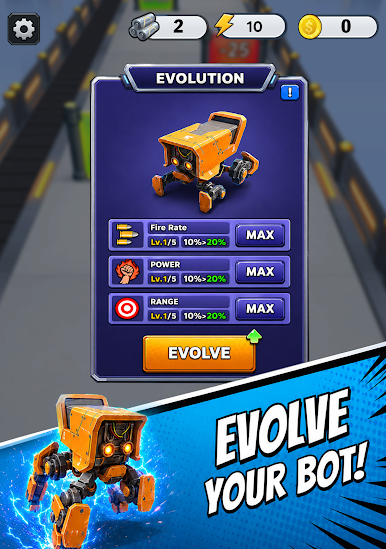
⚡ Robot Evolution Mechanics — Watch your basic machines transform into powerful advanced robots as you progress. Each evolution unlocks new abilities, stronger armor, and devastating attacks.
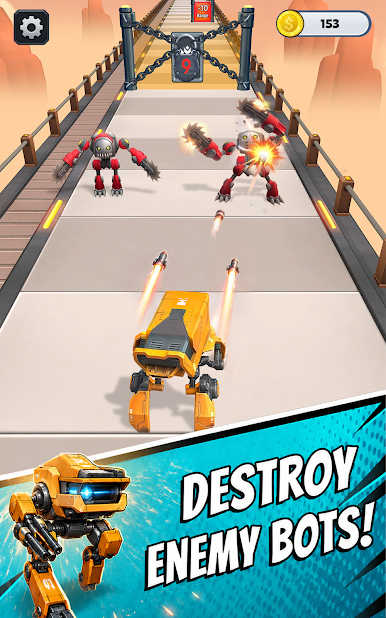
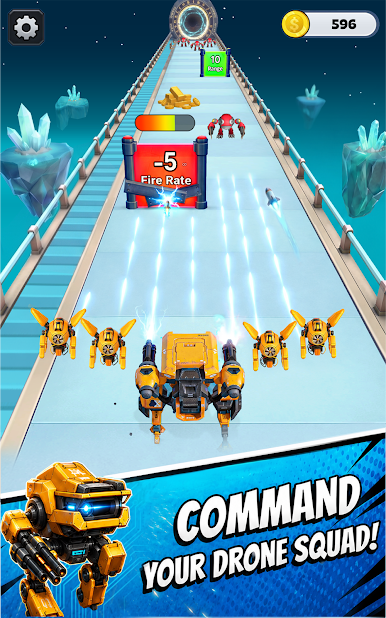
⚡ Fast-Paced Runner Action — Race through obstacle courses packed with gates, traps, and enemy forces. Hit the right gates and watch your squad explode in size.
⚡ Build Your Army — Collect robots at every stage and grow your squad from a small crew into a massive mechanical force.
If you love games that mix fast action, smart upgrades, and satisfying progression, Robot Evolution Run 3D game built for you. Grow your machines and evolve your squad.
Join robot game and start your robot evolution!
Play Robot Era Evolution on PC. It’s easy to get started.
-
Download and install BlueStacks on your PC
-
Complete Google sign-in to access the Play Store, or do it later
-
Look for Robot Era Evolution in the search bar at the top right corner
-
Click to install Robot Era Evolution from the search results
-
Complete Google sign-in (if you skipped step 2) to install Robot Era Evolution
-
Click the Robot Era Evolution icon on the home screen to start playing

