

Morgz Ultimate Challenge
Play on PC with BlueStacks – the Android Gaming Platform, trusted by 500M+ gamers.

Page Modified on: May 27, 2021
Play Morgz Ultimate Challenge on PC or Mac
From the innovators and creators at RHEI, Morgz Ultimate Challenge is another fun addition to the World of Casual games. Go beyond your mobile screen and play it bigger and better on your PC or Mac. An immersive experience awaits you.
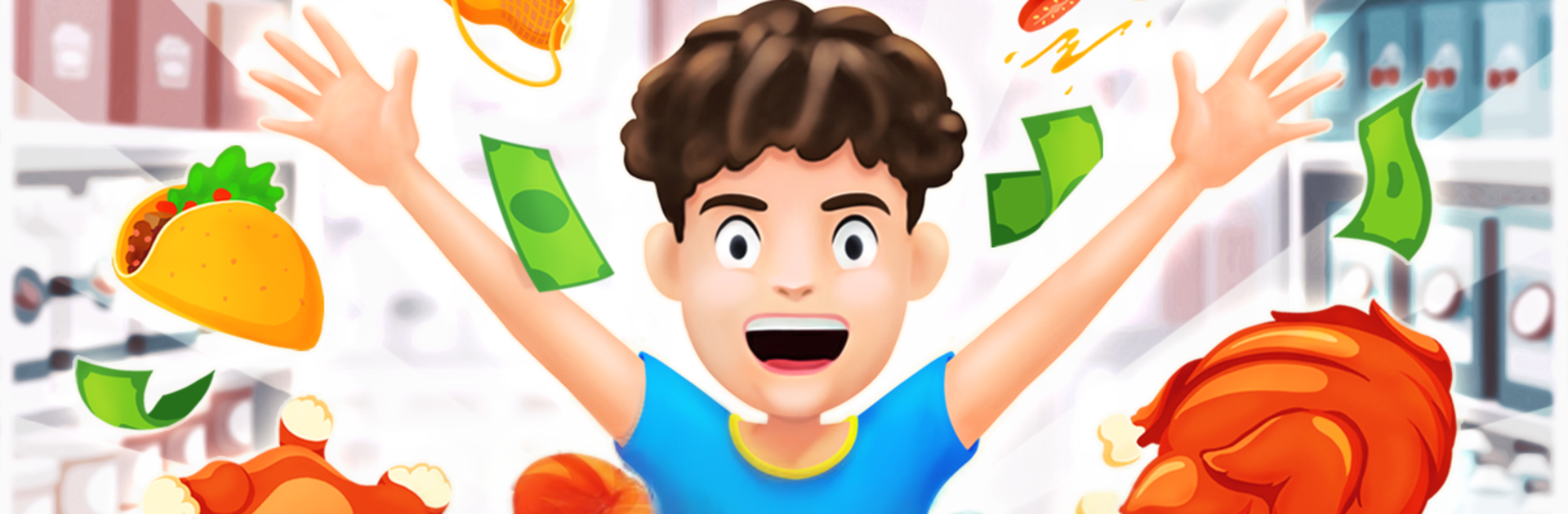
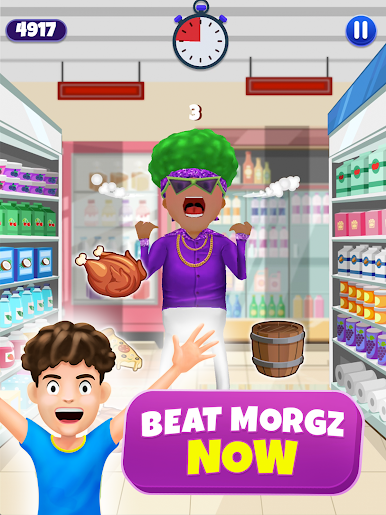
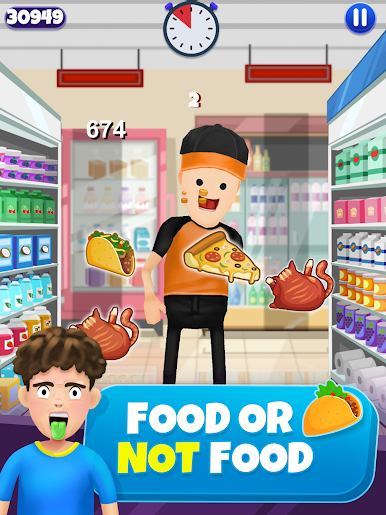
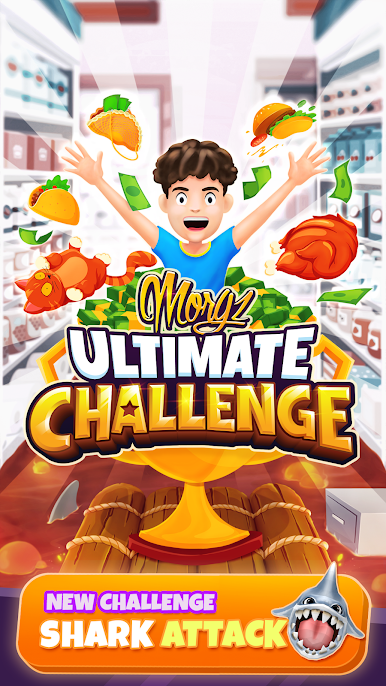
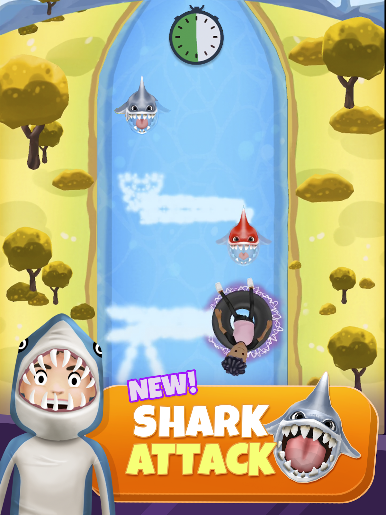
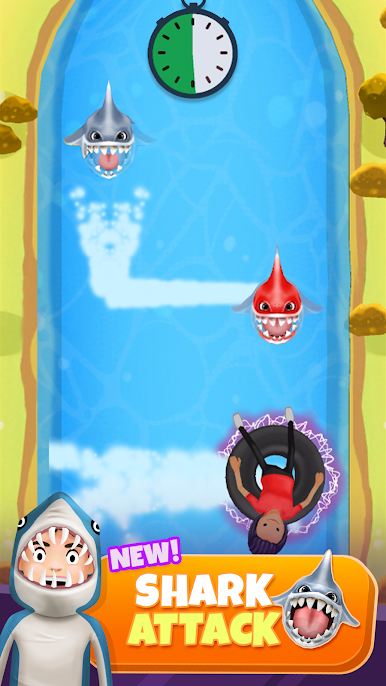
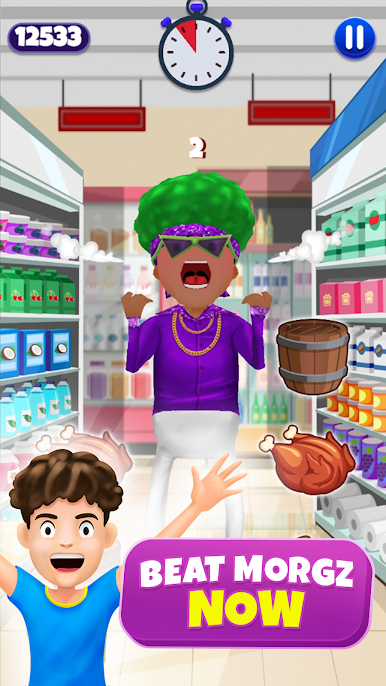
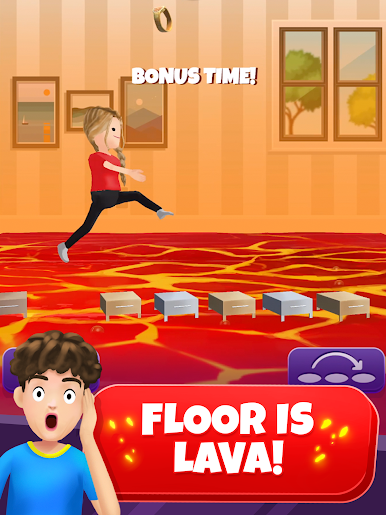
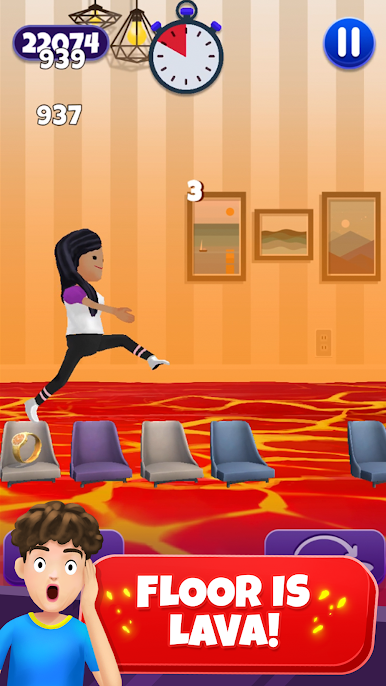
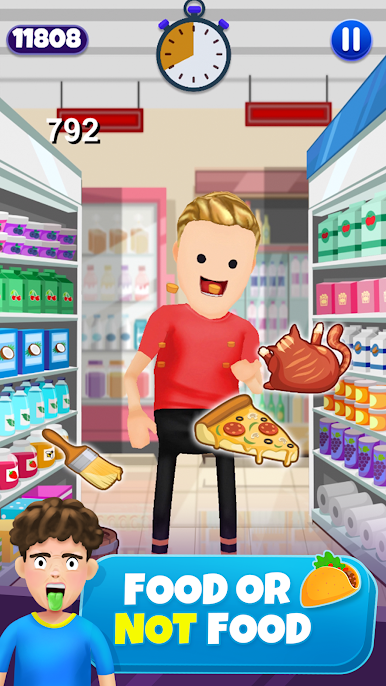
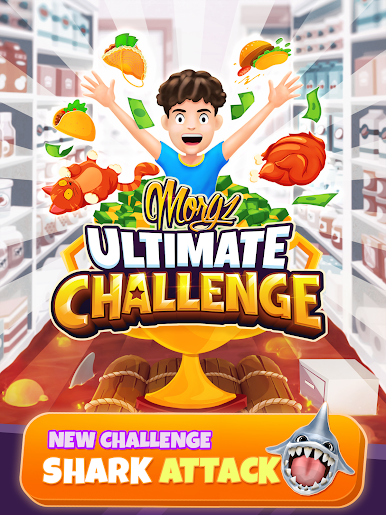
Morgz Ultimate Challenge feels like a frantic pile of party mini games built around those over the top challenges from the channel. Rounds are quick, loud, and a little silly in a good way, and the whole thing pushes for fast reactions and goofy mistakes. Food or Not Food turns into a funny reflex test where players try to munch everything that looks edible before the clock ends, while avoiding the obvious traps, yes that includes the cat. Floor is Lava is all about timing jumps and staying on safe spots as the pace creeps up. Shark Attack sends a tube down a river with sharks snapping nearby, so it turns into steering, dodging, and hoping the last second turn actually lands.
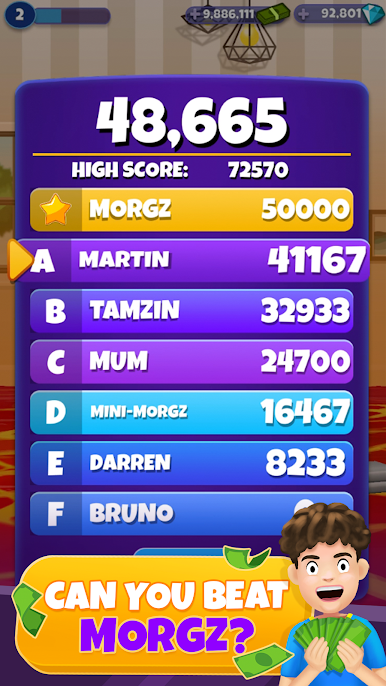
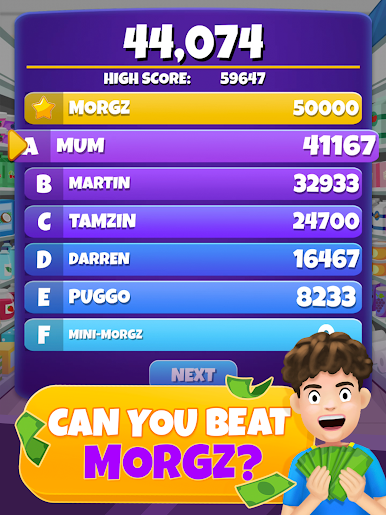
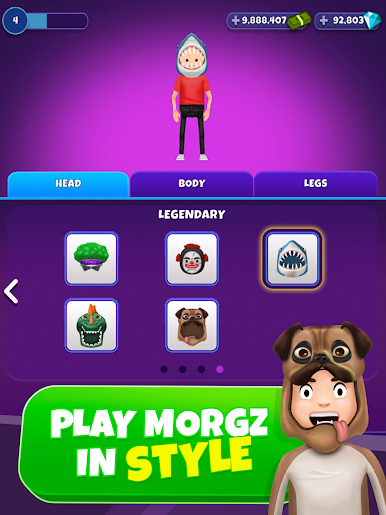
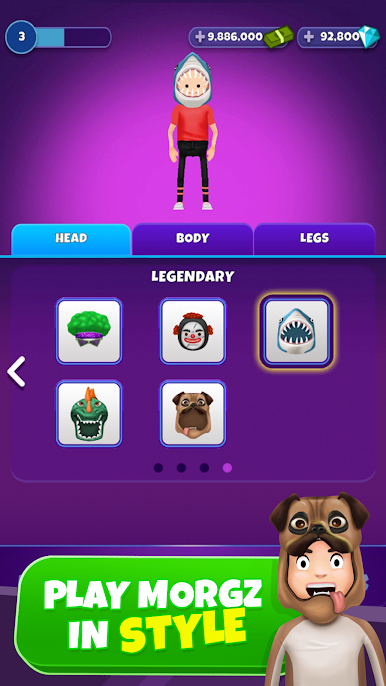
There is a light collectathon going on with outfits, so unlocking a zombie, shark, or knight skin gives a reason to replay runs. The game regularly throws up the question of who can be beaten next, Morgz Mum, Tamzin, Bald Martin, or Morgz himself, which gives it a simple target to chase rather than long grinds. On PC with BlueStacks it plays smooth, and using keys or a mouse makes those twitchy moments easier to handle on a bigger screen. It suits short sessions, a couple of minutes at a time, and the restart loop is quick so failing does not sting for long. Bright colors, loud effects, alot of chaos, and a focus on high scores make it feel like a living room challenge more than a deep game, which is the point here.
Slay your opponents with your epic moves. Play it your way on BlueStacks and dominate the battlefield.

Play Morgz Ultimate Challenge on PC. It’s easy to get started.
-
Download and install BlueStacks on your PC
-
Complete Google sign-in to access the Play Store, or do it later
-
Look for Morgz Ultimate Challenge in the search bar at the top right corner
-
Click to install Morgz Ultimate Challenge from the search results
-
Complete Google sign-in (if you skipped step 2) to install Morgz Ultimate Challenge
-
Click the Morgz Ultimate Challenge icon on the home screen to start playing

