


CareTN
Play on PC with BlueStacks – the Android Gaming Platform, trusted by 500M+ gamers.

Page Modified on: Dec 5, 2025
Play CareTN on PC
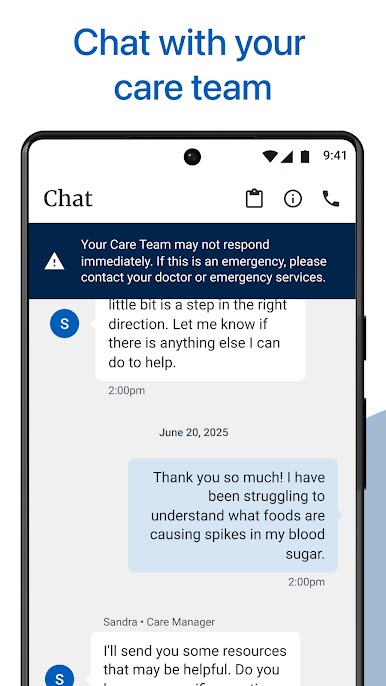
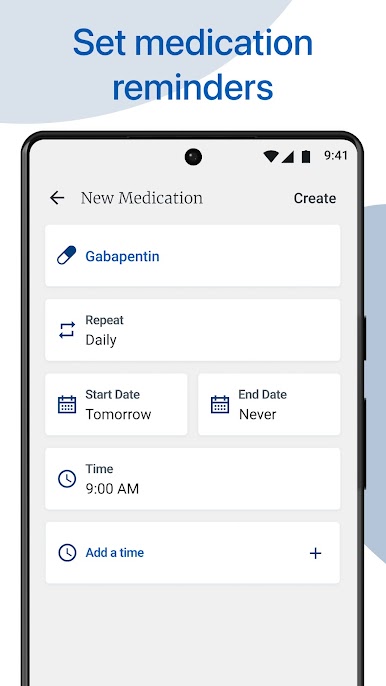
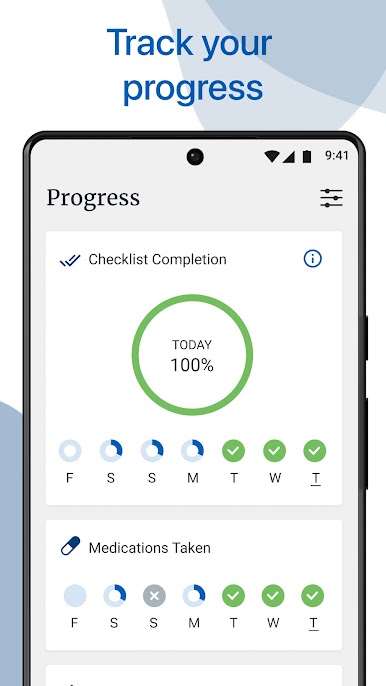
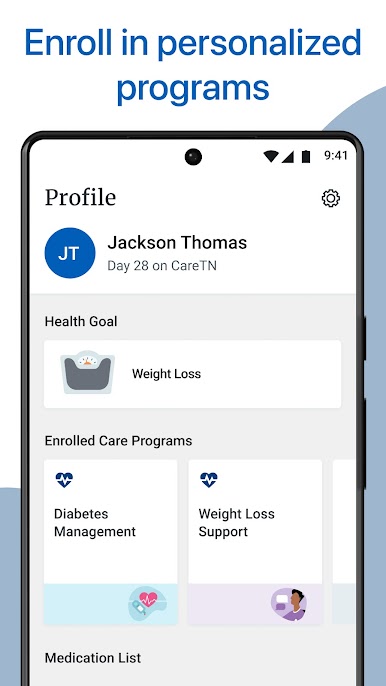
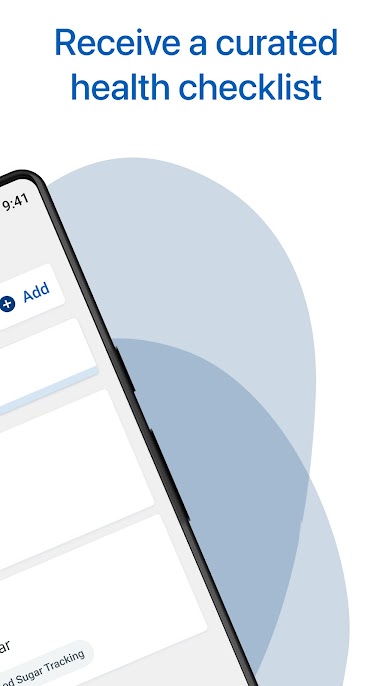
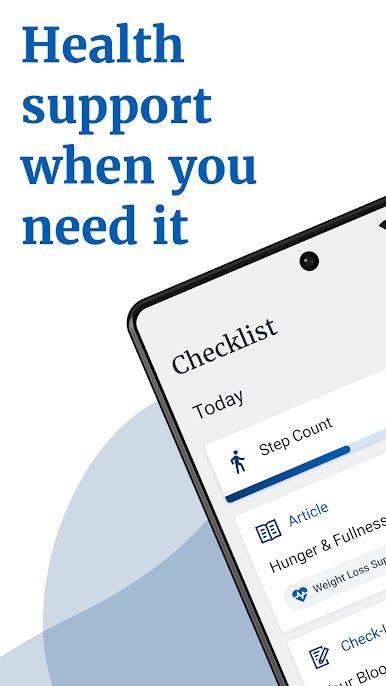
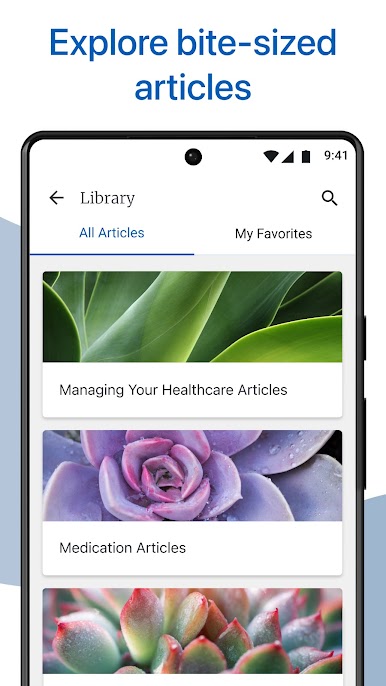
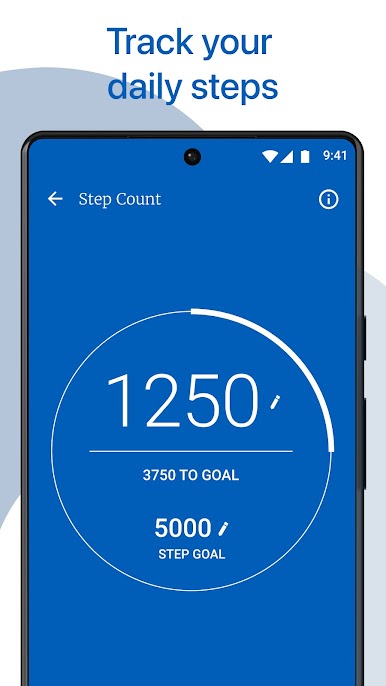
Use CareTN to set reminders for your medications and appointments, track your steps and progress over time and view personalized health recommendations. We’re here to support you and help keep you healthy, and the app is free. Just sign up with the download code we sent you.
Play CareTN on PC. It’s easy to get started.
-
Download and install BlueStacks on your PC
-
Complete Google sign-in to access the Play Store, or do it later
-
Look for CareTN in the search bar at the top right corner
-
Click to install CareTN from the search results
-
Complete Google sign-in (if you skipped step 2) to install CareTN
-
Click the CareTN icon on the home screen to start playing

