


Beauty Smash Fest
Play on PC with BlueStacks – the Android Gaming Platform, trusted by 500M+ gamers.

Page Modified on: Sep 28, 2026
Play Beauty Smash Fest on PC
Welcome to Beauty Smash Fest — a satisfying cannon-smashing game packed with colorful levels, stylish characters and fun surprises! ✨
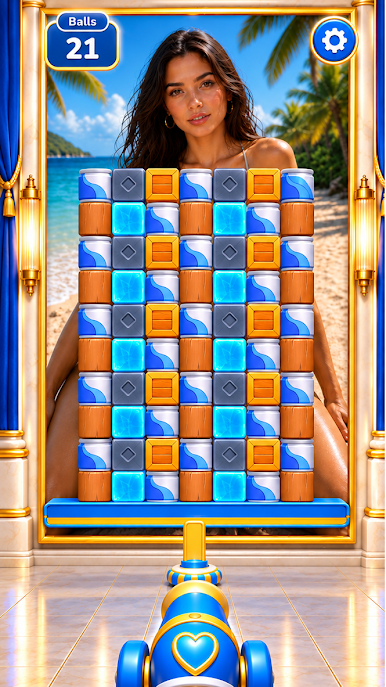
Take control of your cannon, aim carefully and blast your way through every obstacle. Each shot gets you closer to the final reveal. 👀💫
💥 SMASH EVERYTHING
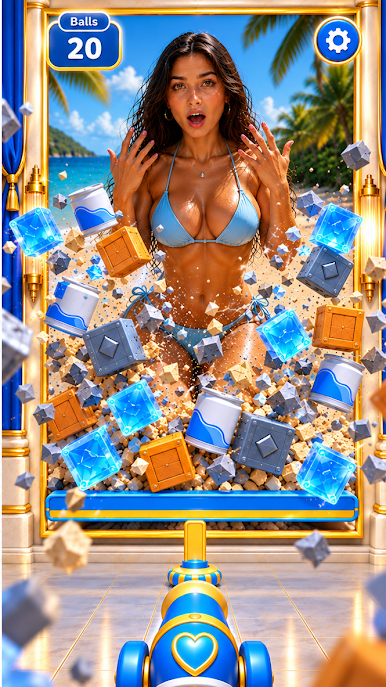
Fire powerful shots and watch blocks burst apart with satisfying physics.
🎯 MASTER YOUR AIM
Choose the perfect angle, time your shots and clear every level efficiently.
✨ DISCOVER THE REVEAL
Break through the barriers and discover stylish characters, new looks and colorful scenes.
👗 UNLOCK NEW STYLES
Progress through the game and discover different outfits, characters and visual themes.
🔥 SATISFYING PHYSICS
Enjoy smooth cannon action, colorful destruction and rewarding smash effects.
🏆 COMPLETE CHALLENGING LEVELS
Easy to play, satisfying to master. Every stage brings a new layout and a new challenge.
🎁 REWARDS & SURPRISES
Keep playing to collect rewards, unlock content and discover what comes next.
🌴 COLORFUL LOCATIONS
Enjoy bright environments, stylish scenes and fresh visual themes as you progress.
🚀 QUICK & FUN GAMEPLAY
Perfect for short sessions or long smashing streaks. Just aim, fire and enjoy!
Can you clear every obstacle and discover every reveal? 👀✨
Load your cannon and start smashing now! 💥🔥



Play Beauty Smash Fest on PC. It’s easy to get started.
-
Download and install BlueStacks on your PC
-
Complete Google sign-in to access the Play Store, or do it later
-
Look for Beauty Smash Fest in the search bar at the top right corner
-
Click to install Beauty Smash Fest from the search results
-
Complete Google sign-in (if you skipped step 2) to install Beauty Smash Fest
-
Click the Beauty Smash Fest icon on the home screen to start playing

