


Beleltera
Play on PC with BlueStacks – the Android Gaming Platform, trusted by 500M+ gamers.

Page Modified on: Jul 2, 2026
Play Beleltera on PC
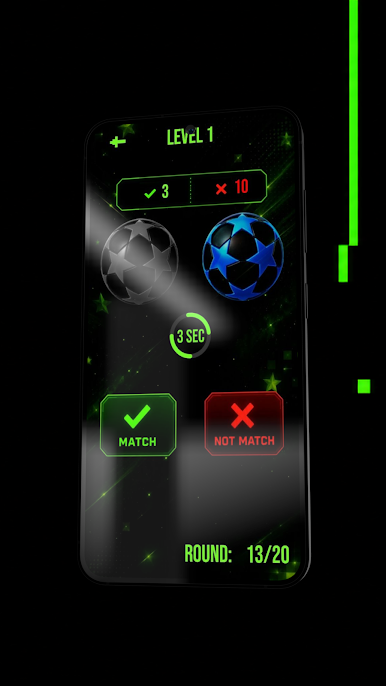
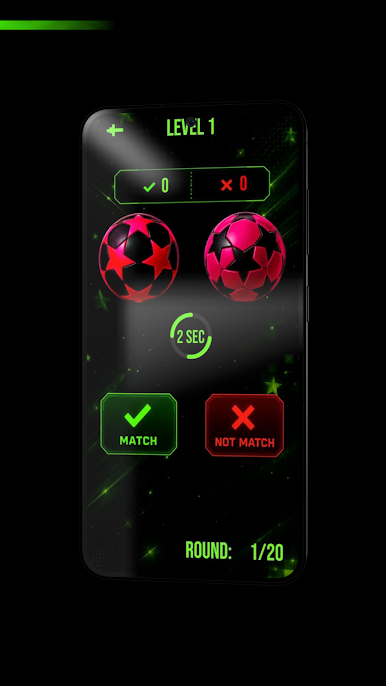
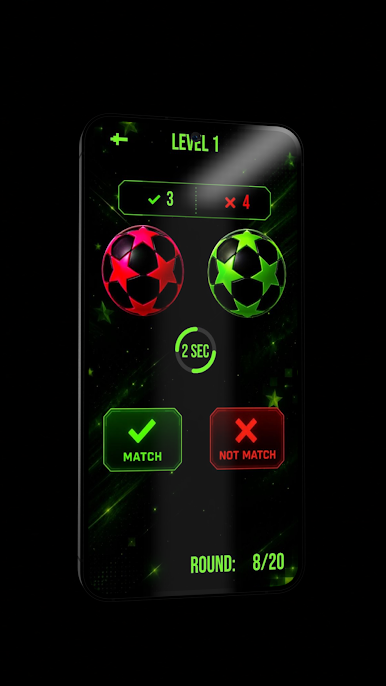
⚽ Two balls decorated with stars of different shapes appear on the screen.
🎯 Your task:
✅ Press Match (green button) if the balls are a perfect match.
❌ Press Not Match (red button) if the star shapes are different.
⏱️ You only have 2-3 seconds to make a decision, depending on the level!
📊 The top of the screen displays:
✅ Number of correct answers
❌ Number of incorrect answers
⚠️ If you don't make a choice in time, your answer is automatically counted as incorrect.
🏆 The game consists of 10 rounds, and your goal is to get as many correct answers as possible betera беларусь скачать!
🌟 Game Features:
⚽ Original mechanics of comparing balls with stars
⏱️ Fast rounds that develop reaction time
🧠 Train your attention span and visual memory
🎮 Simple and convenient controls
✨ Vibrant animations and a pleasant design
🏅 The opportunity to improve your score with each new game
Can you complete all 10 rounds with almost no errors and set a new record? 😏
Download betera and prove that your attention to detail is top-notch! 🚀⚽⭐
Play Beleltera on PC. It’s easy to get started.
-
Download and install BlueStacks on your PC
-
Complete Google sign-in to access the Play Store, or do it later
-
Look for Beleltera in the search bar at the top right corner
-
Click to install Beleltera from the search results
-
Complete Google sign-in (if you skipped step 2) to install Beleltera
-
Click the Beleltera icon on the home screen to start playing

