

Scoremer - Live Score and Tips
Play on PC with BlueStacks – the Android Gaming Platform, trusted by 500M+ gamers.

Page Modified on: Nov 27, 2025
Play Soccer Predictions, Betting Tips and Live Scores on PC or Mac
Step into the World of Soccer Predictions, Betting Tips and Live Scores, a thrilling Sports game from the house of Besget Technology. Play this Android game on BlueStacks App Player and experience immersive gaming on PC or Mac.
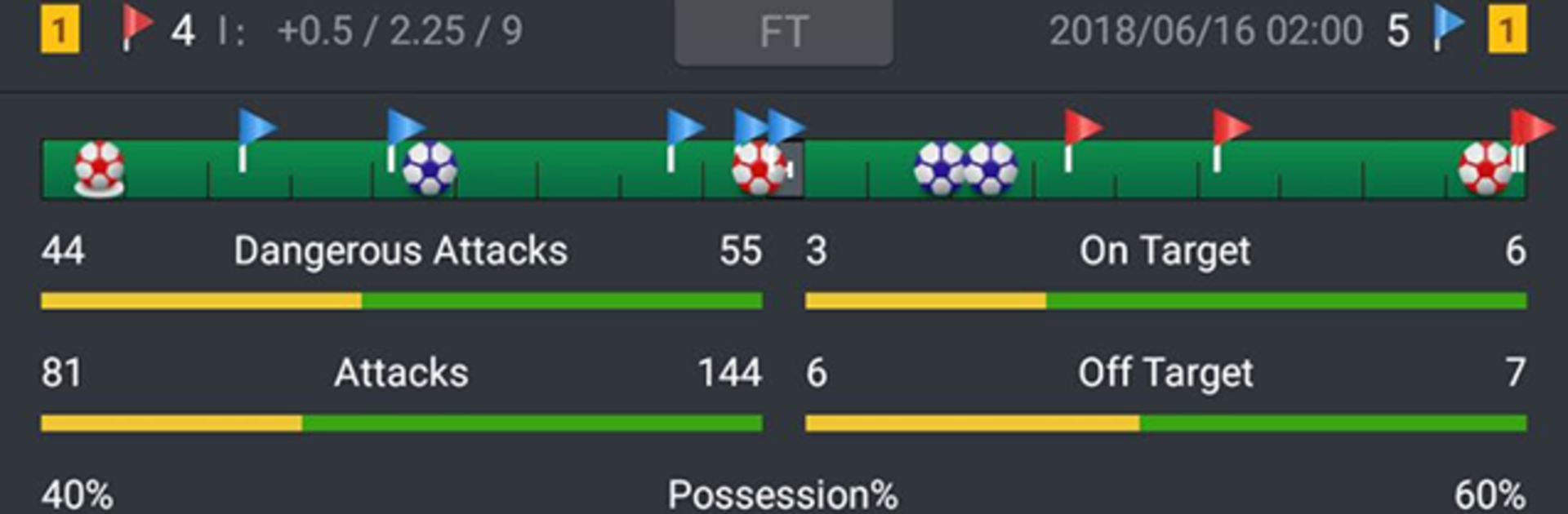
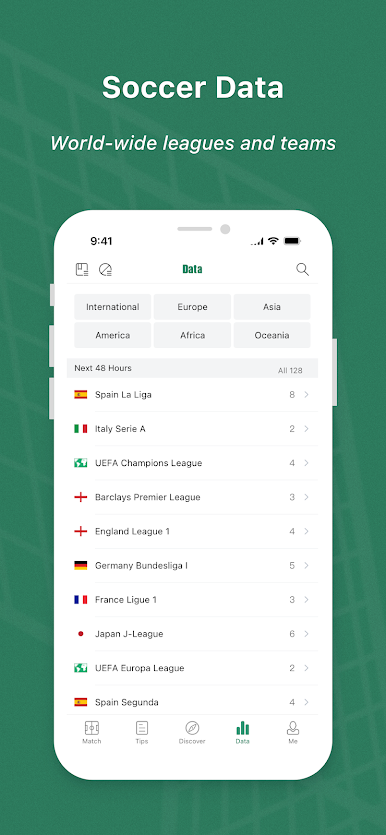
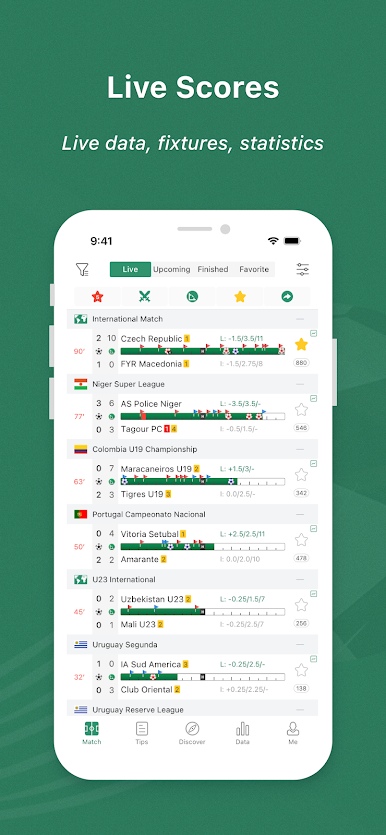
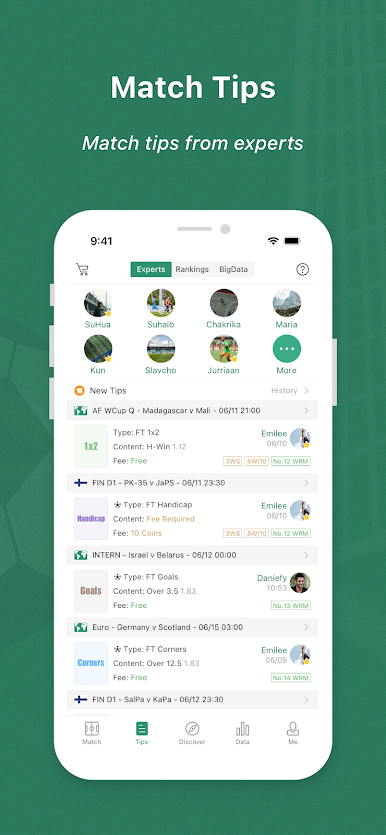
Think of this as a stats-heavy companion for people who follow football and like having numbers to back up a bet. The app pulls live scores, fixtures, match results, and a steady stream of prediction suggestions, so it feels like a single place to compare odds and check recent form. It covers a huge range of competitions, more than 200 countries and thousands of leagues and teams, so the smaller tournaments are not missing if that is what someone cares about. The prediction side leans on both raw stats and odds from big bookmakers, and the tips include common markets like 1X2, over and under goals, corners, handicaps, and half time or full time outcomes, plus in-play updates when matches are underway.
The layout can be a bit dense because there is so much information, but that is also its strength: everything is there to be cross-checked quickly. For someone using a PC, running it on BlueStacks makes the tables and charts much easier to read than on a tiny phone screen. It is not flashy, it is practical. People who enjoy comparing numbers, spotting patterns, and tracking odds movements will find it useful. Casual fans who just want highlights may find it too detailed, but for prediction-minded users it is a handy tool to keep open while following matches.
Start your journey now. Download the game on BlueStacks, invite your friends, and march on a new adventure.





Play Scoremer - Live Score and Tips on PC. It’s easy to get started.
-
Download and install BlueStacks on your PC
-
Complete Google sign-in to access the Play Store, or do it later
-
Look for Scoremer - Live Score and Tips in the search bar at the top right corner
-
Click to install Scoremer - Live Score and Tips from the search results
-
Complete Google sign-in (if you skipped step 2) to install Scoremer - Live Score and Tips
-
Click the Scoremer - Live Score and Tips icon on the home screen to start playing

