


besteye
Play on PC with BlueStacks – the Android Gaming Platform, trusted by 500M+ gamers.

Page Modified on: May 25, 2020
Run besteye on PC or Mac
Let BlueStacks turn your PC, Mac, or laptop into the perfect home for besteye, a fun Communication app from PUWELL CLOUD TECH LIMITED.
About the App
Ever wish you could keep an eye on your world, whether you’re at home, at work, or traveling? besteye makes it a breeze to connect and check in on your cameras—right from your phone. Designed by PUWELL CLOUD TECH LIMITED, this handy Communication app puts you in control, letting you catch real-time views, play back footage, and even chat through your cameras when you need to.
App Features
-
Cloud-Backed Logins
Get started quickly with secure cloud technology for login—no fussing with complicated setup processes. -
Live Video, Anytime
Watch live feeds from your cameras wherever you are, keeping tabs on what matters in the moment. -
Catch Up with Playback
Need to review something that happened earlier? Just rewind and play back recorded video, right inside the app. -
Record & Store Locally
See something important? Record video straight to your device and store snapshots so nothing slips through the cracks. -
Two-Way Talk
Chat with whoever’s on the other side of the camera, whether it’s a family member, delivery person, or a surprise visitor. -
PTZ Control
Easily pan, tilt, or zoom your cameras remotely to check every angle. -
Quick QR Code Scanning
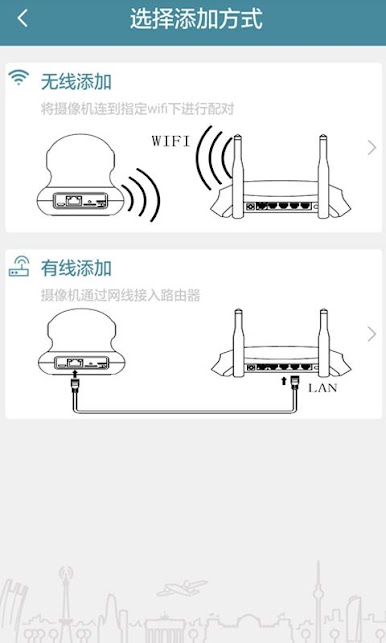
Get new devices up and running just by scanning a QR code—setup is as simple as it gets. -
Find and Manage Devices
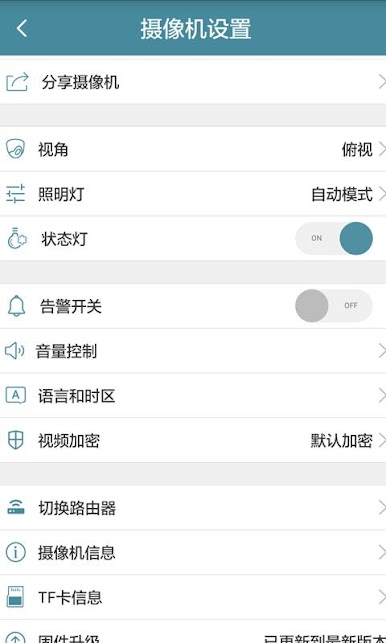
Add, edit, or remove devices remotely or locally, either by entering addresses, manually searching your LAN, or handling everything straight from the cloud. -
User-Friendly Account Management
Create or update your cloud user profile within seconds—no headaches. -
Automatic Updates
Don’t worry about keeping things up to date; the app updates itself with the latest improvements.
Of course, you can also use besteye with BlueStacks to access your cameras from your PC, if that fits your style.
Big screen. Bigger performance. Use BlueStacks on your PC or Mac to run your favorite apps.

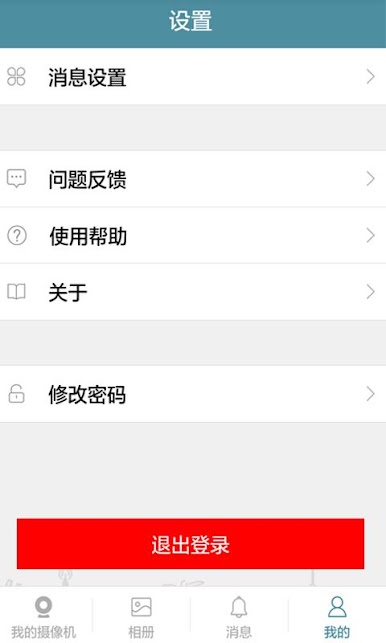
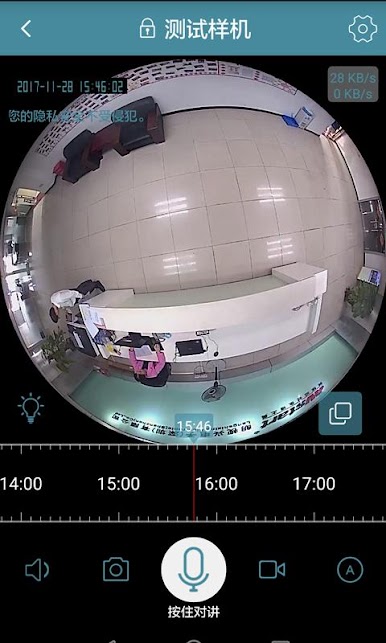

Play besteye on PC. It’s easy to get started.
-
Download and install BlueStacks on your PC
-
Complete Google sign-in to access the Play Store, or do it later
-
Look for besteye in the search bar at the top right corner
-
Click to install besteye from the search results
-
Complete Google sign-in (if you skipped step 2) to install besteye
-
Click the besteye icon on the home screen to start playing

