


Music Video Editor - VCUT Pro
Play on PC with BlueStacks – the Android Gaming Platform, trusted by 500M+ gamers.

Page Modified on: Jan 22, 2024
Play Music Video Editor - VCUT Pro on PC
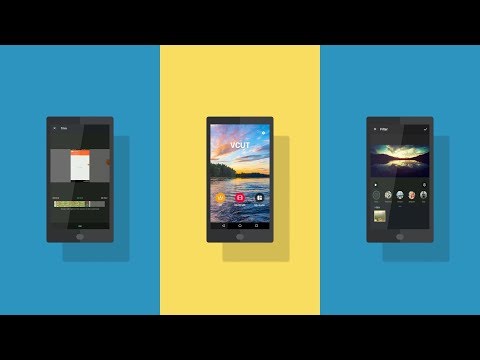
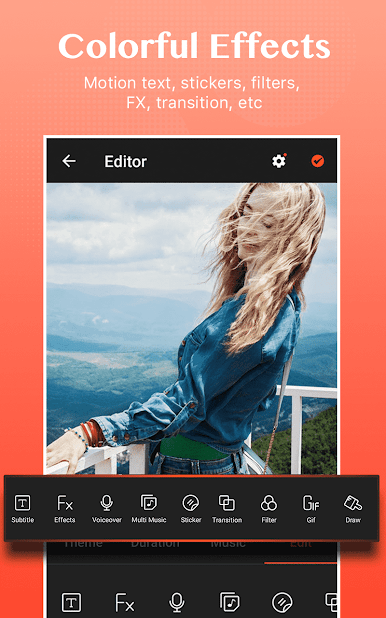
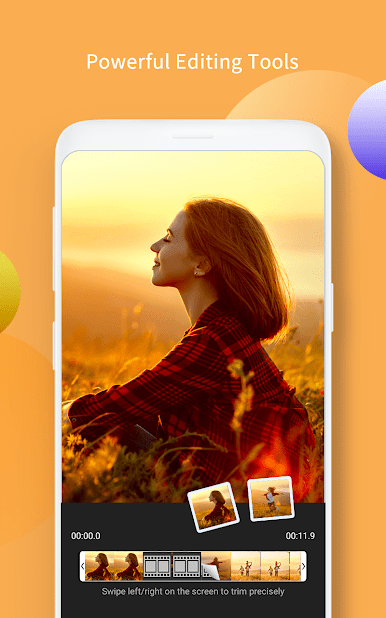
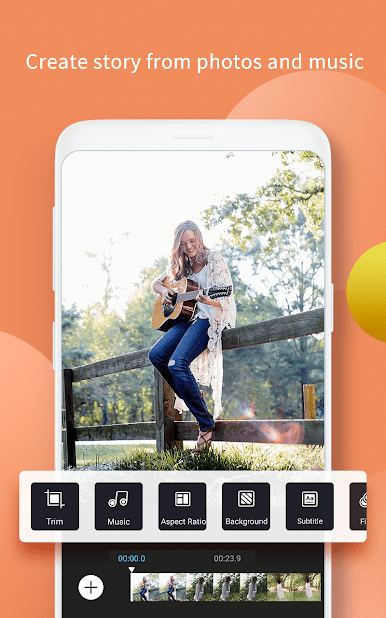
This movie maker, slideshow maker let you create stylish videos and vlog at ease. VCUT video editor with songs is useful for both professional photographers and non-professional beginners. We also provide subtitles, effects, filters, themes, stickers, transitions.
Main Features of Video Editor
1. Material Center
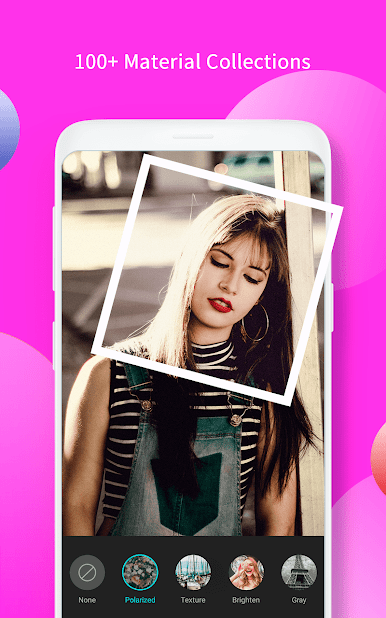
- Special video filters: offer various filters to make original video and slideshow.
- Popular music: choose trendy music to make unique video.
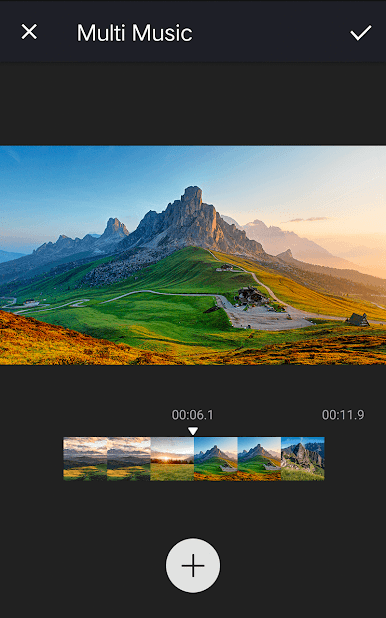
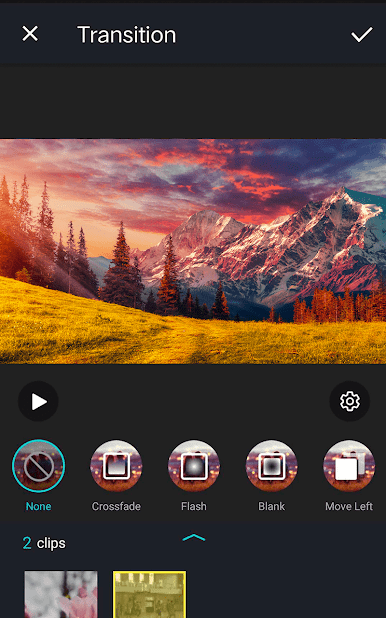
- Various after effects: you can easily edit your spark video, vlog or slideshow with transition, effects, music and images from your gallery.
- Text on video editor: write on video and edit font, color. Add subtitle to video easily in slideshow with music.
2. Easy steps to make stylish video
Choose photos or images from album to make video and slideshow. Add your favorite music, use special transitions, add text, edit video with filters.
3. Share your work on social network
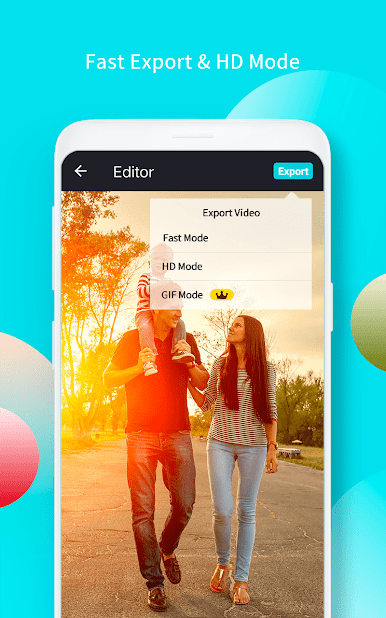
Slideshow maker video editor with music is a smooth and flexible film studio for you to shoot movies, edit videos and make final cut. In this movie maker app, handycam, creating a video with photos, music, and clips is easy and fun.

Play Music Video Editor - VCUT Pro on PC. It’s easy to get started.
-
Download and install BlueStacks on your PC
-
Complete Google sign-in to access the Play Store, or do it later
-
Look for Music Video Editor - VCUT Pro in the search bar at the top right corner
-
Click to install Music Video Editor - VCUT Pro from the search results
-
Complete Google sign-in (if you skipped step 2) to install Music Video Editor - VCUT Pro
-
Click the Music Video Editor - VCUT Pro icon on the home screen to start playing

