


Solitaire
Play on PC with BlueStacks – the Android Gaming Platform, trusted by 500M+ gamers.

Page Modified on: Nov 4, 2023
Main Solitaire on PC
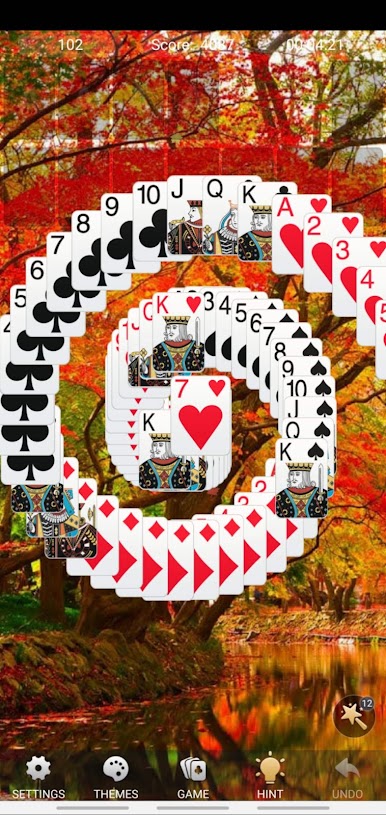
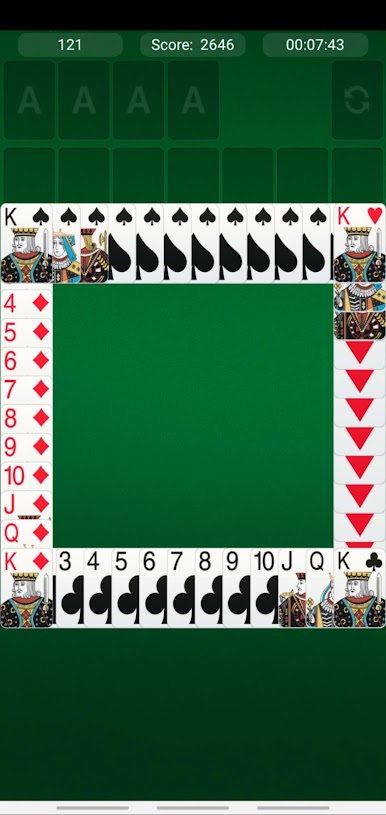
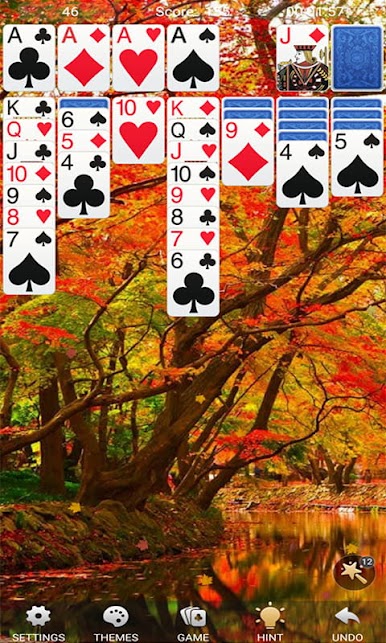
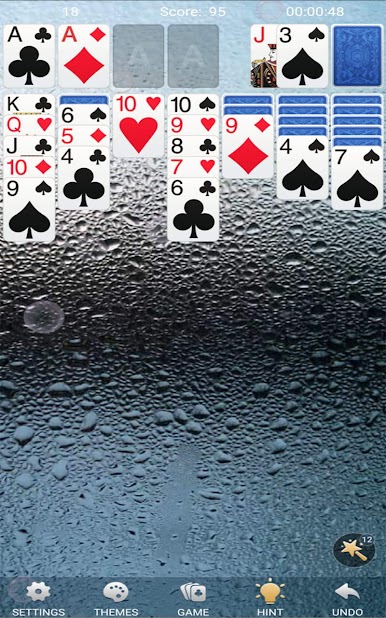
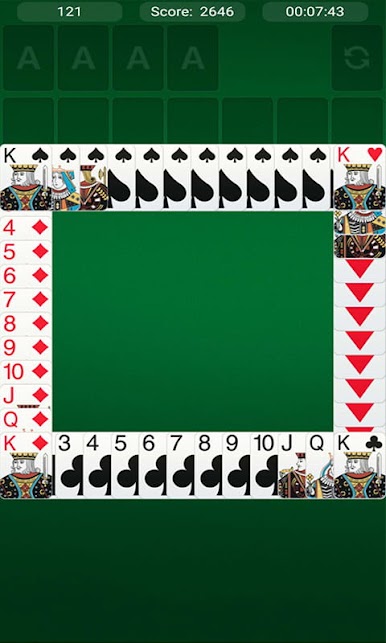
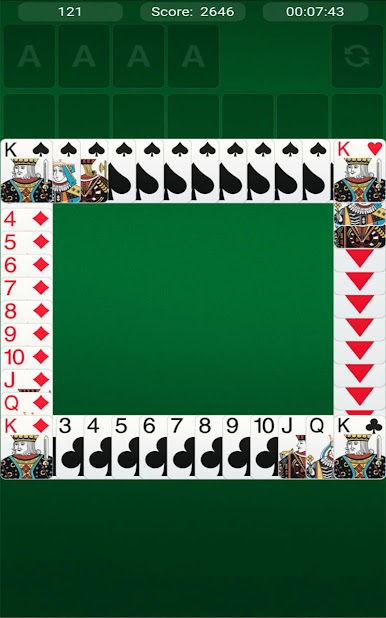
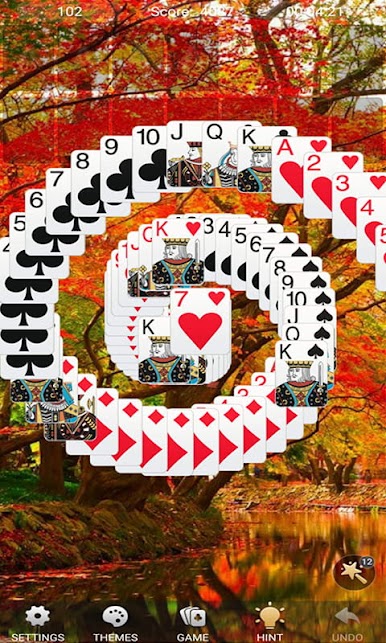
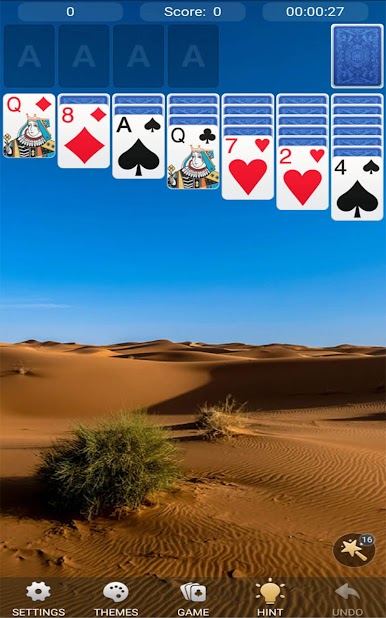
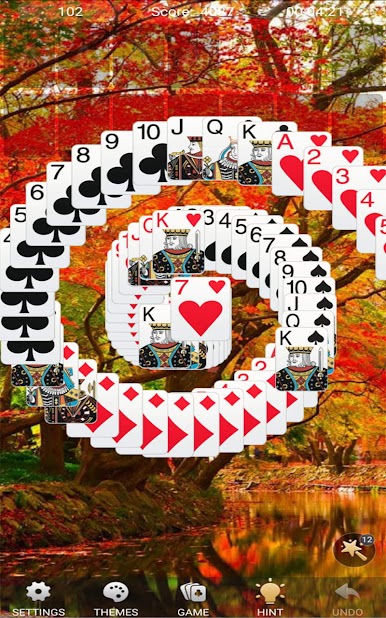
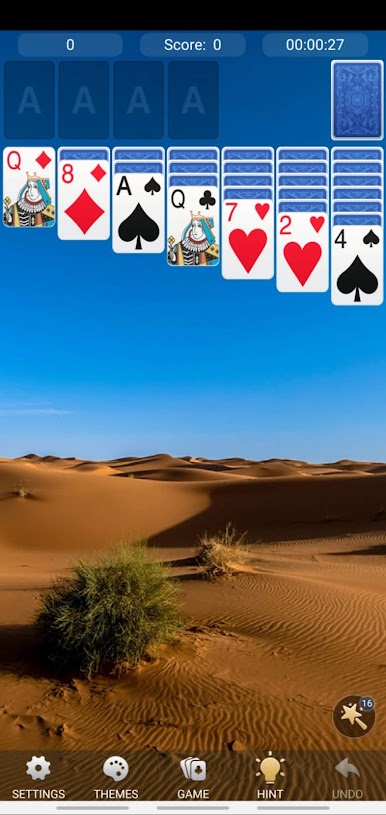
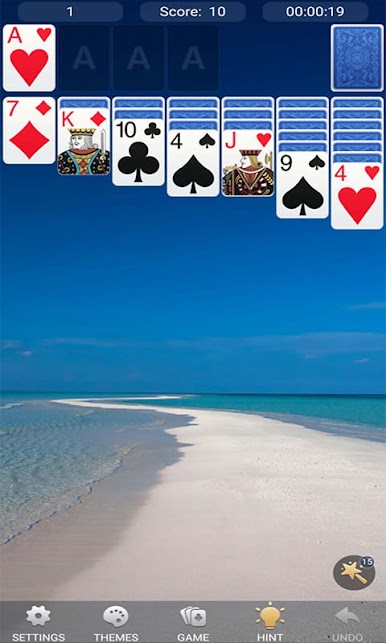
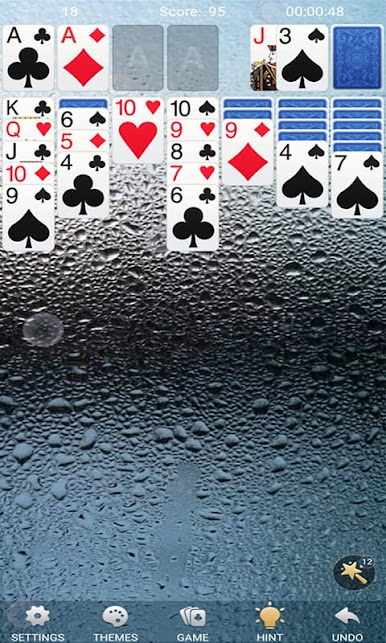
The solitaire card games is a puzzle game which trains your brain with classic solitaire experience. It is an offline game which you can play solitaire on anytime and anywhere.
The object of the solitaire games are to create four piles of solitaire cards - one per suit.
General Rule of free solitaire card games:
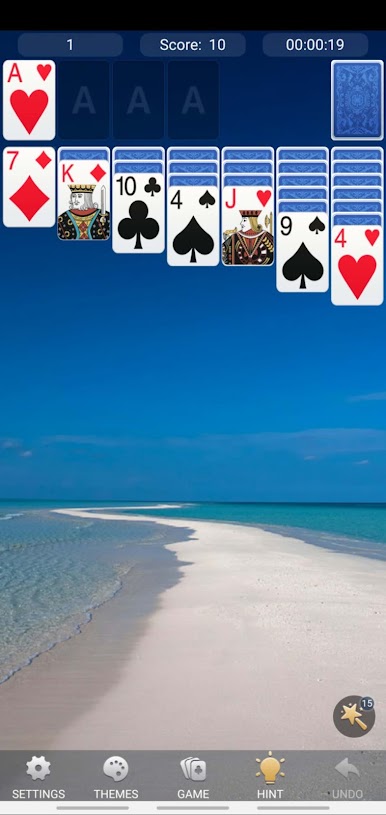
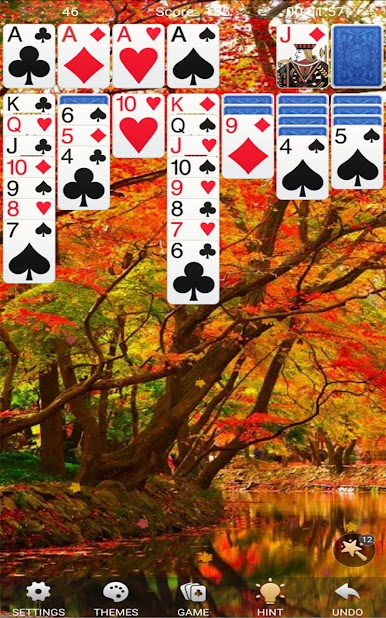
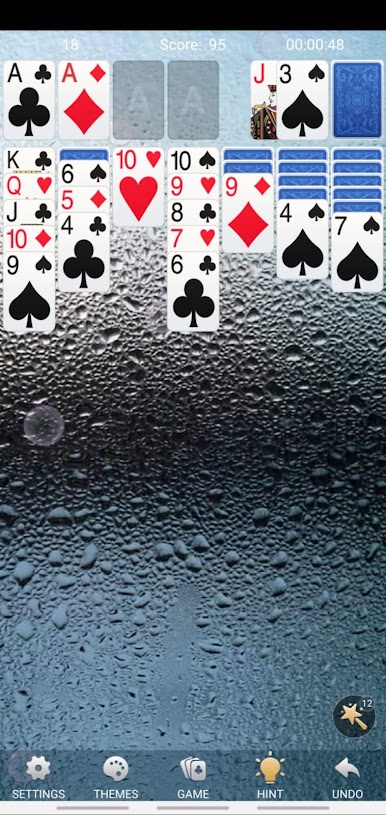
How to play solitaire free solitaire card games: look at the solitaire cards. If there are any aces, place them above the seven piles. If there are no aces, rearrange the solitaire cards you have, moving only the face up solitaire cards. When you place a solitaire card on top, it must be a different color than the solitaire card you are placing it on top of and have a value of one less. Thus, if you have a six of hearts, you can either place a five of spades or a five of clubs on top. Keep placing the solitaire cards on top of each other until you cannot move anymore.
Keep the top solitaire card obvious. The solitaire card on top of each of the seven piles should be face up. If you move a solitaire card, remember to turn the solitaire card underneath it over.
Build your piles using aces as foundations. If you have an ace above your solitaire cards, you may move solitaire cards of the place solitaire cards of the corresponding suit on top of the pile in ascending order.
Use the reserve deck if you run out of moves to make. Flip over the top three solitaire cards, and see if the top one can be placed anywhere. If you put down the top solitaire card, see if you can put down the next. If you put down the second solitaire card, see if you can put down the last solitaire card. Then, if you put down the last solitaire card, put down another three solitaire cards from the reserve deck. If you cannot make a move with any of these solitaire cards, put them in a separate waste stack.
If you have a solitaire card that's hidden, you can move solitaire cards around until you find places that you can hold and grab the desired solitaire card and, eventually, put it in the desired slot.
If you use all the solitaire cards in one of the seven piles, you may place a king in the empty space.
This classic solitaire card game provides:
- solitaire draw 1 card
- solitaire draw 3 cards
- left handed and scoring
We will support daily challenges liking spider solitaire which is a fun klondike solitaire.
Questions about the solitaire:
Are some solitaire games unsolvable?
Yes, some games of solitaire you can't win no matter what. If you use the classic solitaire rules, one mathematical proof finds that about 79% of games are at least potentially solvable.
Are Jokers used in solitaire?
Jokers are not used in solitaire, classic solitaire uses only the 52 solitaire cards.
When playing solitaire, do the lower numbers go on the higher numbers?
When playing solitaire, the lower numbers go on the highest numbers. The King is on top, then the Queen, and so on.
Tips of solitaire free solitaire card games:
Not all solitaire games share the same difficulty level. If you are stuck with a game, try a new one.
Remember that to win klondike solitaire, a certain amount of luck is involved.
Always start solitaire with the deck if you don't have any aces in your hand of klondike solitaire cards.
If you need help for your solitaire game, get the button from bottom of your screen.
Would like playing patience or klondike solitaire on TABLET, TV?
Try this fun klondike solitaire for sure which is one of the best classic solitaire game. We also offer online solitaire.
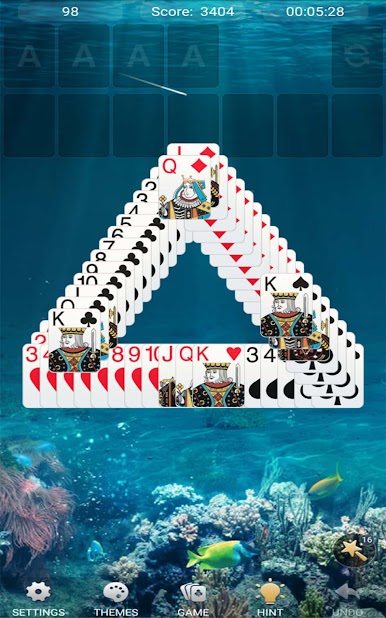
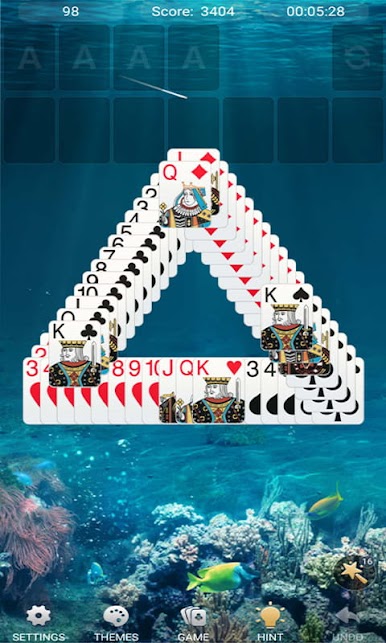
If you have played freecell solitaire, tripeaks solitaire or other klondike online solitaire, you will find this solitaire is unique and fun! You can choose levels(easy, medium and advanced). Hope you can enjoy playing our new classic solitaire card games. It would be great if you share this classic solitaire with your friends and play together.
Download and play the #1 classic solitaire card games free with the best solitaire experience.

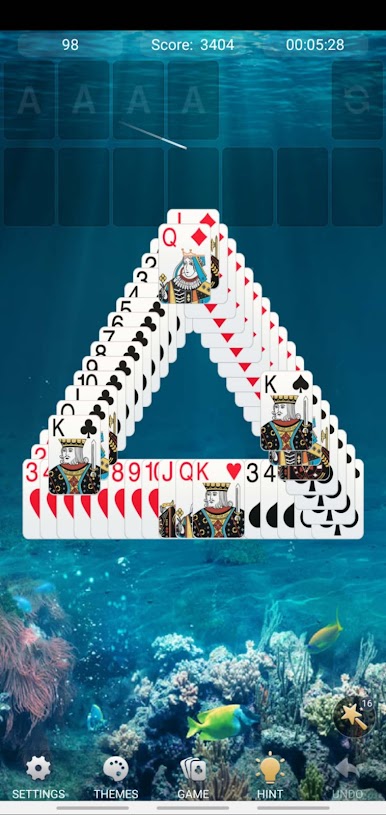
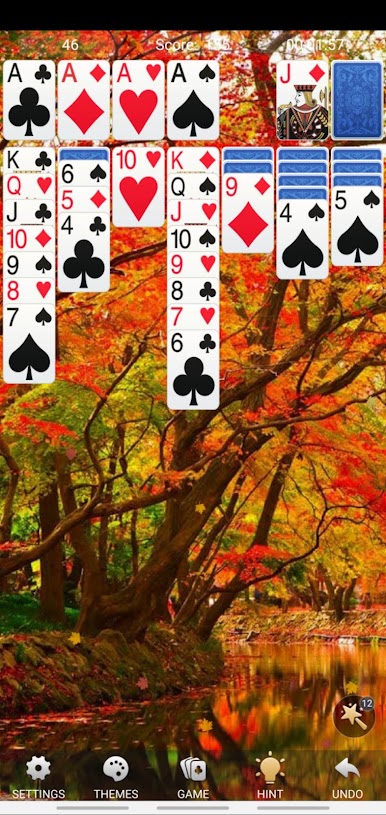
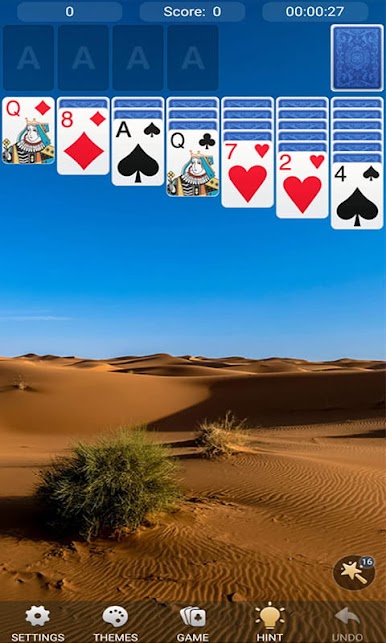
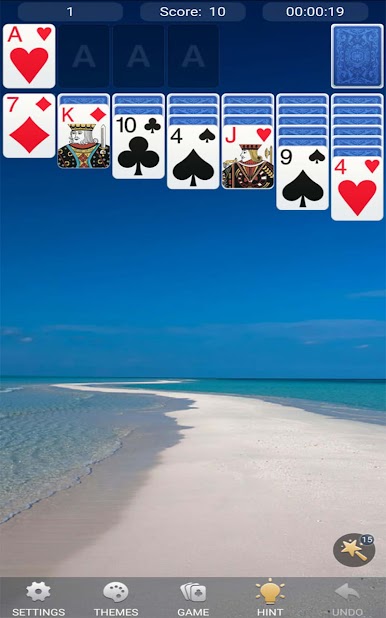



Play Solitaire on PC. It’s easy to get started.
-
Download and install BlueStacks on your PC
-
Complete Google sign-in to access the Play Store, or do it later
-
Look for Solitaire in the search bar at the top right corner
-
Click to install Solitaire from the search results
-
Complete Google sign-in (if you skipped step 2) to install Solitaire
-
Click the Solitaire icon on the home screen to start playing

