

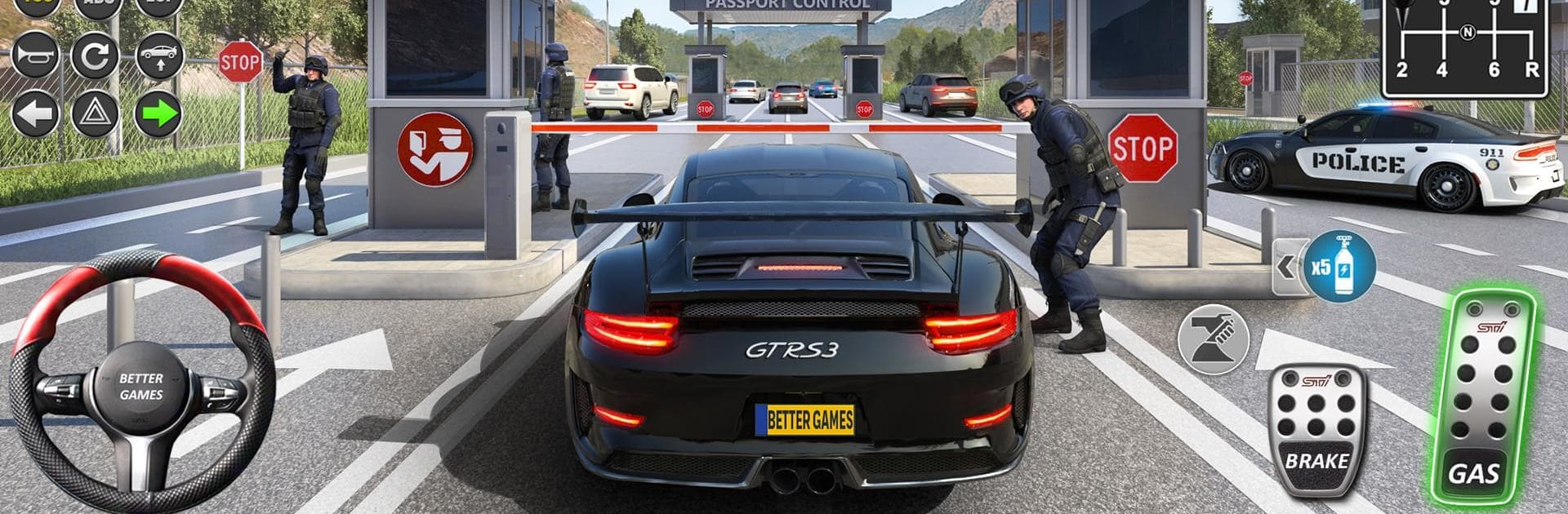
Car Driving Simulator Games
Play on PC with BlueStacks – the Android Gaming Platform, trusted by 500M+ gamers.

Page Modified on: Jul 16, 2026
Play Car Driving Simulator Games on PC or Mac
Car Driving Simulator Games by Better Games Studio Pty Ltd has plenty to keep you busy. BlueStacks lets you play it on PC or Mac with more screen space, better control, and fewer mobile limits.
About the Game
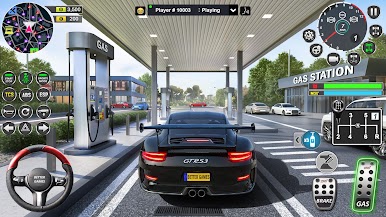
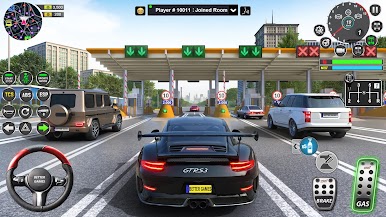
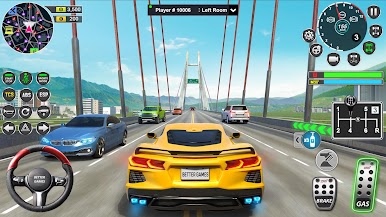
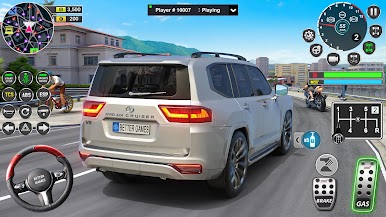
Car Driving Simulator Games is a Racing sandbox built for people who love the feel of the road, the freedom of open-world maps, and the thrill of fine‑tuning every ride. Explore huge environments, take on skill-based challenges, and stack your garage with cars you’ve actually test‑driven first. Prefer a bigger screen and tighter controls? It runs smoothly on BlueStacks, too.
Game Features
- Massive maps to roam: Cruise through modern cities, deserts, villages, highways, airports, and dockyards, with plenty of hidden spots and long stretches for high-speed testing.
- Try before you buy: Check out any car with a full test drive, then decide if it earns a place in your lineup of 89 unique vehicles.
- Deep customization done right: Swap wheels, tweak rim colors, pick body paint, add window tints, mount spoilers, choose horns and plates, and bolt in a punchy NOS system—then top it all off with 650+ decals.
- Driving School with real lessons: Tackle structured challenges that sharpen road awareness, parking techniques, and rule knowledge as stages get tougher and rewards add up.
- Quick-access jobs hub: Jump into taxi driver gigs to shuttle passengers or accept vehicle delivery runs that test precision driving across the entire open world.
- Realistic systems that matter: Manage fuel and refueling, handle damage and repairs, and decide whether to keep it clean or risk a police pursuit when you bend the rules.
- Weather that changes the road: Handle 21 different weather conditions that alter grip, visibility, and the vibe of every route.
- Capture every angle: Snap shots in Photo Mode, swap to a 360-degree camera for full awareness, or lift off with a drone to scout routes and show off your builds.
- Progress that keeps giving: Log in daily, earn XP, level up, and collect bonuses that unlock new opportunities and help expand your collection.
- Go premium if you want more: Access membership perks with exclusive rewards and VIP vehicles for an enhanced, convenience-first experience.
Ready to top the leaderboard? We bet you do. Let precise controls and sharp visuals optimized on BlueStacks lead you to victory.
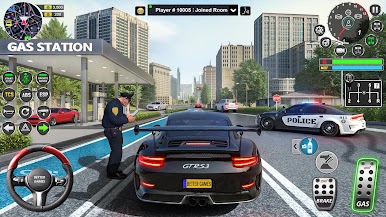
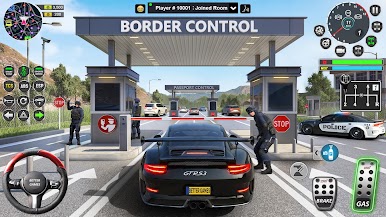
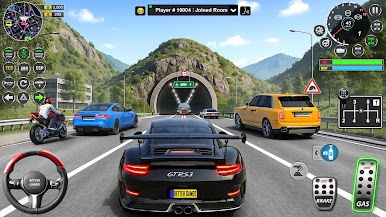
Play Car Driving Simulator Games on PC. It’s easy to get started.
-
Download and install BlueStacks on your PC
-
Complete Google sign-in to access the Play Store, or do it later
-
Look for Car Driving Simulator Games in the search bar at the top right corner
-
Click to install Car Driving Simulator Games from the search results
-
Complete Google sign-in (if you skipped step 2) to install Car Driving Simulator Games
-
Click the Car Driving Simulator Games icon on the home screen to start playing

