


Camera Blocker Pro - Anti spy
Play on PC with BlueStacks – the Android Gaming Platform, trusted by 500M+ gamers.

Page Modified on: Oct 3, 2025
Play Camera Blocker Pro - Anti spy on PC
★ Over 13,000 five-star ratings
★ No internet access, no ads, no data collected, no account creation.
★ Lifetime license, no additional fees.
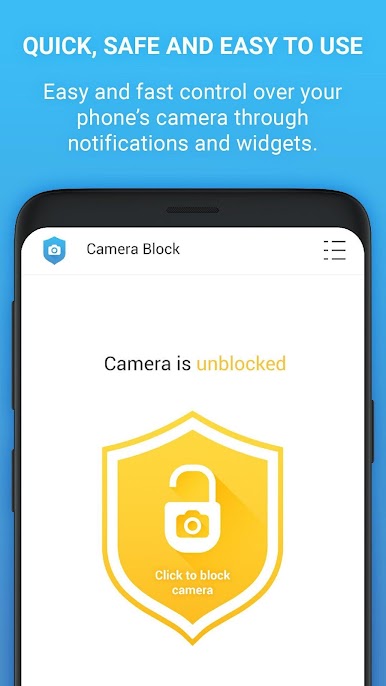
ONE BUTTON CAMERA BLOCKER
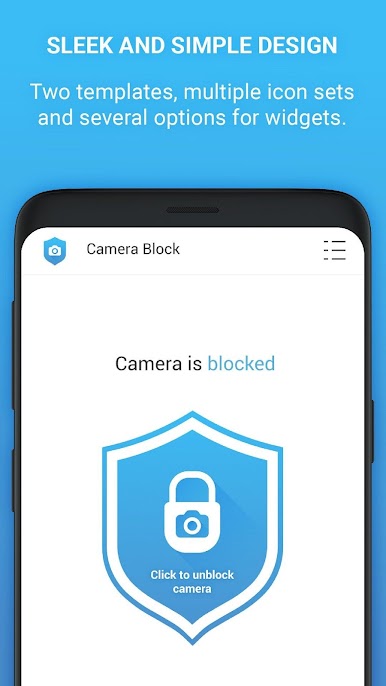
• One click to block, disable, turn off and deactivate access to camera.
• Prevent spyware, malware and viruses from taking unauthorized pictures and video recordings on your phone.
• The app protects your phone's camera from watching and spying you by threats as: viruses, spyware, malware or surveillance apps.
WHY USE CAMERA BLOCKER PRO - ANTI SPY?
✔ Block, disable and remove access to camera by a single click.
✔ Protect your privacy from phone camera spying (spyware, malware, surveillance or infected apps).
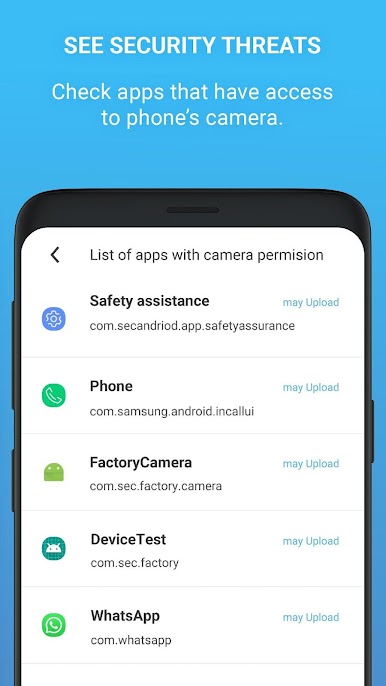
✔ See and monitor apps that have access to your camera.
✔ Set the automatic blocking time.
✔ Simple and clear design with dark mode and several icon sets.
✔ Camera detector and camera guard features.
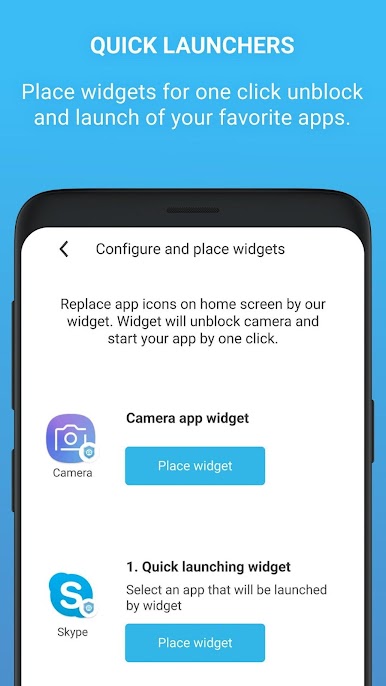
✔ Home screen widget and notifications for quick access to blocking.
CAMERA GUARD AND CAMERA DETECTOR
Learn more about Android permissions and see suggestions on how to remove apps that have access to your camera. Simple tutorial guides you through the steps to increase the level of protection. Camera detector and camera guard are monitoring apps that are allowed to access your camera. We will notify you if new app get access to use camera.
★ Try Free version (Camera Blocker: Anti Spy Guard):
- Free protection works 22 hours per day (Blocking is turned off between 20:00-22:00)
- The free version contains ads, has internet access and collects data.
★ https://goo.gl/1ia72d (Camera Blocker: Anti Spy Guard)
Play Camera Blocker Pro - Anti spy on PC. It’s easy to get started.
-
Download and install BlueStacks on your PC
-
Complete Google sign-in to access the Play Store, or do it later
-
Look for Camera Blocker Pro - Anti spy in the search bar at the top right corner
-
Click to install Camera Blocker Pro - Anti spy from the search results
-
Complete Google sign-in (if you skipped step 2) to install Camera Blocker Pro - Anti spy
-
Click the Camera Blocker Pro - Anti spy icon on the home screen to start playing

