


BIBIBOP Rewards
Play on PC with BlueStacks – the Android Gaming Platform, trusted by 500M+ gamers.

Page Modified on: Oct 22, 2026
Play BIBIBOP Rewards on PC
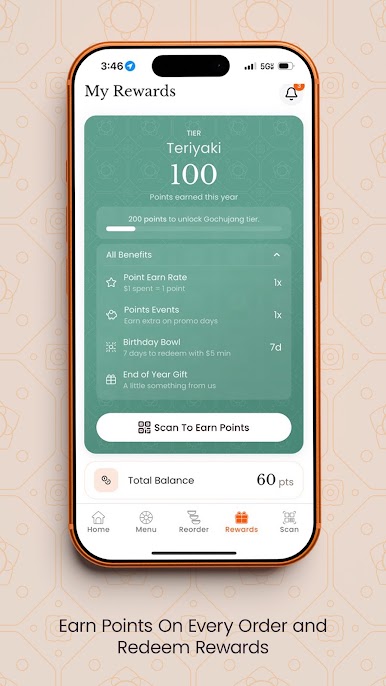
EARN REWARDS
Earn points with every purchase and turn them into Rewards.
EXCLUSIVE PERKS
Receive special news and offers as a member.
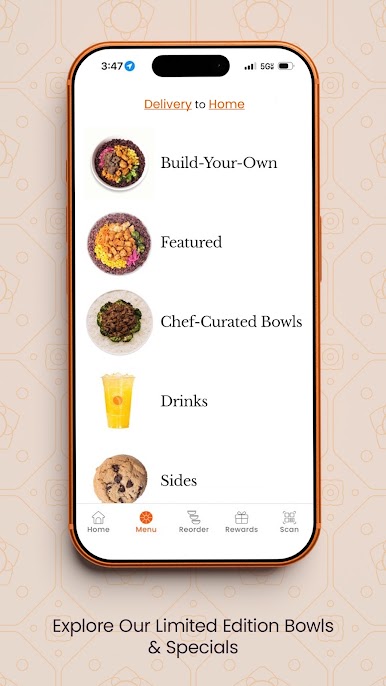
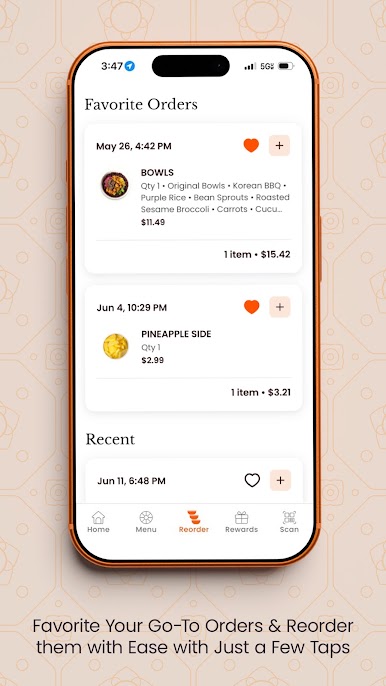
ORDER ONLINE
Enjoy easy online ordering for quick pick-up or delivery.
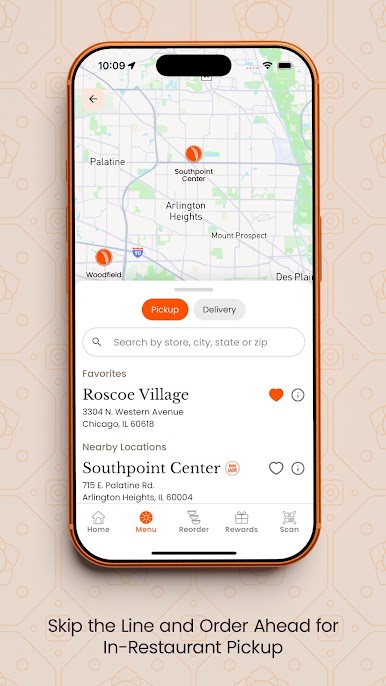
FIND LOCATIONS
Easily find your nearest BIBIBOP location.
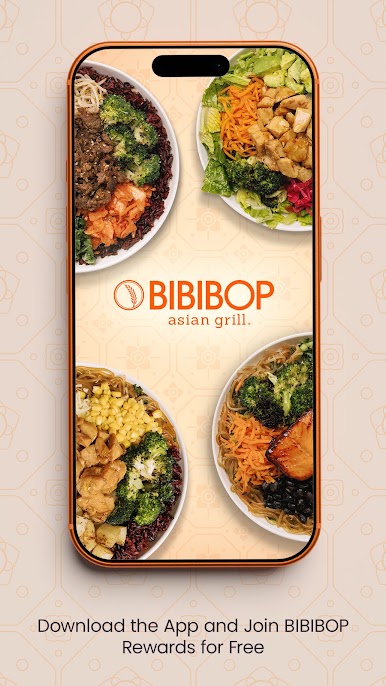
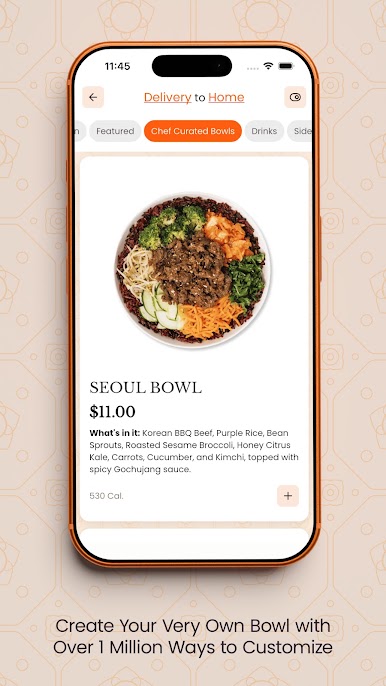
At BIBIBOP, your journey to a Well B-ing Lifestyle begins with a customized bowl loaded with fresh, healthy ingredients. Choose from bases like rice or sweet potatoes, proteins such as USDA Choice Steak or all-natural chicken, fresh vegetables, and bold sauces like the sweet and tangy Yum-Yum. With vegetarian and vegan options available, our bowls cater to all dietary preferences. Plus, BIBIBOP is a certified 100% gluten-free establishment, ensuring a safe dining experience for everyone.
Play BIBIBOP Rewards on PC. It’s easy to get started.
-
Download and install BlueStacks on your PC
-
Complete Google sign-in to access the Play Store, or do it later
-
Look for BIBIBOP Rewards in the search bar at the top right corner
-
Click to install BIBIBOP Rewards from the search results
-
Complete Google sign-in (if you skipped step 2) to install BIBIBOP Rewards
-
Click the BIBIBOP Rewards icon on the home screen to start playing

