

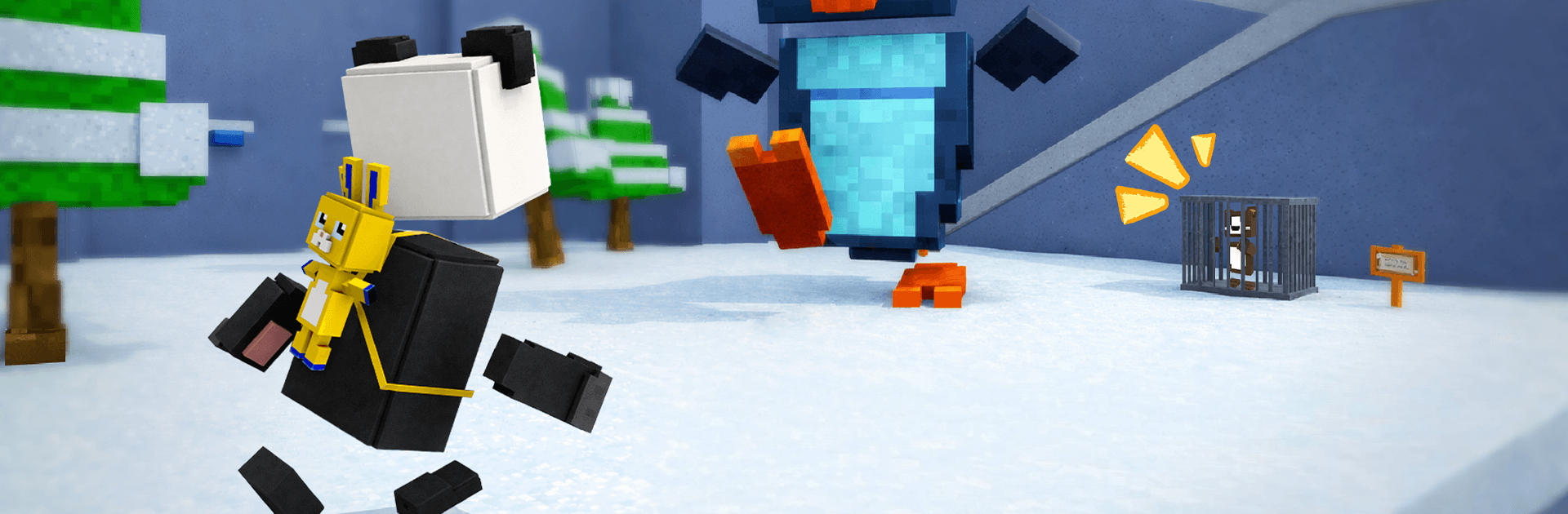
Blocky Quest: Panda Adventure
Play on PC with BlueStacks – the Android Gaming Platform, trusted by 500M+ gamers.

Page Modified on: Sep 21, 2026
Play Blocky Quest: 3D Platformer on PC or Mac
Explore a whole new adventure with Blocky Quest: 3D Platformer, a Adventure game created by Bibota. Experience great gameplay with BlueStacks, the most popular gaming platform to play Android games on your PC or Mac.
About the Game
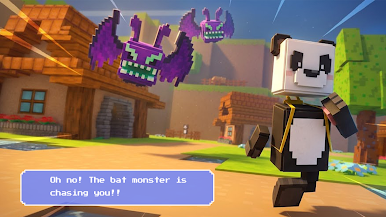
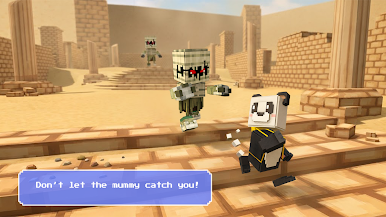
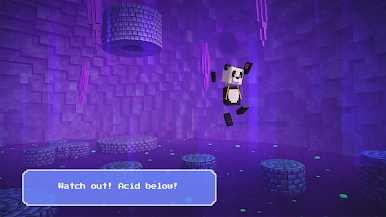
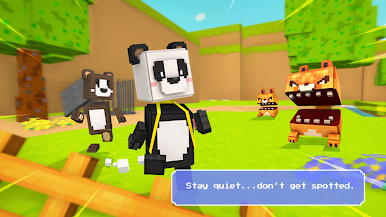
Blocky Quest: 3D Platformer is a bright, chunky Adventure where classic jump-and-run action meets a fully breakable voxel world. Dark forces are messing with a once-peaceful cube realm, and you’re the one sprinting, hopping, and smashing your way through it. Expect roomy levels full of secrets, clever obstacles, and big boss showdowns that reward sharp timing and curiosity.
Game Features
- Controls that feel right: Run, double-jump, dash, and drop a satisfying ground-pound to cross gaps, outplay traps, and keep your momentum going.
- Breakable worlds: Knock out blocks, carve shortcuts, and reveal tucked-away paths. If something looks suspicious, try smashing it—there’s often a secret behind it.
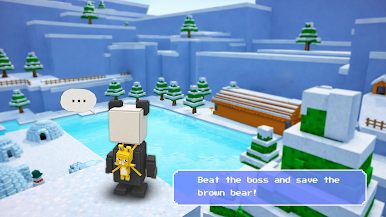
- Big, varied realms: Wander through calm blocky forests, neon-soaked cityscapes, and moody dungeons. Each area has its own rhythm, hazards, and surprises.
- Eye-catching voxel style: Clean shapes, punchy lighting, glowing accents, and shadowy spaces give every stage a distinct vibe that’s easy to read and fun to explore.
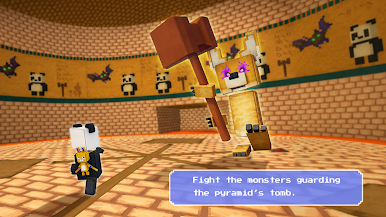
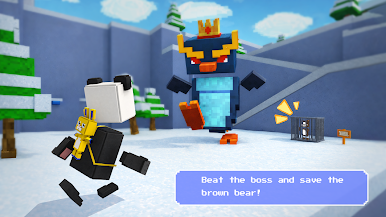
- Boss battles with bite: Face towering voxel creatures that test positioning and timing. Learn patterns, find openings, and land those clutch hits.
- Customize your hero: Spend collected coins on new skins, playful hats, and flashy particle trails to give your character some personality.
- Secrets and collectibles: Hidden rooms, tricky platform routes, and shiny coins reward players who like to poke around and experiment.
- Offline friendly: No connection needed, so you can play on a commute or anywhere you’ve got a minute to spare.
- PC play option: Prefer a bigger screen and keyboard? It runs smoothly on BlueStacks without changing the feel of the game.
Start playing Blocky Quest: 3D Platformer on BlueStacks and get a smoother, more comfortable PC or Mac setup.
Play Blocky Quest: Panda Adventure on PC. It’s easy to get started.
-
Download and install BlueStacks on your PC
-
Complete Google sign-in to access the Play Store, or do it later
-
Look for Blocky Quest: Panda Adventure in the search bar at the top right corner
-
Click to install Blocky Quest: Panda Adventure from the search results
-
Complete Google sign-in (if you skipped step 2) to install Blocky Quest: Panda Adventure
-
Click the Blocky Quest: Panda Adventure icon on the home screen to start playing

