


Chess
Play on PC with BlueStacks – the Android Gaming Platform, trusted by 500M+ gamers.

Page Modified on: Sep 2, 2026
Play Chess on PC or Mac
Play Chess by Big Cake on PC or Mac with BlueStacks. Use a bigger screen, mouse and keyboard controls, and smoother performance while you play.
About the Game
Chess gives the timeless Board classic a fresh, welcoming feel, pairing sleek visuals with tools that actually help you get better. New to the game or already comfortable trading pieces? You’ll find quick matches, smart practice modes, and a clean interface that keeps your focus on the board. Prefer a bigger screen and steady performance? It plays smoothly on BlueStacks too.
Game Features
- Guided Lessons: Learn the essentials step by step—how each piece moves, checks and checkmates, special rules like castling and en passant, plus practical ideas you can use right away.
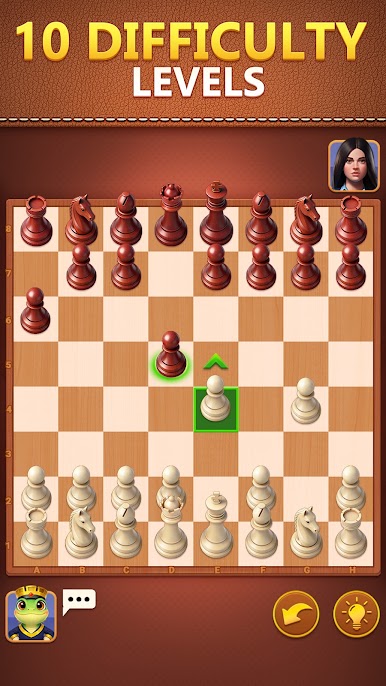
- Adaptive AI Levels: Tackle 10 carefully tuned difficulty settings, from gentle warm-ups to serious tests, perfect for rehearsing openings or sharpening your endgame.
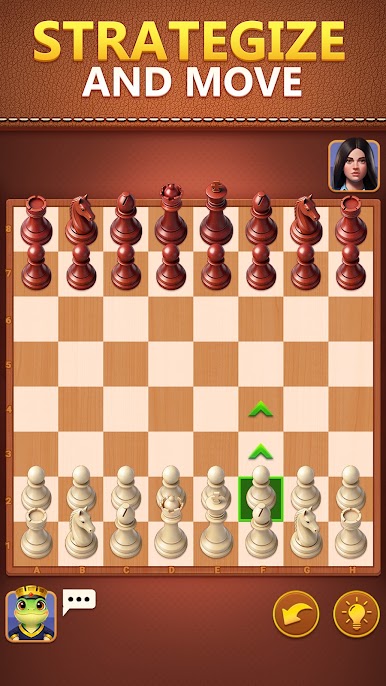
- Polished 3D Boards: Enjoy crisp 3D views, smooth animations, and themes that range from classic wood to cool modern styles without visual clutter.
- Puzzles Galore: Work through thousands of tactics, from quick mates to layered combinations that build calculation, vision, and timing.
- Hints and Undo: Stuck or curious? Ask for a nudge, or rewind a move to try a different line without restarting the match.
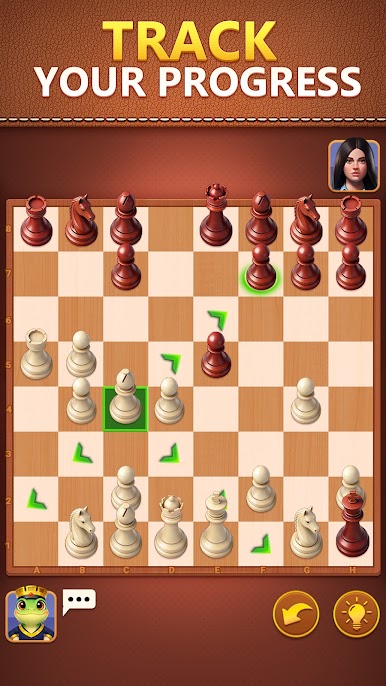
- Game History & Replay: Every move is saved, so you can scrub through past games, spot patterns, and learn where plans turned the tide.
- Open Tournaments: Join recurring events, climb leaderboards, collect trophies, and see how your rating stacks up worldwide.
- Play Offline: No connection needed—squeeze in a puzzle or a full game whenever you’ve got a few quiet minutes.
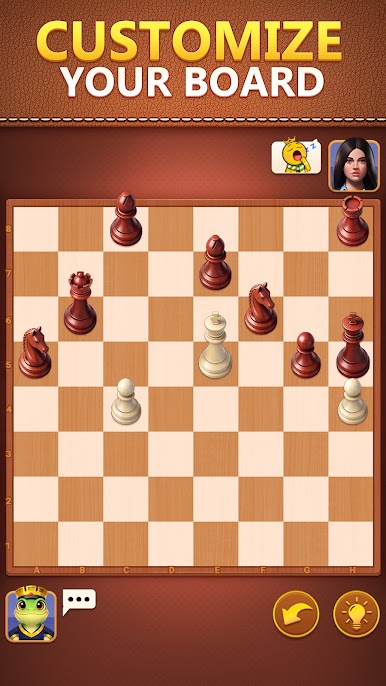
- Customize Your Look: Mix and match board designs and piece sets until the board feels just right for you.
- Smooth Controls: Snappy, precise movement—drag or tap—with feedback that makes slipping pieces into perfect squares feel effortless.
Get ready for a buttery smooth, high-performance gaming action only on BlueStacks.

Play Chess on PC. It’s easy to get started.
-
Download and install BlueStacks on your PC
-
Complete Google sign-in to access the Play Store, or do it later
-
Look for Chess in the search bar at the top right corner
-
Click to install Chess from the search results
-
Complete Google sign-in (if you skipped step 2) to install Chess
-
Click the Chess icon on the home screen to start playing

