


Billiards Super: Ball Class
Play on PC with BlueStacks – the Android Gaming Platform, trusted by 500M+ gamers.

Page Modified on: Feb 8, 2026
Play Billiards Super: Ball Class on PC
Why Billiards 3D: Pool Simulation?
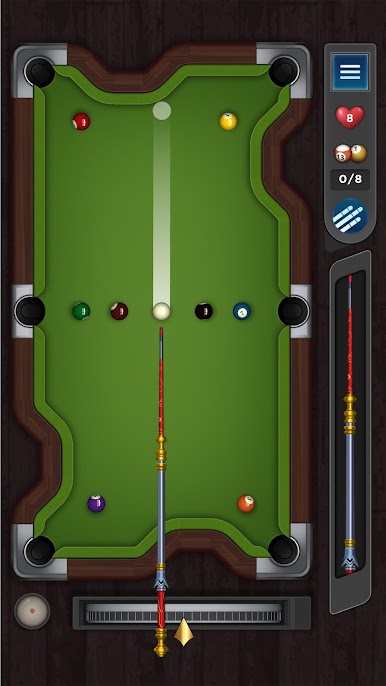
- Optimized for smooth one-hand control, making it easy to aim, shoot, and clear the table with simple gestures
- No complicated rules or advanced skills needed - just intuitive billiards gameplay that anyone can pick up instantly.
Perfect for casual players, this billiards puzzle game focuses on satisfying shots, smart layouts, and a steady sense of progress. Whether you’re waiting in line, taking a short break, or winding down, you can enjoy quick billiards fun anywhere, anytime."
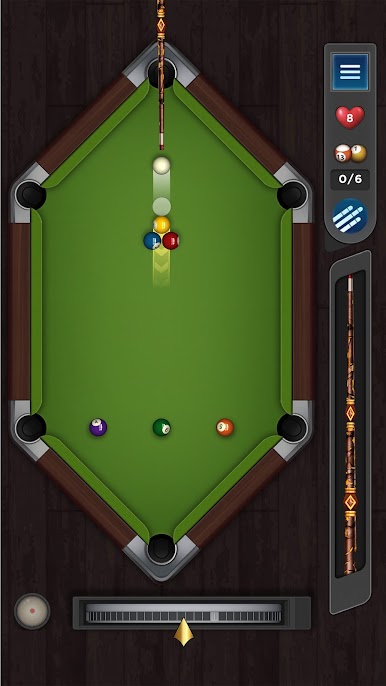
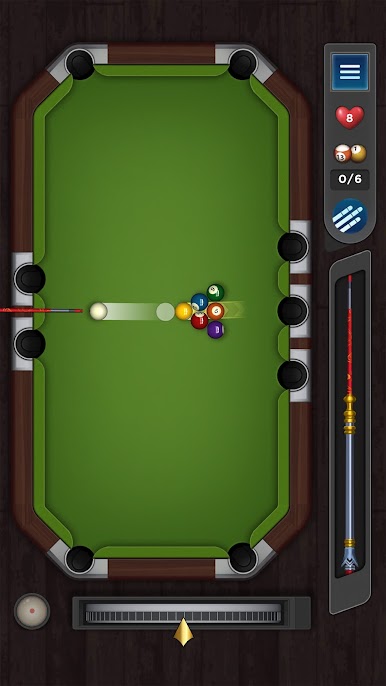
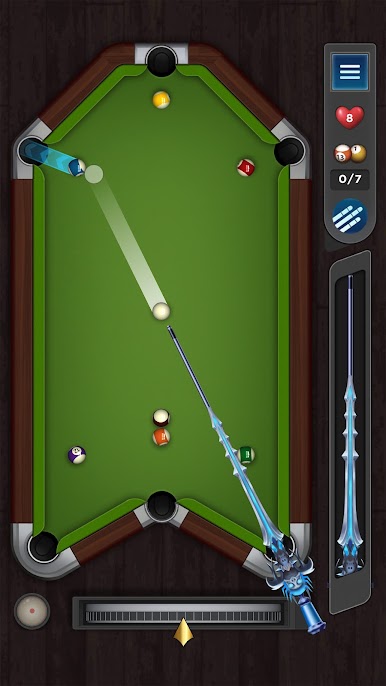
Play Billiards Super: Ball Class on PC. It’s easy to get started.
-
Download and install BlueStacks on your PC
-
Complete Google sign-in to access the Play Store, or do it later
-
Look for Billiards Super: Ball Class in the search bar at the top right corner
-
Click to install Billiards Super: Ball Class from the search results
-
Complete Google sign-in (if you skipped step 2) to install Billiards Super: Ball Class
-
Click the Billiards Super: Ball Class icon on the home screen to start playing

