


Billiard Hero™️: Rescue Shot
Play on PC with BlueStacks – the Android Gaming Platform, trusted by 500M+ gamers.

Page Modified on: Jul 9, 2026
Play Billiard Hero™️: Rescue Shot on PC or Mac
Billiard Hero™️: Rescue Shot brings the Sports genre to life, and throws up exciting challenges for gamers. Developed by Puzzle Fun Game Technology Limited-Billiard, this Android game is best experienced on BlueStacks, the World’s #1 app player for PC and Mac users.
About the Game
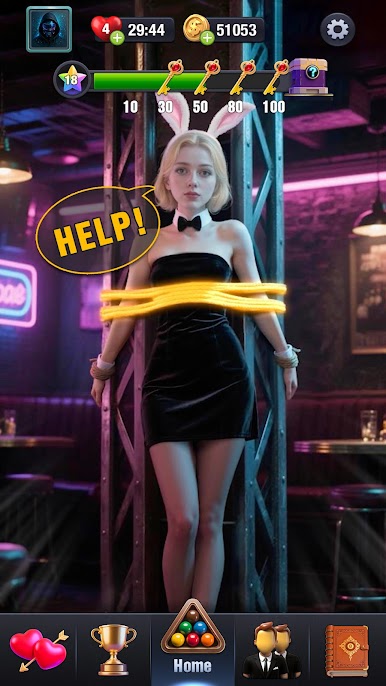
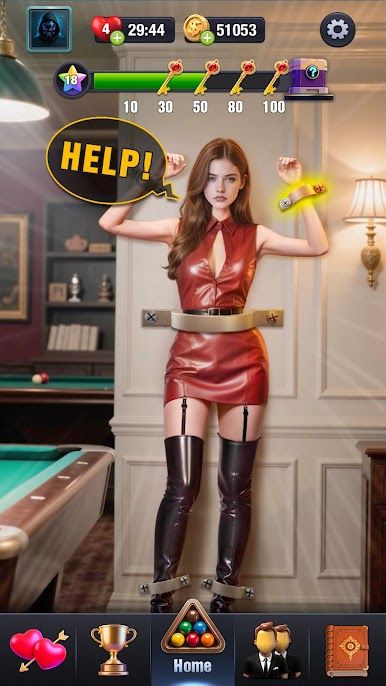
Billiard Hero™️: Rescue Shot mixes classic pool with a rescue twist. You’re clearing tables under tight shot limits while helping girls out of some pretty wild spots, one precise strike at a time. Smooth physics, clean controls, and a laid-back pace make it easy to jump in—whether you’re a pool regular or just testing the waters.
Game Features
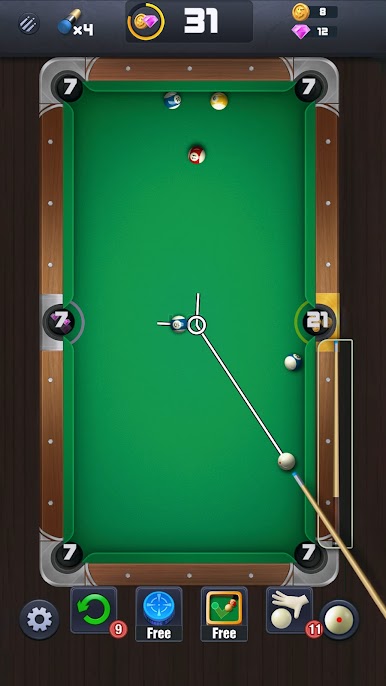
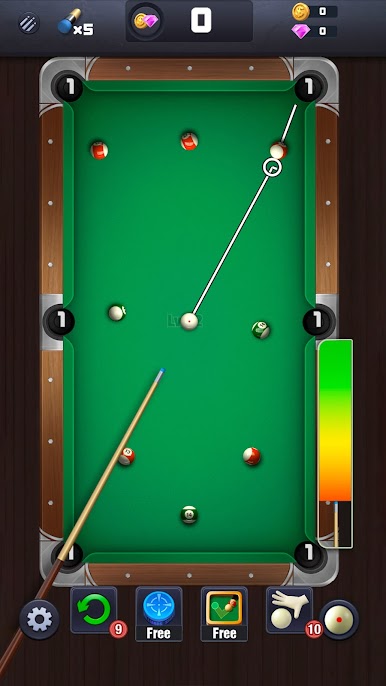
- Shot-limit challenge: Every stage gives you only a few strokes, so angles, banks, and spin really matter. Make each hit count.
- Realistic feel: Crisp ball sounds, natural roll, and a polished table vibe give every shot that satisfying “clack.”
- Rescue with personality: Each girl has her own look, scenario, and reactions. Clear the table to bring her to safety and keep the story moving.
- Gifts and growing bonds: After you save her, send thoughtful gifts, raise affection, and unlock outfits, voice lines, and little moments that feel personal.
- Unique cue rewards: Earn a custom cue from each rescue—distinct looks, different feels. Build a collection that matches your style and strategy.
- Play anywhere, no pressure: Works offline, no energy bars or countdowns. Try a tricky layout, pause, and return whenever.
- Welcoming but deep: Helpful aim guides for newcomers; tight control for trick shots if you want to push your skills.
- Precise cue control: Fine-tune power and aim for clean clears, sneaky banks, or last-ditch saves.
- Bigger screen option: Prefer more room to line up shots? It also runs smoothly on BlueStacks for extra space and steady controls.
BlueStacks gives you more room to focus on the game and less time adjusting around mobile limitations.


Play Billiard Hero™️: Rescue Shot on PC. It’s easy to get started.
-
Download and install BlueStacks on your PC
-
Complete Google sign-in to access the Play Store, or do it later
-
Look for Billiard Hero™️: Rescue Shot in the search bar at the top right corner
-
Click to install Billiard Hero™️: Rescue Shot from the search results
-
Complete Google sign-in (if you skipped step 2) to install Billiard Hero™️: Rescue Shot
-
Click the Billiard Hero™️: Rescue Shot icon on the home screen to start playing

