


Bingo Win Cash: Win Real Money
Play on PC with BlueStacks – the Android Gaming Platform, trusted by 500M+ gamers.

Page Modified on: Mar 1, 2026
Play Bingo Win Cash: Win Real Money on PC
Start a game, mark the numbers, complete bingo patterns, and collect rewards as you play 🎯. Each round is quick, smooth, and packed with chances to win 🏆. Play with 1 to 4 cards at your own pace. More cards mean more excitement and more chances to earn 💪.
Earn coins 🪙 by playing games and use them to redeem a variety of gift cards 🎁, including Starbucks ☕ and Amazon 🛒. Plus, spin the wheel 🎡 to collect gift fragments that you can exchange for special rewards 🎀.
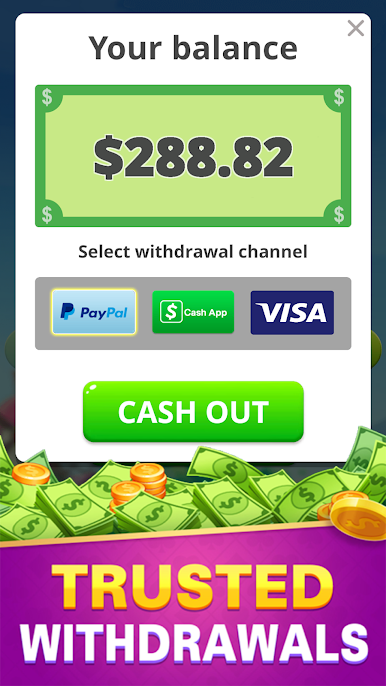
Withdraw your winnings safely whenever you want 💳. Everything you earn is yours, with no hidden fees or purchases required. Just play, earn, and redeem your cash or prizes easily.
Bingo Cash works offline too 📴, so you can play anytime — whether on a break, traveling, or just relaxing 🛋️.
Game Features:
• Real cash rewards with safe withdrawals via PayPal, Cash App, and Visa 💵💳
• Earn coins to redeem gift cards like Starbucks ☕ and Amazon 🛒
• Spin the wheel 🎡 to collect gift fragments and exchange for gifts 🎀
• No deposits or purchases required 🚫
• Play with 1 to 4 cards at your own pace 🃏
• Offline play supported 📴
Download Bingo Cash today and start winning real cash and exciting rewards while enjoying classic bingo fun 🎲. Play, earn coins, spin, and cash out — all in one game! 🎉💰




Play Bingo Win Cash: Win Real Money on PC. It’s easy to get started.
-
Download and install BlueStacks on your PC
-
Complete Google sign-in to access the Play Store, or do it later
-
Look for Bingo Win Cash: Win Real Money in the search bar at the top right corner
-
Click to install Bingo Win Cash: Win Real Money from the search results
-
Complete Google sign-in (if you skipped step 2) to install Bingo Win Cash: Win Real Money
-
Click the Bingo Win Cash: Win Real Money icon on the home screen to start playing

