

3D Horse Anatomy
Play on PC with BlueStacks – the Android Gaming Platform, trusted by 500M+ gamers.

Page Modified on: Nov 8, 2025
Run 3D Horse Anatomy Software on PC or Mac
Let BlueStacks turn your PC, Mac, or laptop into the perfect home for 3D Horse Anatomy Software, a fun Education app from biosphera.
About the App
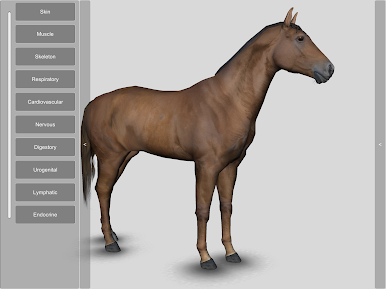
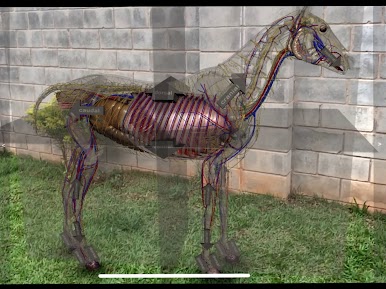
Curious about what makes a horse tick—inside and out? 3D Horse Anatomy Software by biosphera is your go-to interactive resource for really getting to know equine anatomy. Whether you’re a student learning the ropes, a teacher looking for a hands-on way to explain how things work, or you just love horses and want to peek under the hood, this Education app offers an intuitive, in-depth look at every system in your horse’s body.
App Features
-
Explore Every System
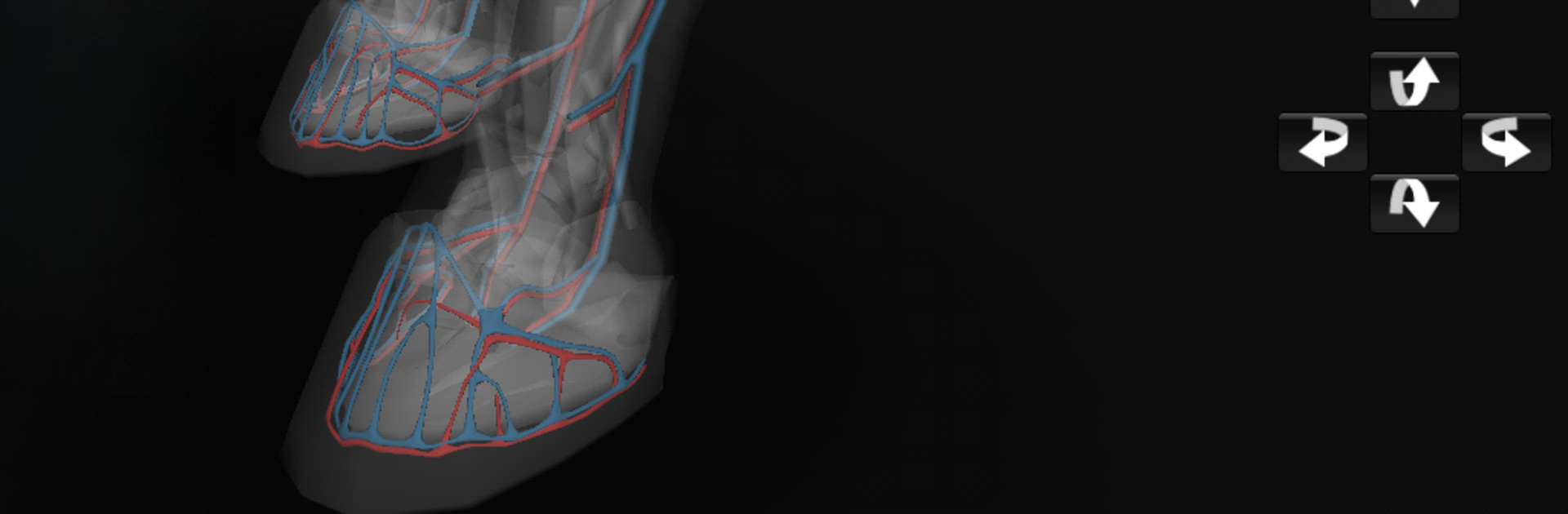
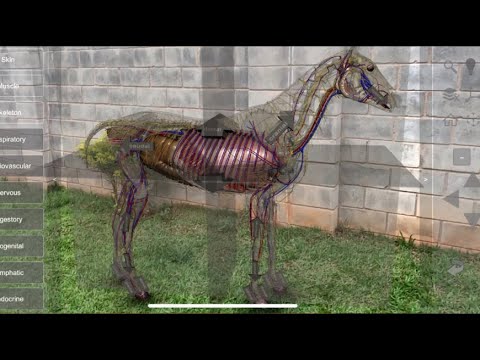
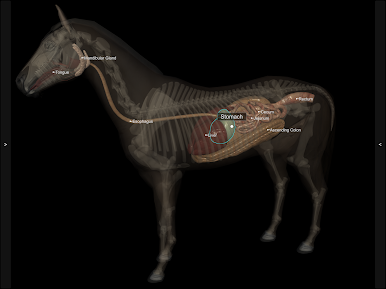
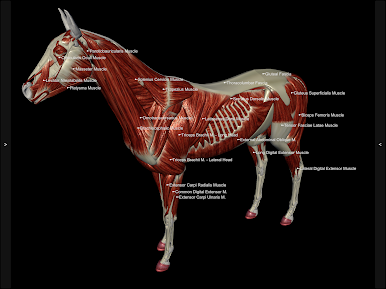
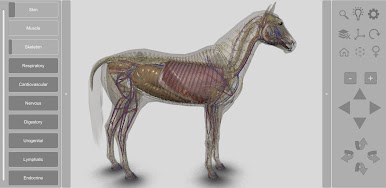
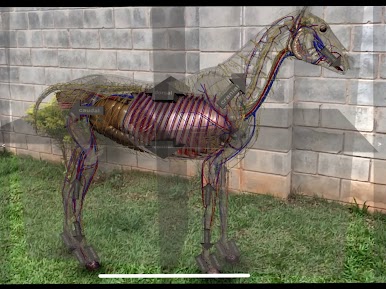
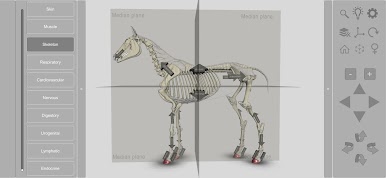
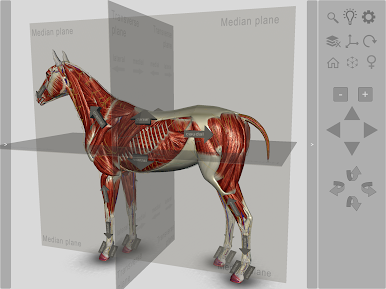
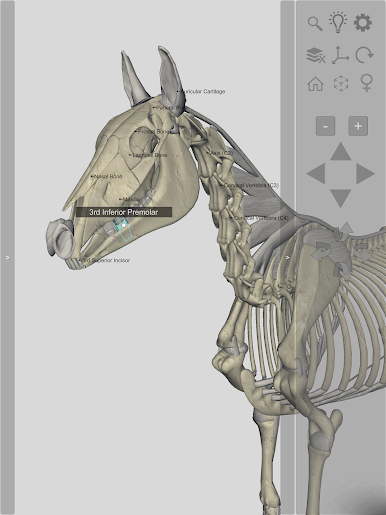
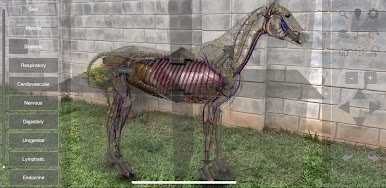
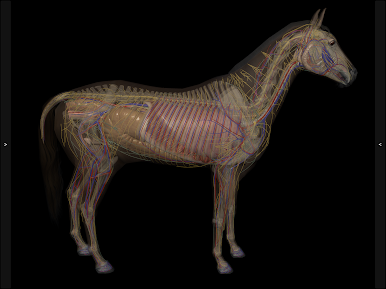
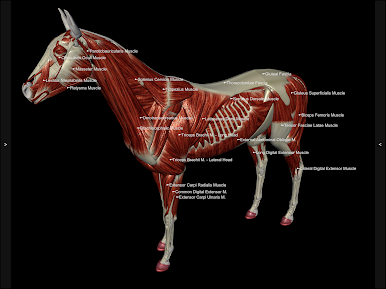
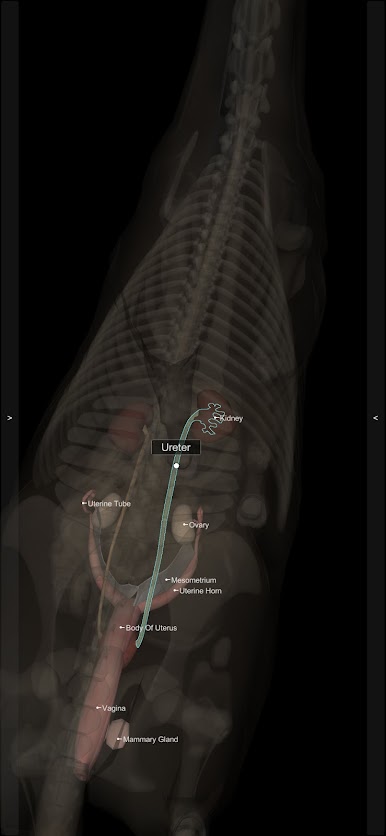
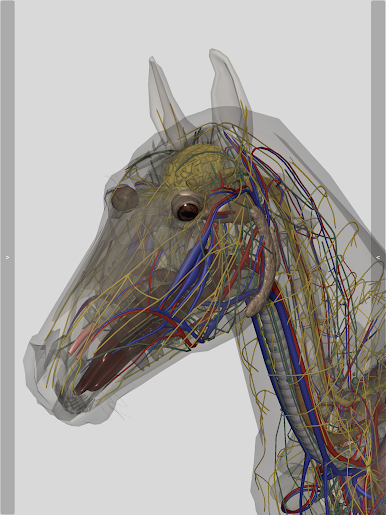
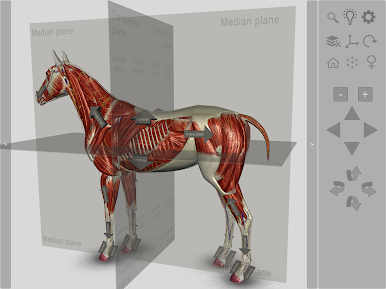
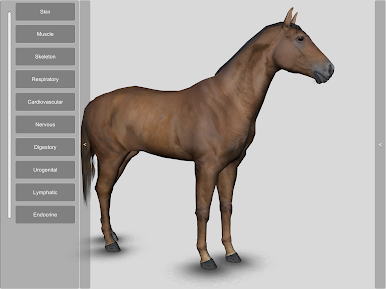
Get up close with all the major anatomical systems of the horse, like the nervous and digestive systems, skeleton, muscles, and even the reproductive system. You can select just one or pile on several at once to see how they fit together. -
Total 3D Control
Want a close-up? Need to view from a different perspective? Rotate, zoom, and switch angles with just a swipe or a tap—it’s like having a virtual dissection table. -
Made for Learning
Teachers and students will appreciate the detail here. Everything’s built to help you visualize and understand how horses work, whether you’re prepping for an exam or explaining something in class. -
Fits Different Needs
This isn’t just for the classroom. Veterinary clinics and pet shops will find it handy for explaining things to horse owners or staff. It’s a user-friendly way to make complex anatomy simple. -
Multiple Languages
Whether you’re most comfortable in English, Spanish, French, Japanese, German, Brazilian Portuguese, or Latin, you can use the software in a way that fits you best.
If you’d like, you can run 3D Horse Anatomy Software on bigger screens using BlueStacks, which makes navigating those detailed models even easier.
Switch to BlueStacks and make the most of your apps on your PC or Mac.
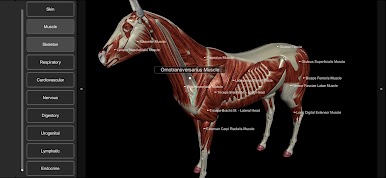
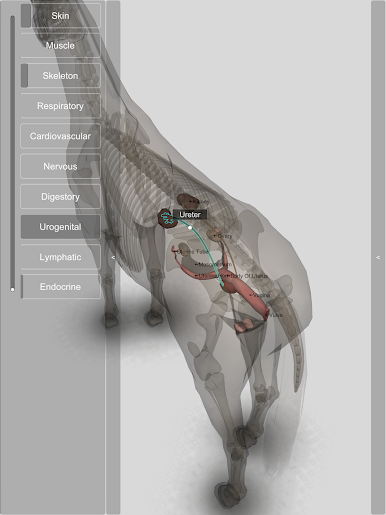
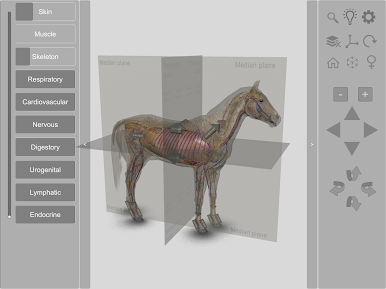
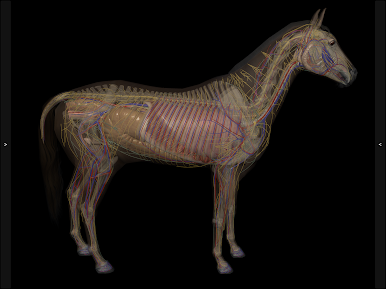
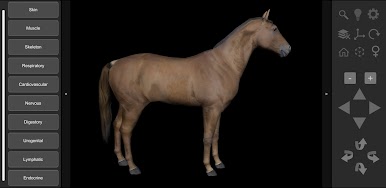
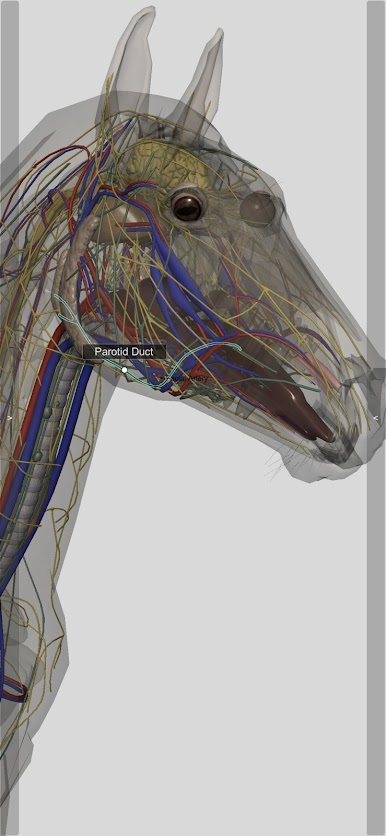
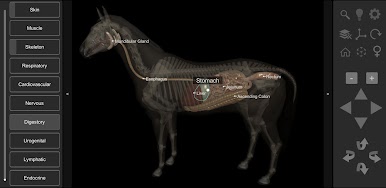
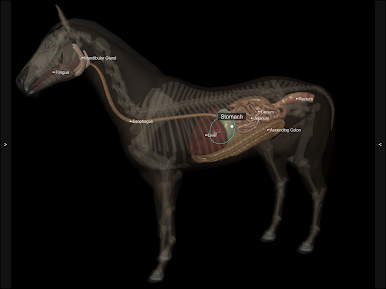
Play 3D Horse Anatomy on PC. It’s easy to get started.
-
Download and install BlueStacks on your PC
-
Complete Google sign-in to access the Play Store, or do it later
-
Look for 3D Horse Anatomy in the search bar at the top right corner
-
Click to install 3D Horse Anatomy from the search results
-
Complete Google sign-in (if you skipped step 2) to install 3D Horse Anatomy
-
Click the 3D Horse Anatomy icon on the home screen to start playing

