


Difference game, spot them all
Play on PC with BlueStacks – the Android Gaming Platform, trusted by 500M+ gamers.

Page Modified on: Dec 2, 2025
Play Difference game, spot them all on PC or Mac
Explore a whole new adventure with Difference game, spot them all, a Puzzle game created by Blackout Lab. Experience great gameplay with BlueStacks, the most popular gaming platform to play Android games on your PC or Mac.
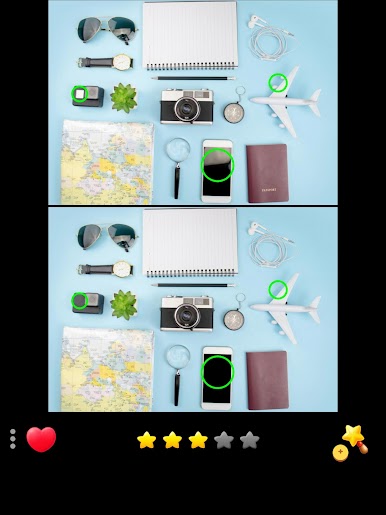
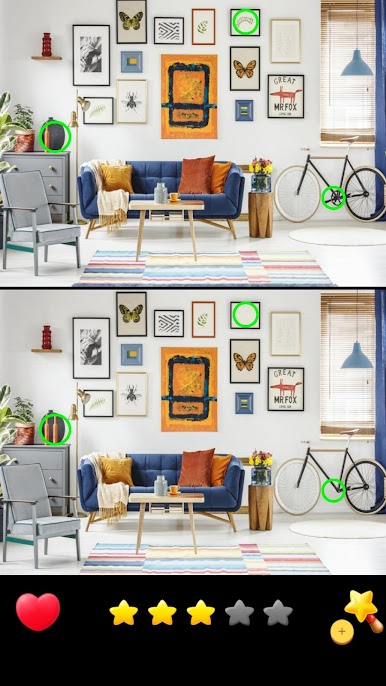
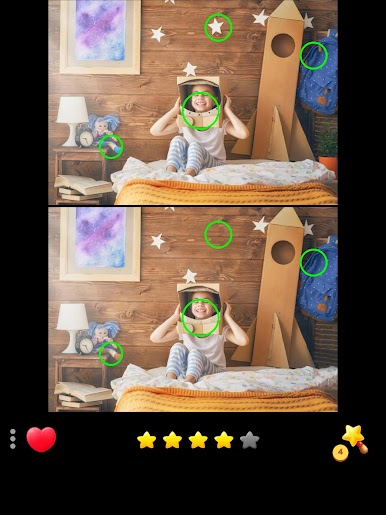
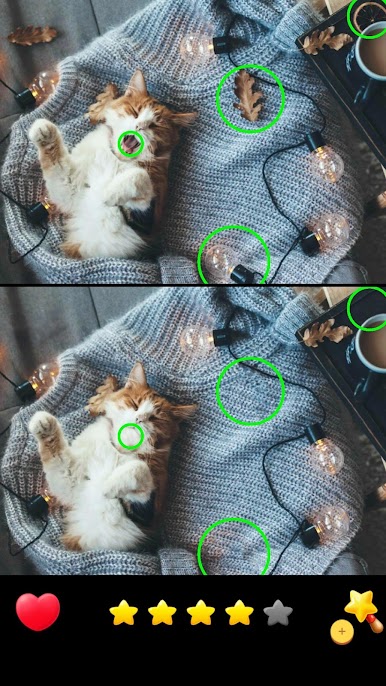
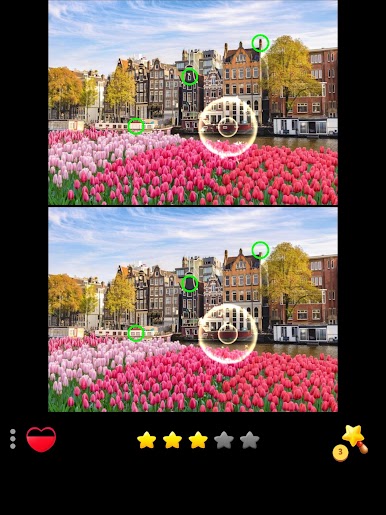
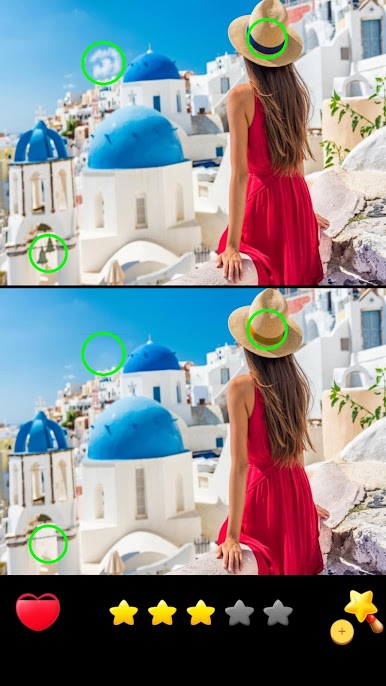
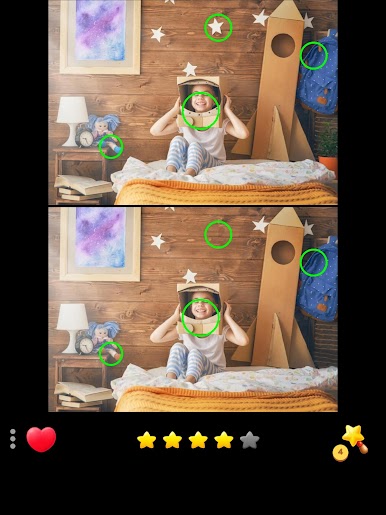
Difference game, spot them all is a calm, no rush spot the difference puzzle that just lets the player relax and focus. Two photos sit side by side, and the job is to hunt down small changes, anything from a missing stripe to a shifted shadow. There is no timer breathing down the neck, which really changes the feel. It turns into a slow, satisfying scan instead of a race. There is a lot of photos to go through, more than 1,500, and they are sharp, varied scenes that make finding the sneaky stuff feel fair, not random. Some sets are quick, then suddenly one has color tweaks or tiny angle changes that take a minute, in a good way.
Controls are simple, tap to mark a difference, zoom in when a corner gets busy, and if a spot will not show itself there are hints without fuss. Daily challenges add a small reason to come back, like a mini routine. The interface keeps things clean and modern, so it works for kids and adults who just want a chill puzzle. On BlueStacks, the bigger monitor and a mouse make a real difference, since zooming and clicking are smoother and those tiny details jump out sooner. If someone likes hidden object pages or classic puzzle mags, this scratches the same itch. If they want story or action, it is not that, it is steady, simple, and oddly satisfying to clear one more picture.
Start your journey now. Download the game on BlueStacks, invite your friends, and march on a new adventure.



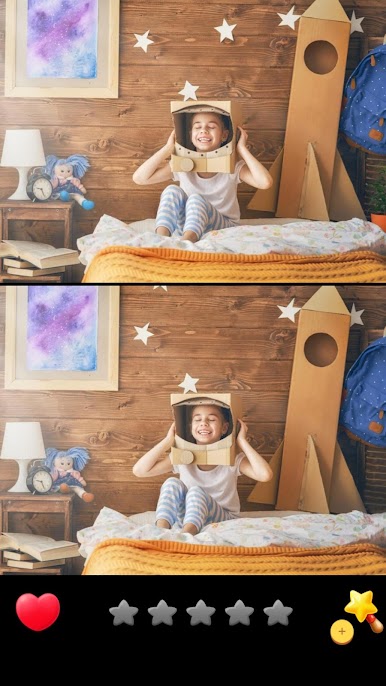
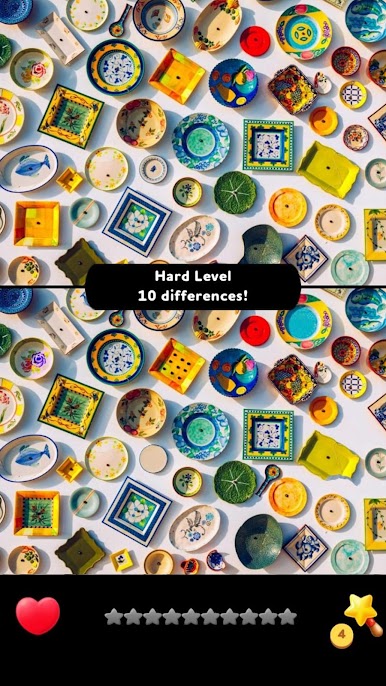
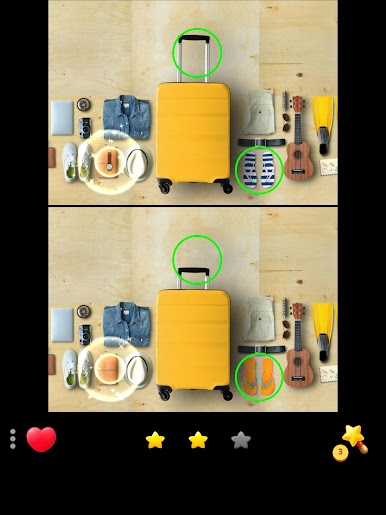

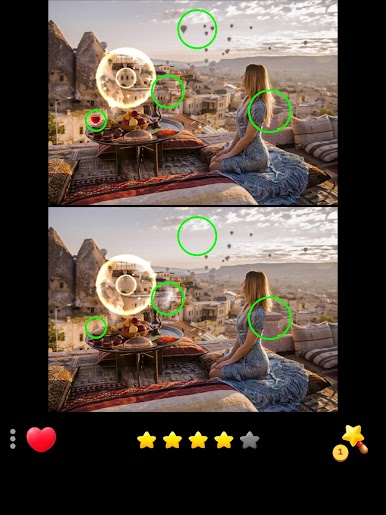
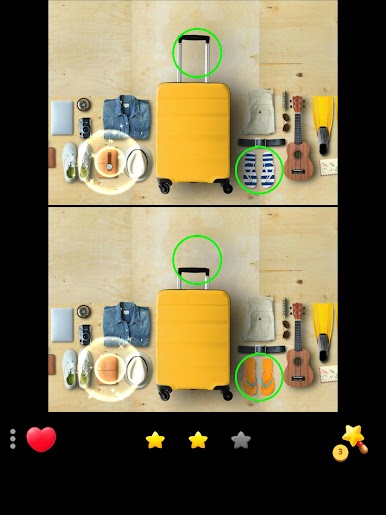



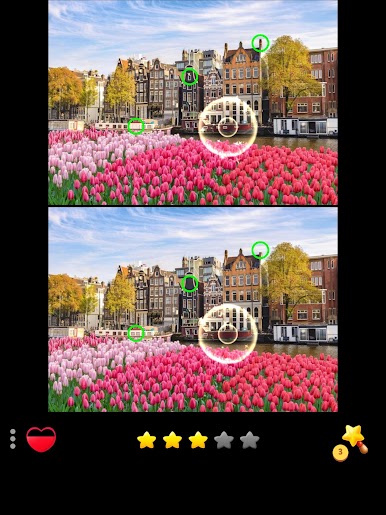


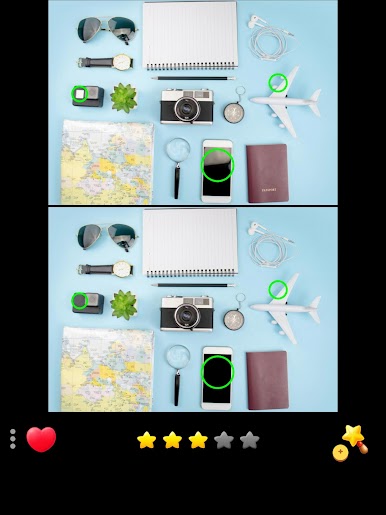
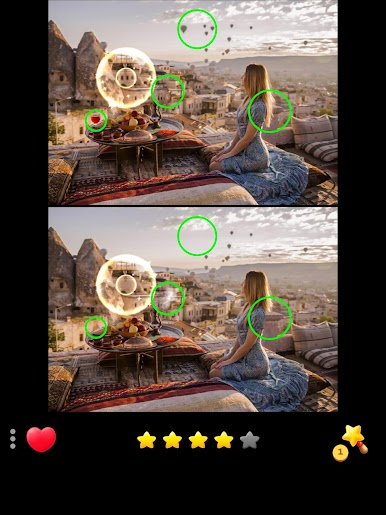

Play Difference game, spot them all on PC. It’s easy to get started.
-
Download and install BlueStacks on your PC
-
Complete Google sign-in to access the Play Store, or do it later
-
Look for Difference game, spot them all in the search bar at the top right corner
-
Click to install Difference game, spot them all from the search results
-
Complete Google sign-in (if you skipped step 2) to install Difference game, spot them all
-
Click the Difference game, spot them all icon on the home screen to start playing

