


Pop Breaker: Blast all Cubes
Play on PC with BlueStacks – the Android Gaming Platform, trusted by 500M+ gamers.

Page Modified on: Oct 14, 2025
Play Pop Breaker: Blast all Cubes on PC or Mac
Step into the World of Pop Breaker: Blast all Cubes, a thrilling Puzzle game from the house of Blackout Lab. Play this Android game on BlueStacks App Player and experience immersive gaming on PC or Mac.
About the Game
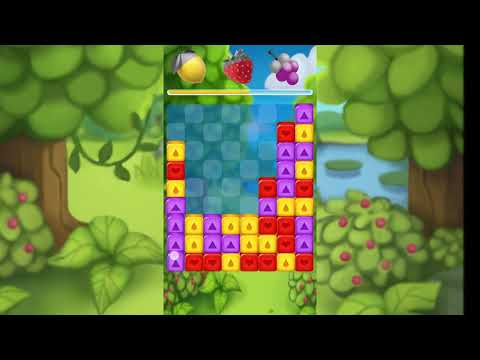
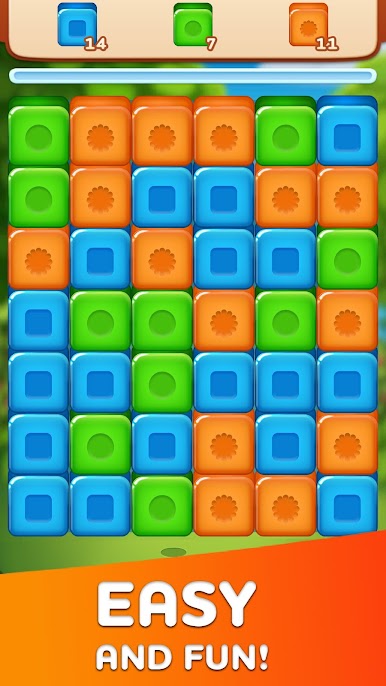
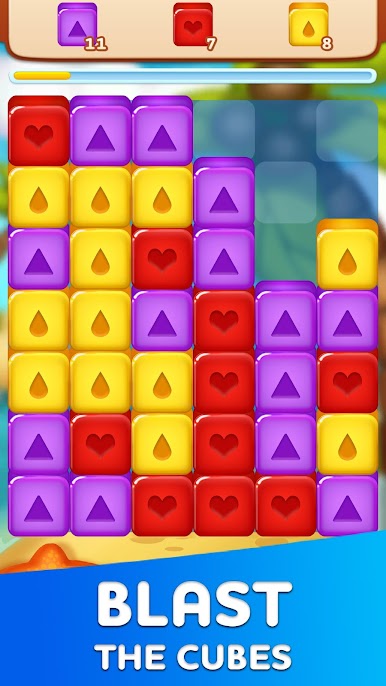
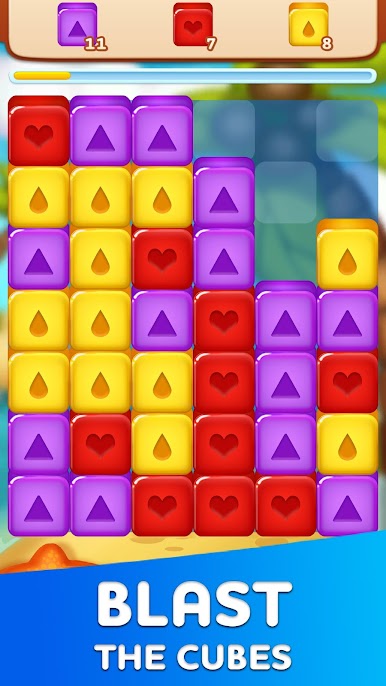
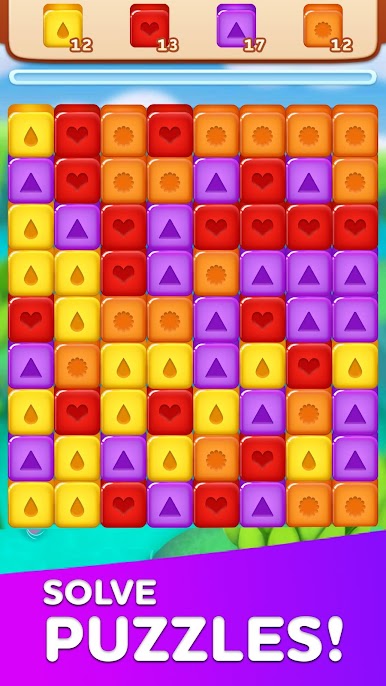
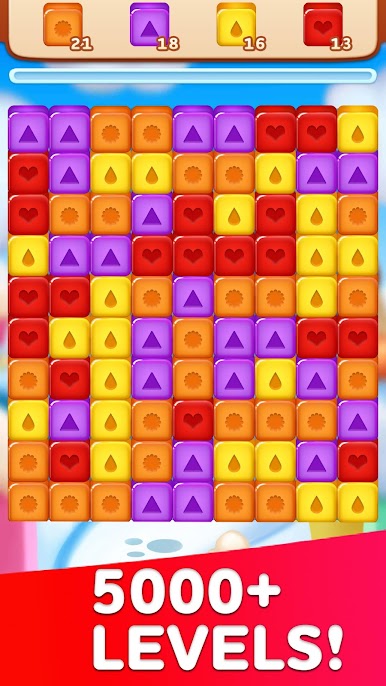
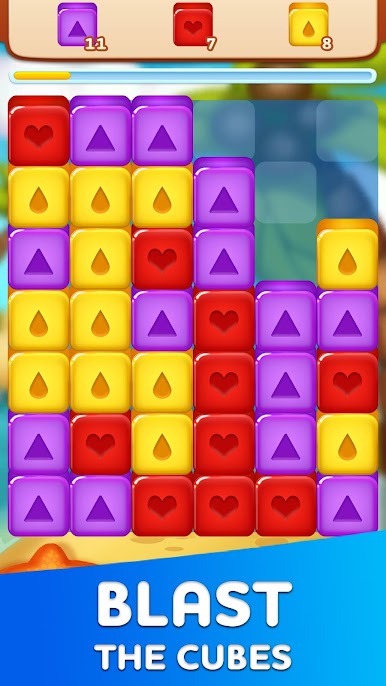
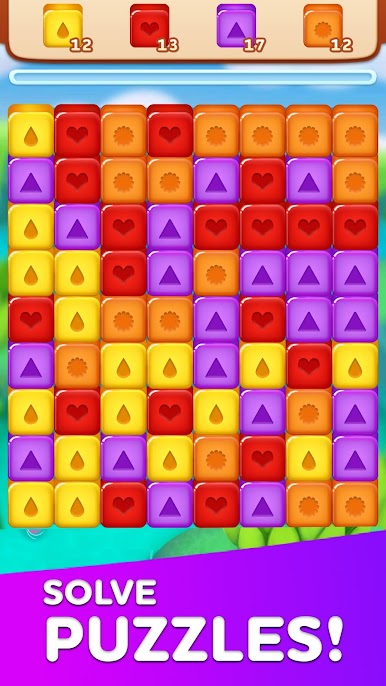
Got a few minutes and a love for puzzles? Pop Breaker: Blast all Cubes from Blackout Lab shakes things up with its colorful, tap-to-blast style. Whether you’re the type who likes to plan every move or just smash through blocks at lightning speed, this puzzle game has something fresh to offer. It’s straightforward, relaxing, and—best of all—you can play at your own pace.
Game Features
-
Stress-Free Puzzling
No timers, no energy bars, no forced breaks. Play as long as you want—there’s zero pressure. -
Plenty of Levels
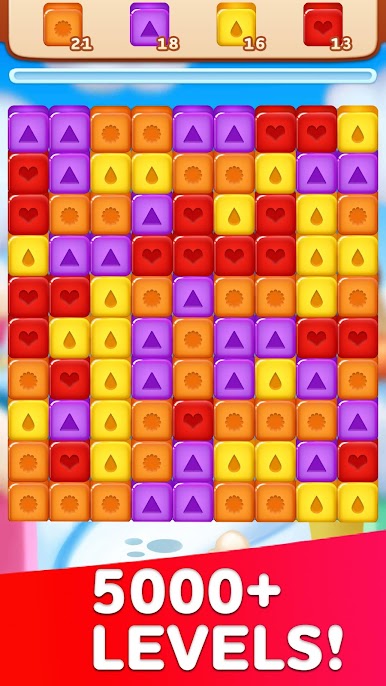
With hundreds of puzzles to work through, there’s always a new challenge waiting. -
Easy Tap Controls
Just tap on groups of matching cubes to smash them—simple as that, but oddly satisfying. -
Booster Power-Ups
Stuck on a tricky board? Use handy boosters to clear stubborn cubes and keep things moving. -
Different Play Styles
Go for big, showy combos, make precise, careful moves, or just tap away at top speed. You’ll find a way that fits. -
Star Rewards
Rack up stars as you beat levels, then snag some cool in-game rewards for your effort. -
Smooth on BlueStacks
If you like playing on your PC, BlueStacks makes it easy to enjoy Pop Breaker: Blast all Cubes with bigger graphics and smoother swiping.
Jump in and see what kind of cube crusher you become!
Get ready for a buttery smooth, high-performance gaming action only on BlueStacks.
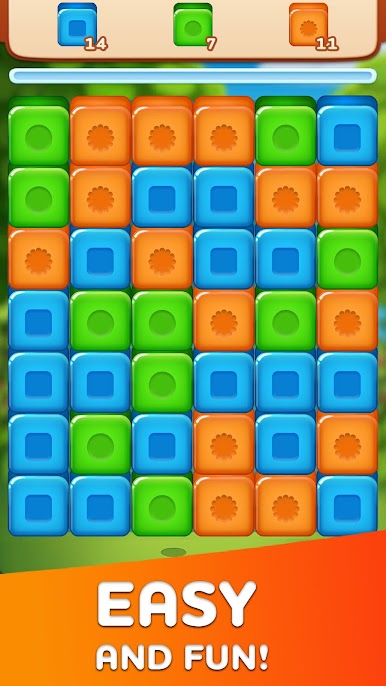
Play Pop Breaker: Blast all Cubes on PC. It’s easy to get started.
-
Download and install BlueStacks on your PC
-
Complete Google sign-in to access the Play Store, or do it later
-
Look for Pop Breaker: Blast all Cubes in the search bar at the top right corner
-
Click to install Pop Breaker: Blast all Cubes from the search results
-
Complete Google sign-in (if you skipped step 2) to install Pop Breaker: Blast all Cubes
-
Click the Pop Breaker: Blast all Cubes icon on the home screen to start playing

